
design · ai
TOOOLS.design: requirements, how to submit, and what you actually get
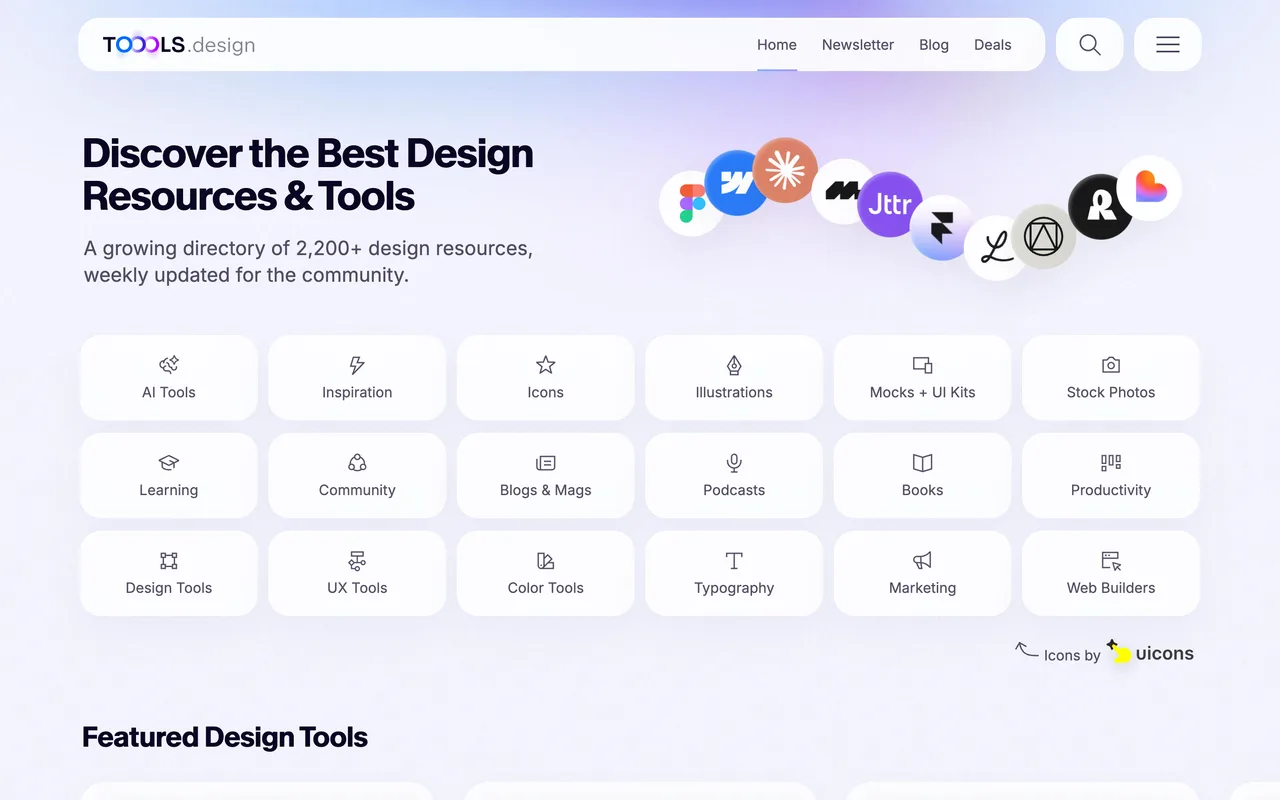
A 2,200-resource design directory run by one curator, where the whole submission is a seven-field form and the outbound links are dofollow.
toools.design
Eligibility
Who TOOOLS.design accepts
You need
A live tool or resource a designer would use in real work
You'll be rejected if
Anything not design-related
Anything the curator does not judge genuinely useful
Design toolsDesign resourcesAI tools
What you actually get
A dofollow link from a DR 47 design directory and a row in one of eighteen category pages. The form takes no logo and no screenshot, so how the row looks is the curator's pick from your site. It is a shelf rather than a launch feed: no launch day, no vote, and the traffic is whatever that category page earns in search, indefinitely.
How to submit to TOOOLS.design
- Open the suggest formOne page at /suggest-a-tool, no account and no upload. The header states the bar up front: only design-related and genuinely useful tools are considered.
- Fill seven fieldsURL, tool name, a 120-character description, a category and a pricing tag are required. Email and a free-text message are optional.
- Pick from their two dropdownsEighteen categories and six pricing values (Free, Freemium, Free + Paid, Free Trial, Paid, Beta). Both are real selects, so there is no writing your own.
- Submit and waitA Webflow form post with no confirmation number and no queue to watch. The curator reviews by hand and publishes no turnaround time.
TOOOLS.design requirements
Link URL
256 characters
Tool name
30 characters
Tool description
120 characters
Category
one of eighteen
Pricing
one of six
Your emailoptional
30 characters
Gotchas
The name field caps at 30 characters and the email field at 30 as well, and both truncate silently on entry rather than refusing, so a long address lands as an invalid one.
There is no confirmation of any kind after the post and no status page, so a submission that never lands looks identical to one waiting in the queue.
Let your agent submit to TOOOLS.design
Connect SubmitMap to your AI over MCP and this page stops being something you read and copy. Your agent asks for the TOOOLS.design playbook and gets the brief for this exact form, with the values already taken from your submission pack instead of placeholders you fill in by hand.
What it does for this platform
Checks your product against the 3 TOOOLS.design rules above, so you find out you would be rejected before you open a tab.
Hands your agent all 6 fields this form asks for, 1 of them optional, already filled from your pack.
Types it into TOOOLS.design in your own browser, and stops for you when the form wants a sign-in.
Records what it sent, so the dashboard can answer "did I ever submit to TOOOLS.design?".
Connect your agentHow this worksTools and endpointsWorks with Claude Code, Claude, Codex, Cursor, VS Code and Hermes.
TOOOLS.design FAQ
How long does TOOOLS.design approval take?
TOOOLS.design does not publish how long approval takes.
How much does it cost to submit to TOOOLS.design?
Submitting to TOOOLS.design is free.
Does TOOOLS.design give a dofollow backlink?
Yes, a listing on TOOOLS.design carries a dofollow link. The site has a domain rating of 47.
Does TOOOLS.design require a backlink to your site?
No, TOOOLS.design does not require a link back from your site.
What gets you rejected from TOOOLS.design?
Anything not design-related; Anything the curator does not judge genuinely useful.