
ai · saas · design
Yo.directory: requirements, how to submit, and what you actually get
A tools directory that prunes dead listings and routes every outbound click through its own redirect host, so the link is worth nothing.
yo.directory
Eligibility
Who Yo.directory accepts
You need
An account, created by a magic link emailed to you
A live site: they re-check listings and mark dead ones publicly
A product URL, name and description
You'll be rejected if
A product that has shut down or moved: listings that fail their check are marked "no longer approved" on their own page rather than removed
No access to the inbox you sign up with, since the magic link is the only way in
AI toolsSaaS productsDesign resourcesNo-code toolsMarketing toolsDeveloper tools
What you actually get
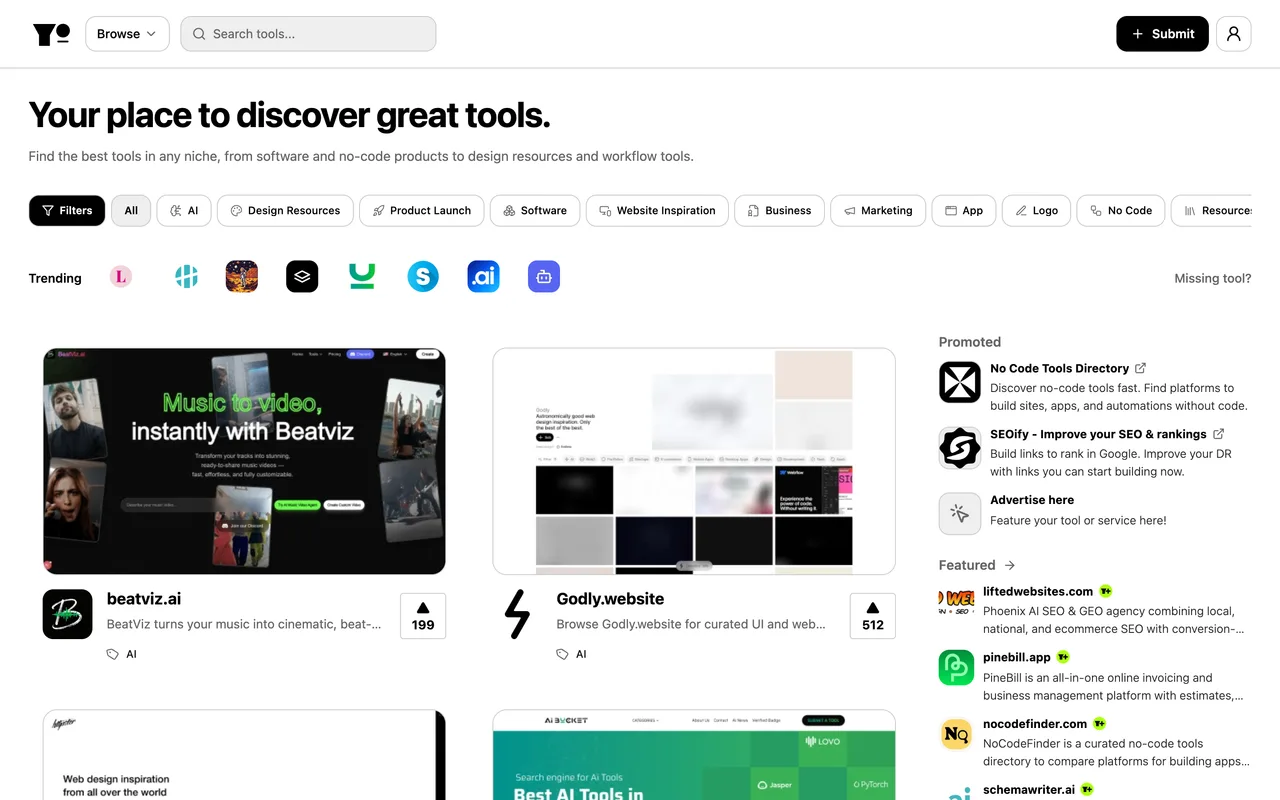
A page at /tool/<slug> carrying a screenshot, an Ahrefs domain rating for your site, a popularity score, an upvote count and a VIEW TOOL button. That button does not point at you: it points at to.yo.directory, their own redirect host, so nothing about the listing passes link equity. What you get instead is a profile in a directory that actively prunes dead entries, and a page that ranks on your product's name.
How to submit to Yo.directory
- Request a sign-in link/submit redirects to /login, which offers a single field for an email address and a button reading Email me a secure link. There is no password and no social provider.
- Open the link from your inboxThe magic link is the only route to an account, so the submission is blocked on inbox access rather than on anything about the product.
- Fill the listingThe form itself is behind that login. From what a published listing renders, it collects a URL, a name, a category, a description and a screenshot.
- Wait for the approval checkListings carry an approval state that the site keeps re-evaluating: a Verified section, a Featured section and a Recently Dead section all appear on the homepage.
Yo.directory requirements
An email address you can read, for the magic link
A live product URL
Product name and description
One category from their filter list
A screenshot, which their listings render from their own storageoptional
Gotchas
The VIEW TOOL button on a live listing points at to.yo.directory rather than at the product, so the outbound link is a redirect on their domain and carries no link value to you at all.
You cannot read the pricing before you have an account: /pricing, /advertising and /submit all bounce a signed-out visitor to the sign-in form, so the cost of a featured slot is invisible until you are in.
Sign-in is a magic link to an email address, with no password and no social provider, so the whole submission depends on being able to open that inbox in the same browser.
Listings are re-checked and failures are published rather than deleted: a delisted product keeps its page, with a banner saying Yo.directory no longer lists it as active, which is now the page ranking on its name.
Let your agent submit to Yo.directory
Connect SubmitMap to your AI over MCP and this page stops being something you read and copy. Your agent asks for the Yo.directory playbook and gets the brief for this exact form, with the values already taken from your submission pack instead of placeholders you fill in by hand.
What it does for this platform
Checks your product against the 5 Yo.directory rules above, so you find out you would be rejected before you open a tab.
Hands your agent all 5 fields this form asks for, 1 of them optional, already filled from your pack.
Tells you what paying buys here, so you pick it on purpose: submission, pricing and advertising all sit behind the sign-in wall: /pricing, /advertising and /submit each redirect to /login for a signed-out visitor, so the plan sheet cannot be read before you have an account. Featured placement and dashboard advertisements are both sold.
Types it into Yo.directory in your own browser, and stops for you when the form wants a sign-in.
Records what it sent, so the dashboard can answer "did I ever submit to Yo.directory?".
Connect your agentHow this worksTools and endpointsWorks with Claude Code, Claude, Codex, Cursor, VS Code and Hermes.
Yo.directory FAQ
How long does Yo.directory approval take?
Yo.directory does not publish how long approval takes.
How much does it cost to submit to Yo.directory?
Yo.directory has a free submission option plus paid placement (Submission, pricing and advertising all sit behind the sign-in wall: /pricing, /advertising and /submit each redirect to /login for a signed-out visitor, so the plan sheet cannot be read before you have an account. Featured placement and dashboard advertisements are both sold.).
Does Yo.directory give a dofollow backlink?
No, links from Yo.directory are nofollow. The site has a domain rating of 65.
Does Yo.directory require a backlink to your site?
No, Yo.directory does not require a link back from your site.
What gets you rejected from Yo.directory?
A product that has shut down or moved: listings that fail their check are marked "no longer approved" on their own page rather than removed; No access to the inbox you sign up with, since the magic link is the only way in.