Fill this in once. Every directory form becomes a paste job.
Every launch platform asks for the same dozen things in a slightly different order: a name, a tagline under some character limit, two or three descriptions, a square icon, a handful of gallery images, a maker bio. Founders retype them thirty times; the pack is the fix: one folder and one text file you prepare before touching a single form.
Below is the template, every step explained. And because a template without a worked example is homework, each step is filled in with SubmitMap's own live pack: the real tagline, the real copy, the real files, all downloadable.
And you don't have to do the pasting yourself. Every platform here carries a ready-to-run agent prompt, so once the pack exists you can teach your AI agent to submit for you.
01Name, URL and tagline
The tagline is the most reused string in the pack: it becomes your Product Hunt tagline, your directory listing subtitle, your meta description opener. Write it once to the strictest limit you'll ever meet, 60 characters, and it fits every form after that without editing.
- - Say what the product is, not what it revolutionises.
- - No trailing period, no exclamation mark, no Title Case Shouting.
- - The URL you submit is the canonical one: https, no trailing UTM junk.
02Three lengths of description
Three sizes cover every field you will ever meet. Write the short one first: it forces you to decide what actually matters. Then expand it into the long one and compress it into the one-liner.
- - One-liner (≤140 chars): for "describe it in one sentence" fields and meta descriptions.
- - Short (≤260 chars): the Product Hunt description budget; the string you'll paste most.
- - Long: two or three honest markdown paragraphs for directories with rich pages. No keyword stuffing; reviewers read these.
A free directory of launch platforms plus a phased route of guides: where to submit, in what order, and exactly how.
SubmitMap maps every place worth submitting your product. Each platform is a typed record: eligibility, submission steps, gotchas, approval times and a ready-to-paste agent prompt, all organised into a phased route from zero users to your first hundred.
Every launch guide says "submit to directories". None of them say which ones accept your kind of product, what the form will ask, or what actually happens after you hit submit.
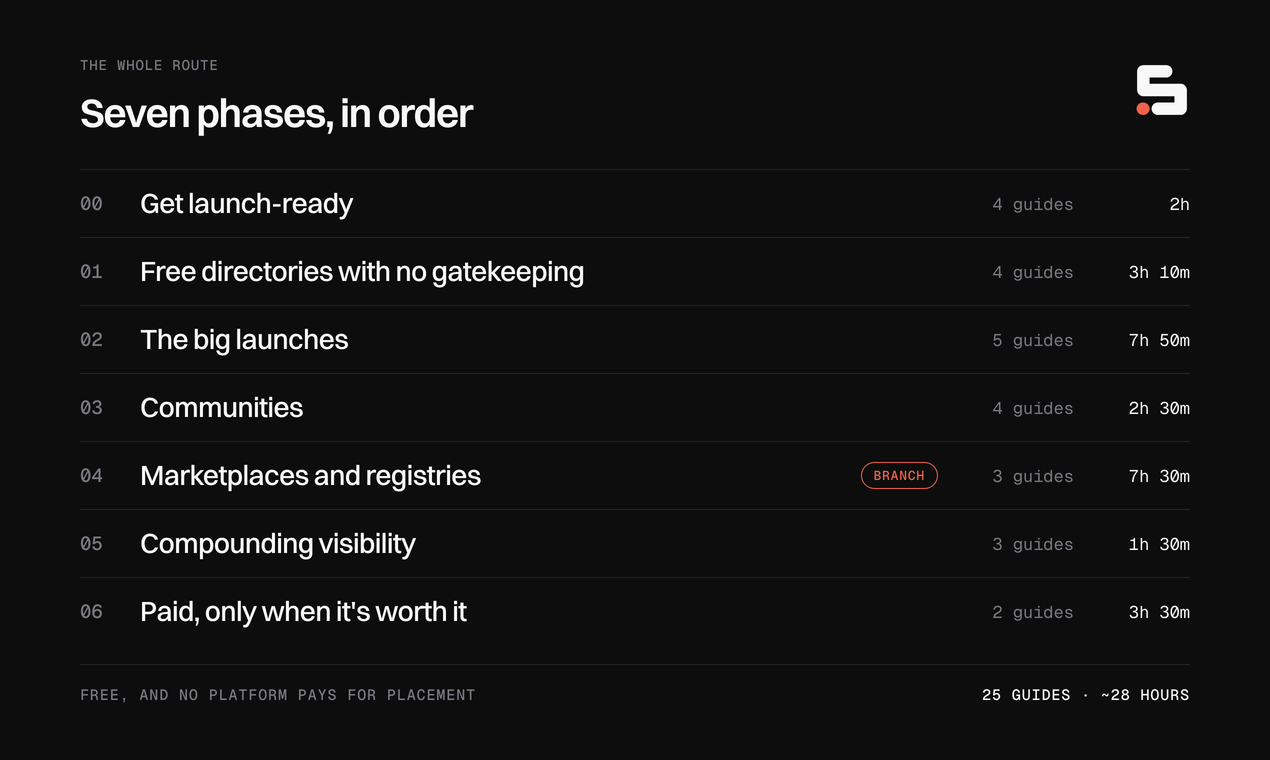
SubmitMap is that missing map. Every platform is a typed record: who it accepts, what disqualifies you, the exact submission steps, expected approval time, whether the backlink is dofollow, and a prompt your AI agent can run to draft the submission. The route organises it all into seven phases, from getting launch-ready to the paid channels you should only open last.
No accounts, no paid placement. Your checklist lives in your browser; editorial usefulness is the whole moat.
03Logo, icon and favicon
Five files cover every icon field in existence: an SVG master, a 1024px PNG export of it, both again in a dark variant, and the bare mark as a favicon. Directories that never ask for an icon scrape your favicon instead, so it ships in the pack too.
- - The mark must survive 32px. Zoom out until it's tiny; if it mushes, simplify.
- - Square canvas, generous padding, one corner radius, and never text in the icon.
- - Forms want "PNG, at least 240/512px": the 1024 export downsizes to all of them.
 Favicon (the bare mark) SVG, square crop of the mark alone Browser tab; directories that scrape your favicon as the listing icon
  App icon (light) SVG · 88×88 grid, 21px corner radius The master icon. Forms that accept SVG get this
  App icon (dark) SVG · same grid, dark tile Dark-mode directories and dark gallery slides
  App icon (light, raster) PNG · 1024×1024 Every form that wants "square PNG, at least 240/512px"
  App icon (dark, raster) PNG · 1024×1024 Same forms, when the page behind the icon is dark
 04Gallery frames
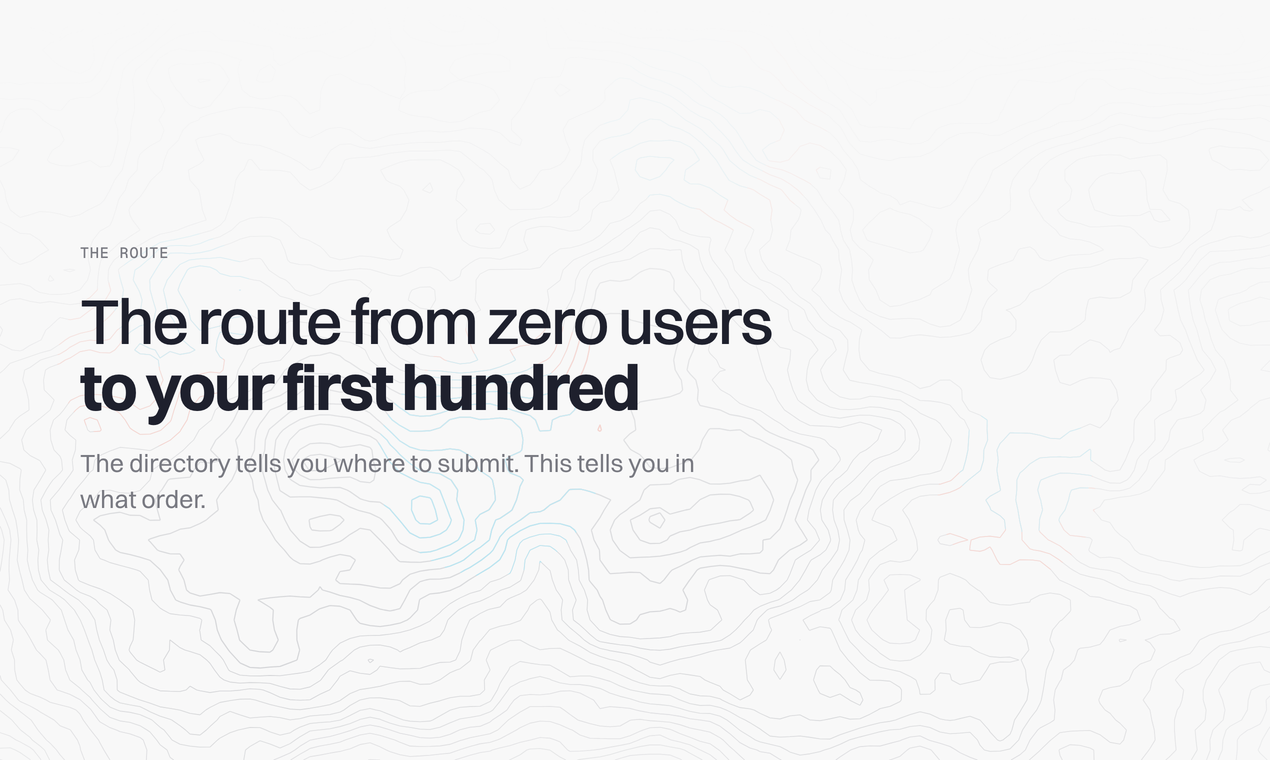
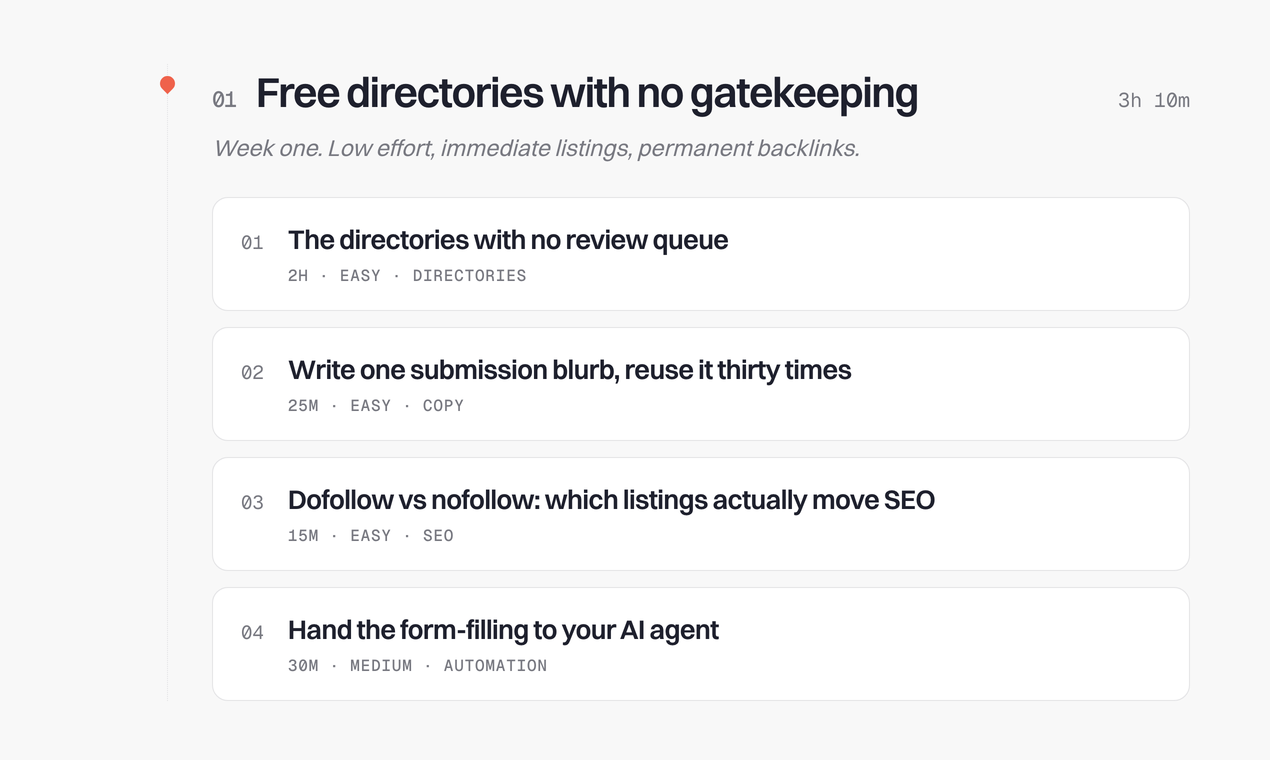
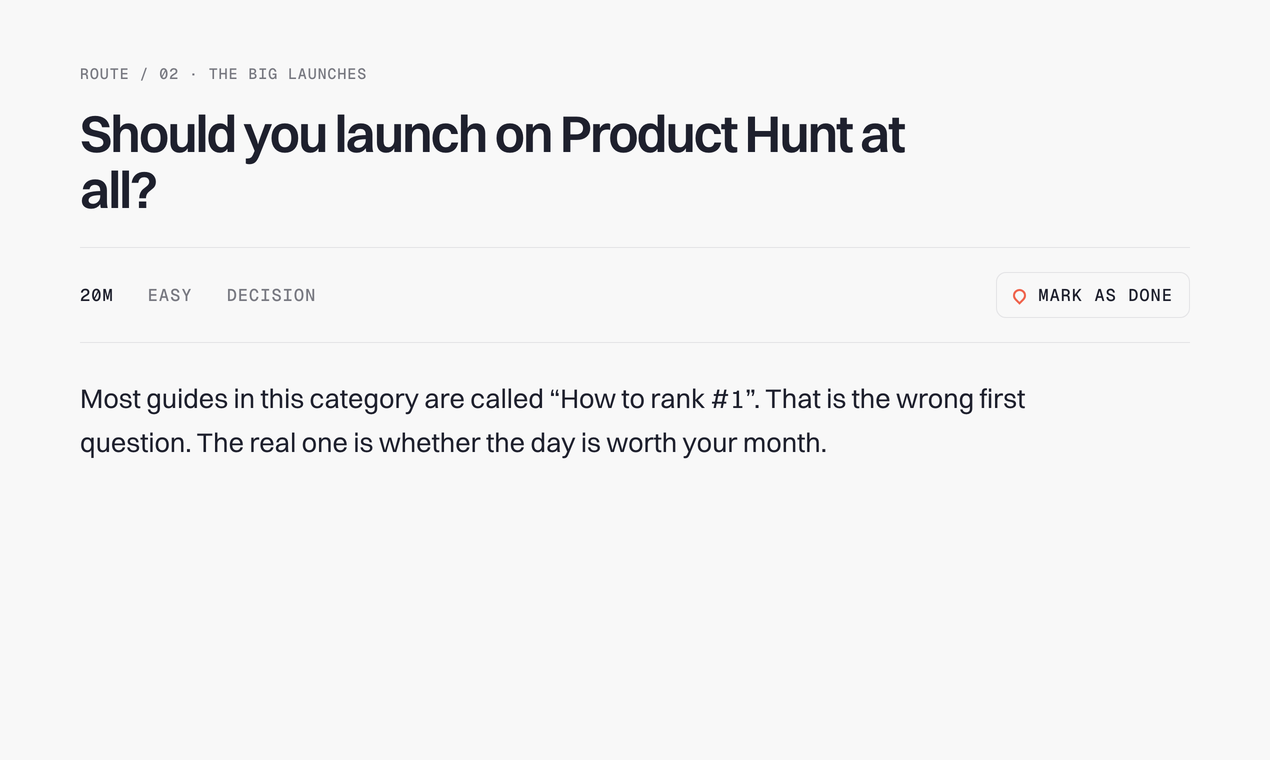
Make them once at 1270×760, the Product Hunt size that every other platform accepts, and you never crop again. Three to five frames, in a deliberate order: a poster to open, real product frames in the middle, a closing slide that states the promise. Raw screenshots are the weakest possible gallery.
05The OG image
The 1200×630 card that renders every time anyone shares your URL. Some directories also use it as your listing cover. Export at 2× so it stays sharp on retina screens, keep the claim readable at thumbnail size, and put it in your site's head before you submit anywhere.
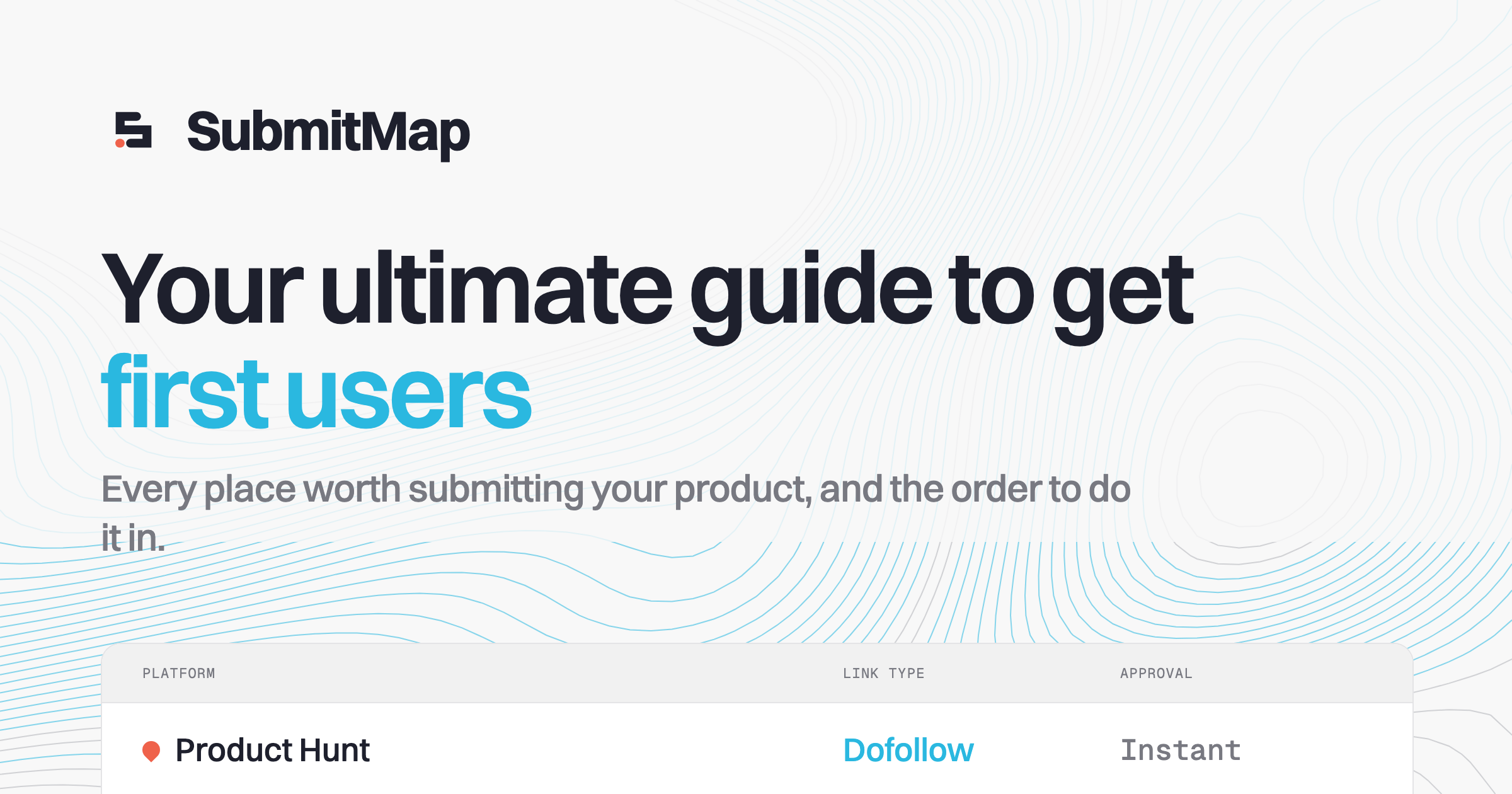
PNG · 2400×1260 (2× of the 1200×630 standard)
06The maker profile
You submit as a person, and half these platforms are social networks. Prepare the person too: a 400×400 avatar in both modes, a bio under 160 characters, and, for the launch platforms, the first comment, written before launch day, not at 6am during it.
- - The first comment tells the origin story the listing can't.
- - End it with a genuine question; comments are the ranking signal.
- - Same avatar everywhere, so people who saw you once recognise you twice.


Building SubmitMap: a free, editorial map of every place worth launching a product. No paid placement; usefulness is the moat.
Hey everyone, maker here.
SubmitMap started as my own launch spreadsheet. Every time I shipped a side project I re-researched the same question: where do I submit this, and in what order?
So I turned the spreadsheet into a typed directory: every platform carries its eligibility rules, the exact form fields, the gotchas, the approval time, and a ready-to-paste prompt so your AI agent can draft the submission for you. A phased route of guides puts it all in order, from launch-ready to your first hundred users.
It's free, there are no accounts, and no platform pays for placement. I'd love to know which platform you'd add next.
07The recurring answers
Categories and pricing come up on every form. Decide them once: pick the three categories you would search for yourself, and phrase the pricing answer the same way everywhere, so your listings end up agreeing with each other, which both users and search engines notice.
08The whole pack as one text block
Everything above, flattened into the file you keep next to the assets. Paste it at the top of any form-filling session and every answer is already written. This is SubmitMap's actual one:
SubmitMap submission pack
URL: https://submitmap.com

Tagline (45/60): Where to submit your product, and exactly how
One-liner: A free directory of launch platforms plus a phased route of guides: where to submit, in what order, and exactly how.

Short description: SubmitMap maps every place worth submitting your product. Each platform is a typed record: eligibility, submission steps, gotchas, approval times and a ready-to-paste agent prompt, all organised into a phased route from zero users to your first hundred.

Long description:
Every launch guide says "submit to directories". None of them say which ones accept your kind of product, what the form will ask, or what actually happens after you hit submit.

SubmitMap is that missing map. Every platform is a typed record: who it accepts, what disqualifies you, the exact submission steps, expected approval time, whether the backlink is dofollow, and a prompt your AI agent can run to draft the submission. The route organises it all into seven phases, from getting launch-ready to the paid channels you should only open last.

No accounts, no paid placement. Your checklist lives in your browser; editorial usefulness is the whole moat.

Categories: Marketing, SEO, Growth
Pricing: Free. No paid tiers, no paid placement.

Maker bio: Building SubmitMap: a free, editorial map of every place worth launching a product. No paid placement; usefulness is the moat.

First comment:
Hey everyone, maker here.

SubmitMap started as my own launch spreadsheet. Every time I shipped a side project I re-researched the same question: where do I submit this, and in what order?

So I turned the spreadsheet into a typed directory: every platform carries its eligibility rules, the exact form fields, the gotchas, the approval time, and a ready-to-paste prompt so your AI agent can draft the submission for you. A phased route of guides puts it all in order, from launch-ready to your first hundred users.

It's free, there are no accounts, and no platform pays for placement. I'd love to know which platform you'd add next.

Assets:
  https://submitmap.com/favicon.svg - Favicon (the bare mark) (SVG, square crop of the mark alone)
  https://submitmap.com/logo.svg - App icon (light) (SVG · 88×88 grid, 21px corner radius)
  https://submitmap.com/logo-dark.svg - App icon (dark) (SVG · same grid, dark tile)
  https://submitmap.com/logo-1024.png - App icon (light, raster) (PNG · 1024×1024)
  https://submitmap.com/logo-dark-1024.png - App icon (dark, raster) (PNG · 1024×1024)
  https://submitmap.com/og-default.png - OG / social image (PNG · 2400×1260 (2× of the 1200×630 standard))
  https://submitmap.com/profile-400.png - Maker avatar (light) (PNG · 400×400)
  https://submitmap.com/profile-dark-400.png - Maker avatar (dark) (PNG · 400×400)
  https://submitmap.com/pack/gallery-01.png - gallery Opener (PNG · 1270×760)
  https://submitmap.com/pack/gallery-02.png - gallery The sequence (PNG · 1270×760)
  https://submitmap.com/pack/gallery-03.png - gallery Depth (PNG · 1270×760)
  https://submitmap.com/pack/gallery-04.png - gallery Close (PNG · 1270×760)
09Teach your agent to submit for you
This is the part other directory lists don't have. Every platform on SubmitMap carries an agentPrompt: a brief written for that platform's specific form, with placeholders for your product's details. Your pack fills the placeholders; the prompt does the typing. The whole directory is also open data, so your agent can read eligibility rules and skip the platforms that would reject you.
Paste this brief into your agent, drop your pack from step 08 at the bottom, and it drafts every submission you qualify for. You review and hit send.
You are submitting my product to launch directories.

My submission pack is pasted below. It is the single source of truth
for every answer; do not invent copy.

1. Fetch https://submitmap.com/api/platforms.json and read the platform records.
2. Filter to platforms where my product meets every mustHave and
   trips no disqualifier. Say which were excluded and why.
3. Order the rest by approvalDays, slowest first, so long reviews
   start early.
4. For each platform, fill its agentPrompt template with my pack's
   values and execute it to draft that submission.
Return one section per platform, ready to paste into its form.

My pack:

{PASTE YOUR PACK TEXT BLOCK HERE}
More on the agent-facing endpoints, including llms.txt and the full-content feed, on the for-agents page.
Submission pack questions
What is a directory submission pack?
What size should launch gallery images be?
What is the character limit for a Product Hunt tagline?
Can an AI agent submit my product to directories for me?
Do I need different logos for different directories?
Pack ready? The directory tells you where to paste it, and the route tells you in what order.