SW Visit
Visit
saas · ai · dev-tools · design
Software on the Web: requirements, how to submit, and what you actually get
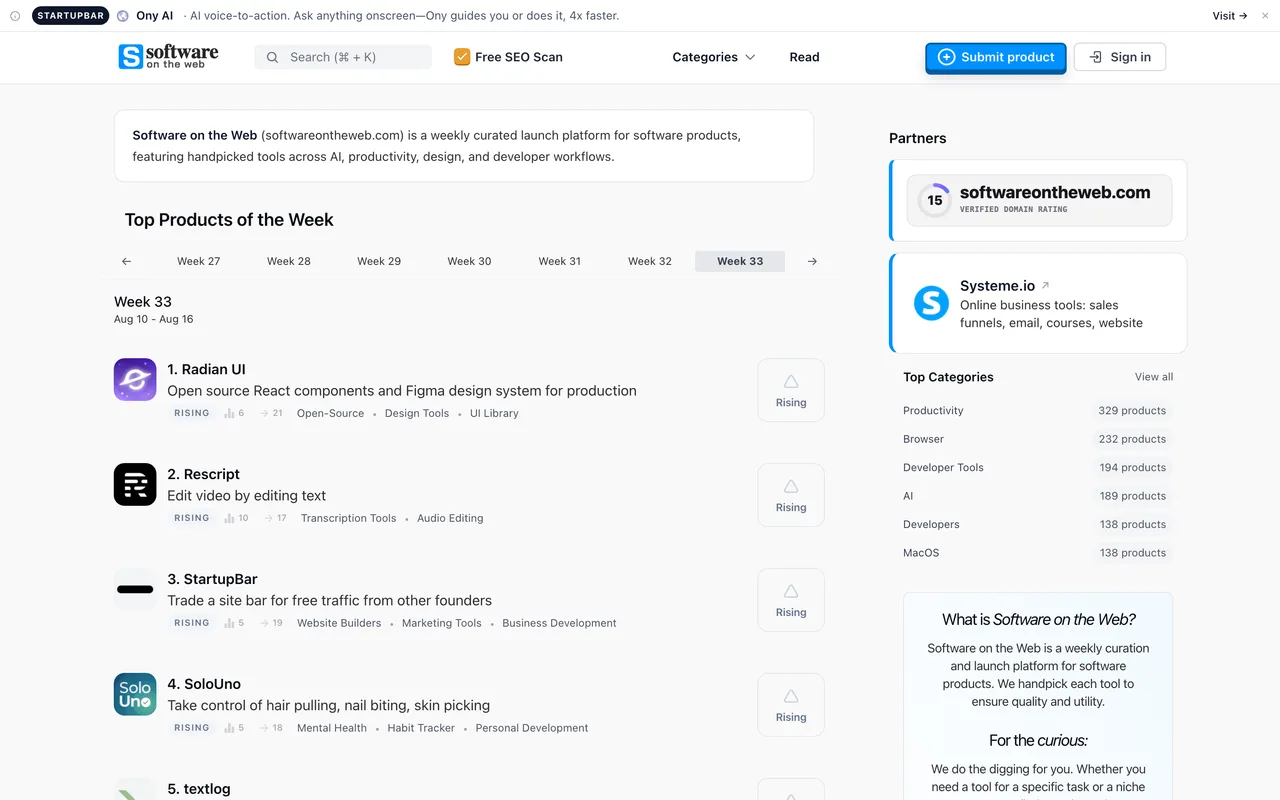
The best-made listing page in this bracket, attached to the most thoroughly dead link: every outbound click is a nofollow redirect.
softwareontheweb.com
Eligibility
Who Software on the Web accepts
You need
An account, which Google sign-in creates on the spot
A live product URL and a logo
A category from their 580
You'll be rejected if
Their stated bar is curation: software that solves a real problem, with quality and design weighed
SaaS toolsAI toolsDev toolsDesign workOpen source
What you actually get
A genuinely good product page: overview, details, use cases, pricing, platforms, categories, screenshot, optional video, and a slot in a weekly launch. Approval is instant once their crawler finds your badge, and the launch lands on a Monday you pick, nine slots a day. Their confirmation promises a guaranteed dofollow backlink for as long as the badge stays live, which is worth checking once live: the listings visible today route through a /product/<slug>/click redirect carrying rel=nofollow ugc noopener noreferrer.
How to submit to Software on the Web
1
Sign in with Google
One click, and the account is created on first use. An email code is the alternative. There is no password anywhere.
2
Paste a URL and let the AI fill it
The form leads with your website URL and an AI Auto-fill button that writes the name, tagline, description, categories, use cases and pricing from your page, plus an optional box for extra context to steer it. Filling by hand is offered as the fallback, not the default.
3
Supply a logo, check what the AI wrote
The logo is required and the screenshot is auto-fetched with an upload as backup. Everything the AI produced is yours to correct before it goes live, and it is the copy that will represent you.
4
Land in a weekly leaderboard
Products publish daily at a fixed UTC time and rank within an ISO-numbered week. Their FAQ still says there is no public submission form, which is simply out of date.
Software on the Web requirements
Account (Google sign-in works)
Product URL
Logo
Name and tagline
Description
Categories from their 580
Use cases
Pricing
Product screenshot, auto-fetched if you skip itoptional
YouTube video URLoptional
Gotchas
Nothing passes link equity on the free tier. Visit Website is not a link to you: it is their own /product/<slug>/click redirect wearing rel=nofollow ugc noopener noreferrer. The guaranteed dofollow is a feature of the $9.99 Premium Launch.
The AI writes your listing unless you stop it. Auto-fill produces the tagline, description, use cases and pricing from scraping your page, and it is the default path. Read every field before publishing.
580 categories means the one you want probably exists, and so do four near-identical neighbours. Pick from their search box rather than typing something close.
The free lane is badge-for-listing. Their modal is explicit: copy the badge, put it on a public page, enter that page URL, verify, then pick a date. The badge has to be live before you can schedule anything.
Premium Launch at $9.99 comes preselected on the submission step, with a Proceed to Premium Launch button under it. The free option is the unhighlighted card to its left, and nothing warns you that the default costs money.
Do not upload a logo file. Their form posts it as a base64 data URI into a column that cannot hold it, and the submission dies on a raw SQL error (Data too long for column logo) that is dumped onto the page in full. Use the Logo Picker's extracted options instead, which store a URL.
Let your agent submit to Software on the Web
Connect SubmitMap to your AI over MCP and this page stops being something you read and copy. Your agent asks for the Software on the Web playbook and gets the brief for this exact form, with the values already taken from your submission pack instead of placeholders you fill in by hand.
What it does for this platform
Checks your product against the 4 Software on the Web rules above, so you find out you would be rejected before you open a tab.
Hands your agent all 10 fields this form asks for, 2 of them optional, already filled from your pack.
Warns you that Software on the Web looks for its badge on your site, so it has to be live before you submit rather than after.
Tells you what paying buys here, so you pick it on purpose: $9.99 Premium is preselected; free needs their badge.
Types it into Software on the Web in your own browser, and stops for you when the form wants a sign-in.
Records what it sent, so the dashboard can answer "did I ever submit to Software on the Web?".
Connect your agentTools and endpointsWorks with Claude Code, Claude, Codex, Cursor, VS Code and Hermes.
Software on the Web FAQ
How long does Software on the Web approval take?
Software on the Web's typical time from submission to going live is next monday.
How much does it cost to submit to Software on the Web?
Software on the Web has a free submission option plus paid placement ($9.99 Premium is preselected; free needs their badge).
Does Software on the Web give a dofollow backlink?
No, links from Software on the Web are nofollow. The site has a domain rating of 13.
Does Software on the Web require a backlink to your site?
Yes, Software on the Web expects a link back from your site as part of listing.
What gets you rejected from Software on the Web?
Their stated bar is curation: software that solves a real problem, with quality and design weighed.