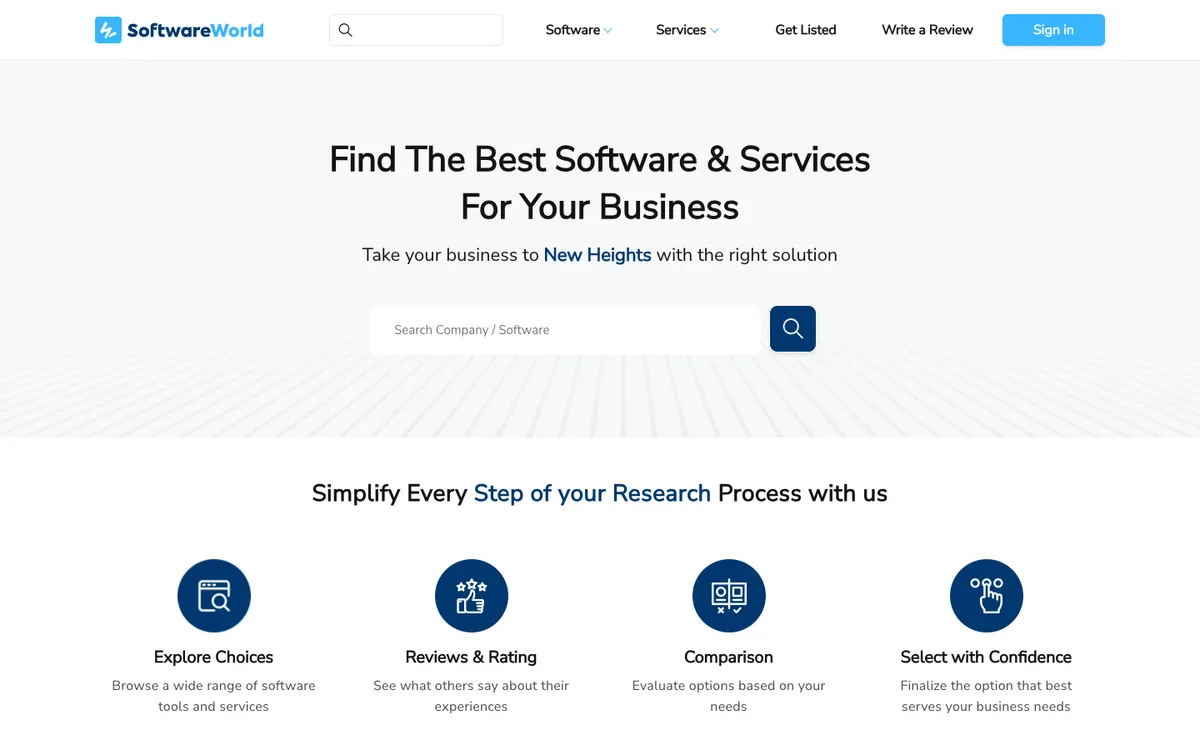
A vendor profile on a B2B review platform that publishes category rankings and top-software lists, with a lifetime listing and no renewal fee once approved. One vendor account covers software products and service-provider profiles, so an agency and a product can live under the same login. Sponsored placements in the category rankings are sold separately.
How to submit to SoftwareWorld
1
Search for your product first
Claiming an existing profile is free and publishing a new one is $99, so the first step is finding out which of the two you are doing.
2
Create a vendor account
/get-listed/ redirects to /register/: full name, a business email, and a choice of what you want to manage. Three steps: create account, verify email, account active.
3
Claim or submit
From the dashboard you either claim the existing profile or publish a new listing, which is where the $99 approval fee applies.
4
Keep the listing
Approved listings stay live with no recurring listing fee.
SoftwareWorld requirements
A vendor account created with a business email
$99 for a new listing, or nothing to claim an existing one
Product or company name, URL and description
Category and ranking details, which drive where the listing appearsoptional
Gotchas
Claiming a profile is free and creating one is $99, and the site is large enough that a product with any traction may already be on it. Search before you register, or you will pay for something you could have taken over.
The registration asks for a business email by name, so a free-mail address is the wrong footing to start on.
The $99 is described as an approval fee rather than a listing fee, which means it is charged against a decision rather than against a page.
Let your agent submit to SoftwareWorld
Connect SubmitMap to your AI over MCP and this page stops being something you read and copy. Your agent asks for the SoftwareWorld playbook and gets the brief for this exact form, with the values already taken from your submission pack instead of placeholders you fill in by hand.
What it does for this platform
Checks your product against the 5 SoftwareWorld rules above, so you find out you would be rejected before you open a tab.
Hands your agent all 4 fields this form asks for, 1 of them optional, already filled from your pack.
Tells you what paying buys here, so you pick it on purpose: publishing a new software or service listing is a one-time $99 approval fee, with no recurring listing charge afterwards. Claiming a profile that already exists on the site is free, which is the whole trick: check whether you are already there before paying to be added.
Types it into SoftwareWorld in your own browser, and stops for you when the form wants a sign-in.
Records what it sent, so the dashboard can answer "did I ever submit to SoftwareWorld?".
SoftwareWorld does not publish how long approval takes.
How much does it cost to submit to SoftwareWorld?
SoftwareWorld has a free submission option plus paid placement (Publishing a new software or service listing is a one-time $99 approval fee, with no recurring listing charge afterwards. Claiming a profile that already exists on the site is free, which is the whole trick: check whether you are already there before paying to be added.).
Does SoftwareWorld give a dofollow backlink?
Yes, a listing on SoftwareWorld carries a dofollow link. The site has a domain rating of 73.
Does SoftwareWorld require a backlink to your site?
No, SoftwareWorld does not require a link back from your site.
What gets you rejected from SoftwareWorld?
A free-mail address, since registration asks for a business email; Anyone unwilling to pay $99 for a listing that does not already exist.
For platform owners
Run SoftwareWorld? Put the badge on it
It links back to this page, where makers read who you accept and how to submit. Pick the version that matches where it will sit, copy the snippet, and paste it into your footer or wherever your other badges go.
HTML
<a href="https://submitmap.com/platform/softwareworld/">
  <img src="https://submitmap.com/badge/listed-light.svg" alt="Listed on SubmitMap" width="150" height="52">
</a>
No account, no cost and nothing to verify: it works the moment it is on the page. If anything on this page is out of date, tell us and we will fix the record.