
saas · ai · directory
ProductCool: requirements, how to submit, and what you actually get
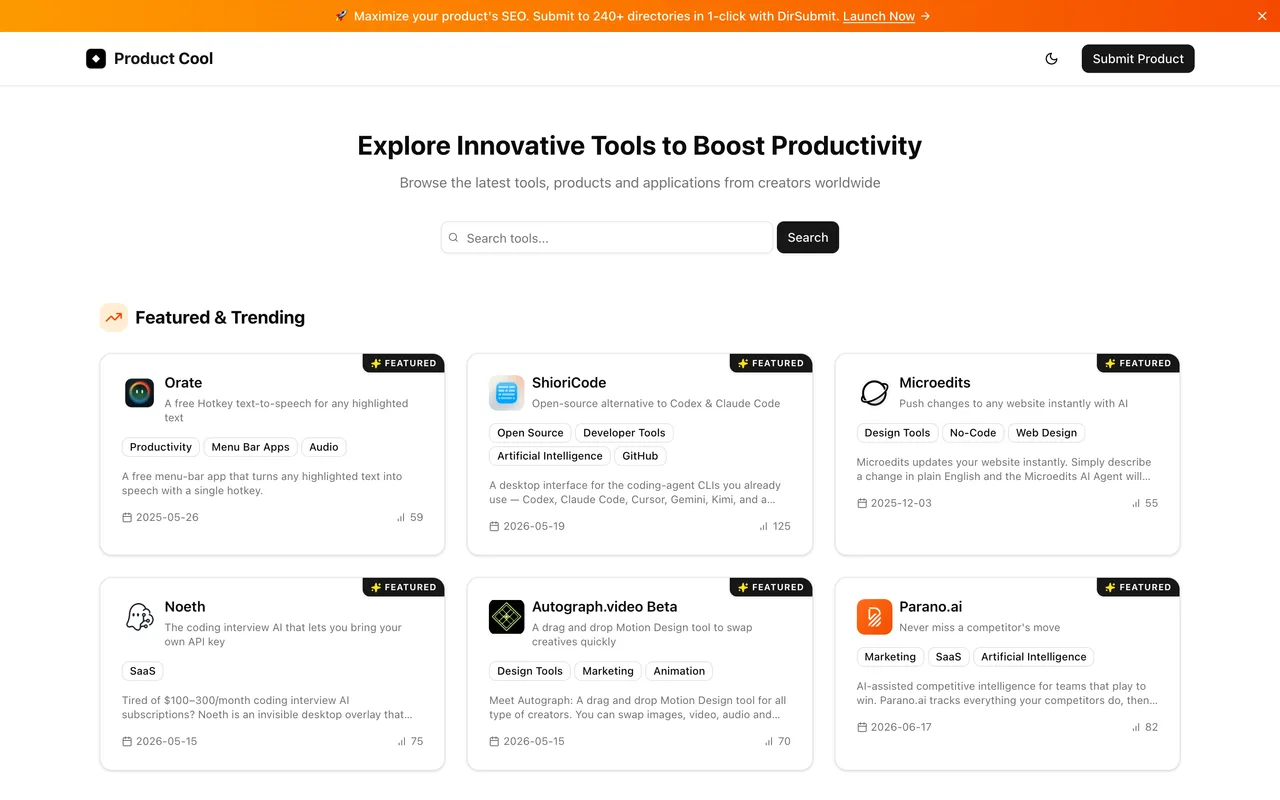
Paste a URL and their AI writes the whole listing, then marks the link ugc
productcool.com
Eligibility
Who ProductCool accepts
You need
An account: email link, Google or GitHub
A home page an AI can read
You'll be rejected if
The whole submission is generated by crawling your site, so a product behind a login or a page that renders nothing without JavaScript gives it nothing to work with.
SaaS productsAI toolsIndie productsWeb apps
What you actually get
A page at /product/<slug> with a name, a short description, a website description, a long markdown introduction, a logo and up to five tags, nearly all of it written by their AI from your home page. The outbound link is rel="noopener noreferrer ugc" with a ?ref=productcool parameter, so it is marked as user-generated rather than followed.
How to submit to ProductCool
- Sign inEmail sign-in link, Google or GitHub. /submit redirects to /auth/signin with a callback.
- Paste the URL and press Start AnalysisThat is the whole first step. It runs a five-stage crawl and writes the listing for you, which takes around fifteen seconds.
- Read what it wroteName, short description, website description, a markdown introduction, the slug and up to five tags all arrive prefilled, and the logo is pulled from Google's favicon service. There is an AI Regenerate button if it got the product wrong.
- Submit"Submission Received" and a queue, followed immediately by a pitch for their paid DirSubmit service.
ProductCool requirements
A public home page
Tags
max 5, 20 characters each
Gotchas
The listing is written by their AI from your home page, so read every field before submitting: it is your product description in their words, and a wrong number or a misread feature ships with it.
The link is rel="noopener noreferrer ugc". The ugc token tells search engines this is user-generated, so treat it as marked rather than followed.
The logo defaults to Google's favicon service rather than your own file. Upload a real one if the favicon is small or wrong.
The confirmation page is also an ad for DirSubmit, the operator's paid bulk-submission product. Nothing about your listing depends on it.
Let your agent submit to ProductCool
Connect SubmitMap to your AI over MCP and this page stops being something you read and copy. Your agent asks for the ProductCool playbook and gets the brief for this exact form, with the values already taken from your submission pack instead of placeholders you fill in by hand.
What it does for this platform
Checks your product against the 3 ProductCool rules above, so you find out you would be rejected before you open a tab.
Hands your agent all 2 fields this form asks for, none of them optional, already filled from your pack.
Types it into ProductCool in your own browser, and stops for you when the form wants a sign-in.
Records what it sent, so the dashboard can answer "did I ever submit to ProductCool?".
Connect your agentHow this worksTools and endpointsWorks with Claude Code, Claude, Codex, Cursor, VS Code and Hermes.
ProductCool FAQ
How long does ProductCool approval take?
ProductCool does not publish how long approval takes.
How much does it cost to submit to ProductCool?
Submitting to ProductCool is free.
Does ProductCool give a dofollow backlink?
No, links from ProductCool are nofollow. The site has a domain rating of 15.
Does ProductCool require a backlink to your site?
No, ProductCool does not require a link back from your site.
What gets you rejected from ProductCool?
The whole submission is generated by crawling your site, so a product behind a login or a page that renders nothing without JavaScript gives it nothing to work with.