
saas · ai · directory
Tool Networker: requirements, how to submit, and what you actually get
The form does not open until a dofollow badge pointing at your unpublished listing is live
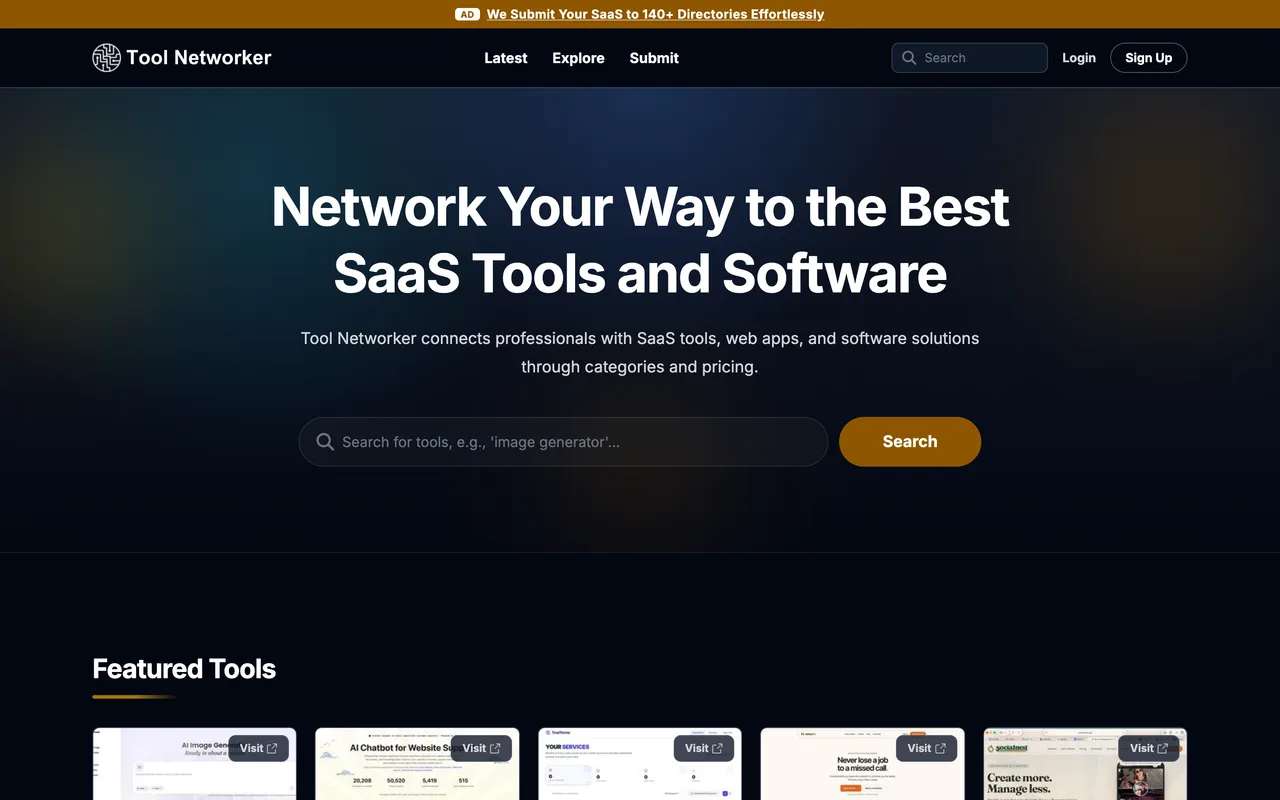
toolnetworker.com
Eligibility
Who Tool Networker accepts
You need
A live URL
A Google account
A screenshot
An icon
Their badge on your homepage, linking to your own listing URL, dofollow
You'll be rejected if
Nothing published, but the details form never opens without the badge, so a site you cannot edit is a dead end here.
SaaS productsAI toolsWeb appsDeveloper tools
What you actually get
A listing at /tools/<slug> in a SaaS and AI directory organised by category and pricing, with about fifty categories to tick. The listing URL is handed to you before the listing exists, because it is what the badge has to point at.
How to submit to Tool Networker
- Sign inGoogle only, identity scopes.
- Give the homepage and take the badgeStep one is a single URL field. Generate Badge answers with your listing URL, /tools/<slug>, and two embed snippets, light and dark.
- Put the badge up, then verifyStep two will not pass until their crawler finds the badge on the page you name, with a dofollow link to that listing URL. Only then does step three, the details form, open.
Tool Networker requirements
Badge
217x54, dofollow, to your own listing URL
Categories
About fifty to choose from
Account
Google
Gotchas
The badge comes before the form, not after it. You cannot see what they will ask for until a dofollow badge pointing at a listing that does not exist yet is live on your site.
They are explicit that the badge link must be dofollow, so wrapping it in nofollow or ugc will fail the check.
The listing URL is derived from your domain, so you can predict it, but nothing is reserved until you get through step one.
Their verifier answered "No badge link found" on 31 August 2026 against a page that demonstrably carries the anchor, so budget for the check failing on a badge that is genuinely up.
Let your agent submit to Tool Networker
Connect SubmitMap to your AI over MCP and this page stops being something you read and copy. Your agent asks for the Tool Networker playbook and gets the brief for this exact form, with the values already taken from your submission pack instead of placeholders you fill in by hand.
What it does for this platform
Checks your product against the 6 Tool Networker rules above, so you find out you would be rejected before you open a tab.
Hands your agent all 3 fields this form asks for, none of them optional, already filled from your pack.
Warns you that Tool Networker looks for its badge on your site, so it has to be live before you submit rather than after.
Types it into Tool Networker in your own browser, and stops for you when the form wants a sign-in.
Records what it sent, so the dashboard can answer "did I ever submit to Tool Networker?".
Connect your agentHow this worksTools and endpointsWorks with Claude Code, Claude, Codex, Cursor, VS Code and Hermes.
Tool Networker FAQ
How long does Tool Networker approval take?
Tool Networker does not publish how long approval takes.
How much does it cost to submit to Tool Networker?
Submitting to Tool Networker is free.
Does Tool Networker give a dofollow backlink?
Yes, a listing on Tool Networker carries a dofollow link. The site has a domain rating of 20.
Does Tool Networker require a backlink to your site?
Yes, Tool Networker expects a link back from your site as part of listing.
What gets you rejected from Tool Networker?
Nothing published, but the details form never opens without the badge, so a site you cannot edit is a dead end here.