
saas · directory · ai
SaaS Branch: requirements, how to submit, and what you actually get
Second of ten on one engine, and the follow survives the copy-paste
saasbranch.com
Eligibility
Who SaaS Branch accepts
You need
A live public URL
A Google account, which is the only sign-in offered
You'll be rejected if
Nothing published about who is refused.
SaaS productsAI toolsDeveloper toolsWeb apps
What you actually get
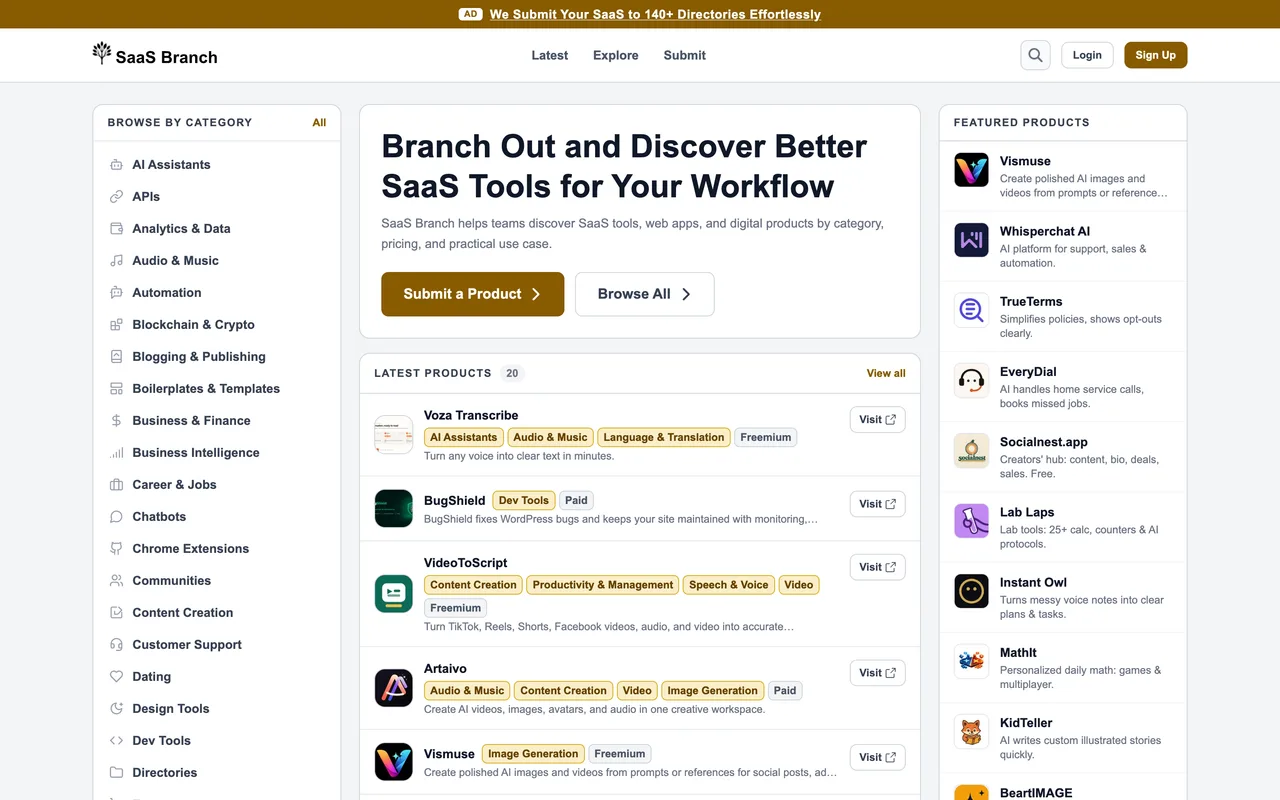
A product page under /products/, filed into a category tree of about thirty shelves that runs from AI assistants to HR and recruiting, with pricing-model filters over the top. The listed product's own link follows: it carries rel="noopener noreferrer" with no nofollow, while the related-tool cross links beside it are nofollowed. This is one of ten near-identical sites on a single codebase, differing only in name and accent colour, so submitting to all ten is one form filled ten times.
How to submit to SaaS Branch
- Open the submit page/submit renders a Log in to Submit panel rather than a form.
- Log in with GoogleGoogle is the only provider offered, alongside a Create an account link.
- Fill the listingThe form is behind the login, so its fields cannot be read in advance.
- WaitNo review time is published anywhere on the site.
SaaS Branch requirements
A live public URL
A Google account
A category from their tree
Gotchas
The submit page shows a login panel and no fields at all, so there is no way to see what the form asks for before committing an account to it.
Every page carries a sponsored ad for a paid service that submits your SaaS to 140 or so directories, which is a competitor to doing this yourself and is marked sponsored nofollow.
Ten sites share this exact codebase and copy, differing only in name and accent colour, so a run across all of them buys far less reach than the count suggests.
Let your agent submit to SaaS Branch
Connect SubmitMap to your AI over MCP and this page stops being something you read and copy. Your agent asks for the SaaS Branch playbook and gets the brief for this exact form, with the values already taken from your submission pack instead of placeholders you fill in by hand.
What it does for this platform
Checks your product against the 3 SaaS Branch rules above, so you find out you would be rejected before you open a tab.
Hands your agent all 3 fields this form asks for, none of them optional, already filled from your pack.
Types it into SaaS Branch in your own browser, and stops for you when the form wants a sign-in.
Records what it sent, so the dashboard can answer "did I ever submit to SaaS Branch?".
Connect your agentHow this worksTools and endpointsWorks with Claude Code, Claude, Codex, Cursor, VS Code and Hermes.
SaaS Branch FAQ
How long does SaaS Branch approval take?
SaaS Branch does not publish how long approval takes.
How much does it cost to submit to SaaS Branch?
Submitting to SaaS Branch is free.
Does SaaS Branch give a dofollow backlink?
Yes, a listing on SaaS Branch carries a dofollow link. The site has a domain rating of 27.
Does SaaS Branch require a backlink to your site?
No, SaaS Branch does not require a link back from your site.
What gets you rejected from SaaS Branch?
Nothing published about who is refused.