directory · saas · ai
Discover New Tools: requirements, how to submit, and what you actually get
New tools only in name: the badge gate arrives before the calendar
discovernewtools.com
Eligibility
Who Discover New Tools accepts
You need
A live public URL
A square logo and a landscape product image
Their badge on a page they can reach
You'll be rejected if
No badge means no free listing at all, not merely a nofollow link: the launch step will not advance without it.
SaaS productsAI toolsDeveloper toolsIndie products
What you actually get
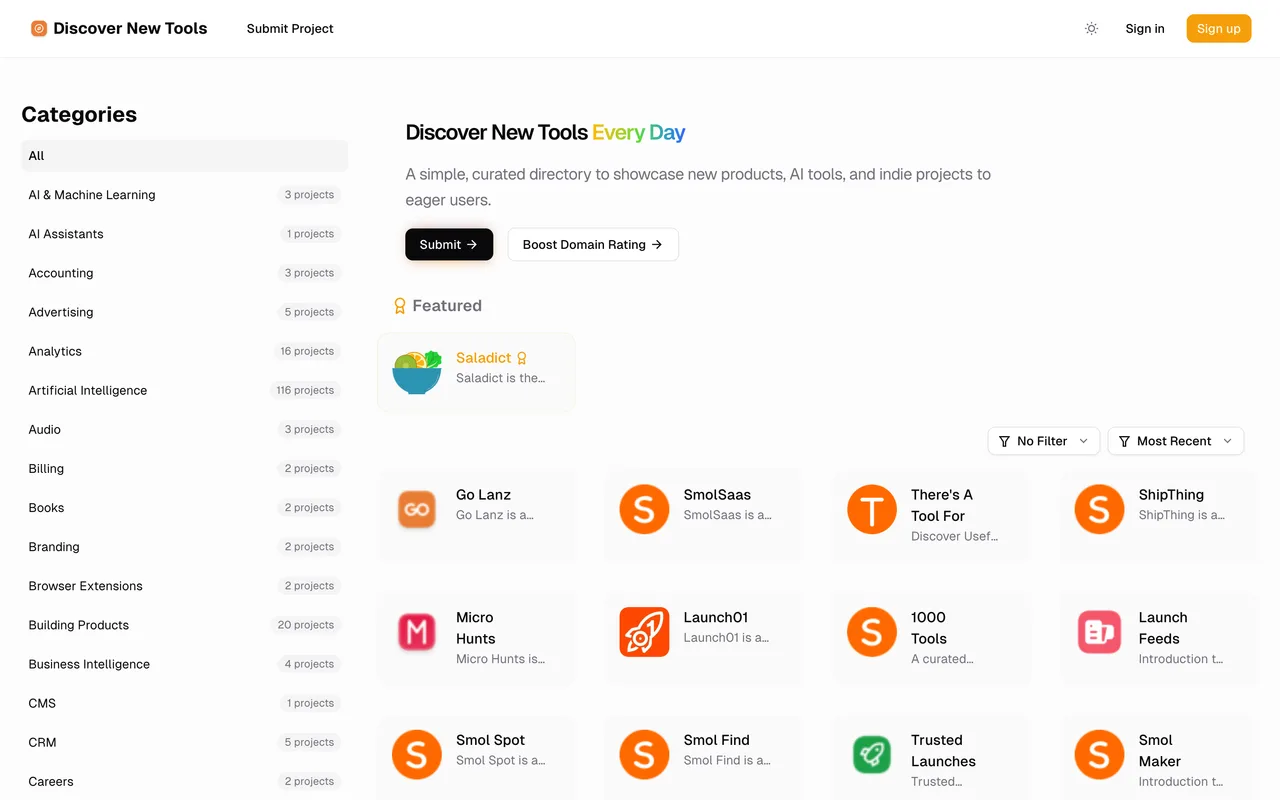
A card for newly shipped tools in a launch feed that runs a limited number of projects a day at 08:00 UTC, reviewed and listed within up to 30 days on the free lane. The link follows once their verifier has found your badge; listings without one carry rel="nofollow". This is one of roughly twenty near-identical sites built on DirEasy by the same operator, sharing copy, forms and the badge trade, so treat the neighbourhood as one network rather than as separate audiences.
How to submit to Discover New Tools
- Sign inGoogle, GitHub or email and password. Google creates the account on the first click. Set the display name afterwards: it arrives from the provider and prints as the maker.
- Project InfoName, website URL, an optional affiliate URL, a description in a rich text box, a square logo and a landscape product image.
- DetailsUp to three categories from a searchable list of several hundred, up to five tech stack tags, platforms, a pricing model, and optional GitHub and X links.
- Launch type and badgePremium Launch at $9.9 arrives preselected and Free Launch sits unhighlighted beside it, so the free tier has to be clicked. Copy the badge snippet, put it live, then press Verify Backlink. Next stays disabled until that passes.
- ReviewA last screen before the launch date is confirmed.
Discover New Tools requirements
A live public URL
Logo
1:1 square, under 1MB
Product image
16:9, around 800x450
Categories
Up to 3
Tech stack
Up to 5 tags
Badge
Live and verified before the form will advance
Gotchas
The paid tier is preselected. Launch Type opens on Premium Launch at $9.9 with Free Launch unhighlighted next to it, and the badge snippet only appears once Free is clicked, so filling the form straight down and pressing on lands you on the paid lane.
The badge is a gate in the middle rather than a last step: the launch screen will not advance until their verifier has found it, so you deploy to your own site before you can choose a date.
The dofollow is the badge's reward rather than the listing's default, so a listing that goes up without one carries rel="nofollow" like the rest of the feed.
Around twenty sites run this same engine with the same copy and the same trade, so filling this one teaches the others and submitting to all of them is not twenty audiences.
Let your agent submit to Discover New Tools
Connect SubmitMap to your AI over MCP and this page stops being something you read and copy. Your agent asks for the Discover New Tools playbook and gets the brief for this exact form, with the values already taken from your submission pack instead of placeholders you fill in by hand.
What it does for this platform
Checks your product against the 4 Discover New Tools rules above, so you find out you would be rejected before you open a tab.
Hands your agent all 6 fields this form asks for, none of them optional, already filled from your pack.
Warns you that Discover New Tools looks for its badge on your site, so it has to be live before you submit rather than after.
Types it into Discover New Tools in your own browser, and stops for you when the form wants a sign-in.
Records what it sent, so the dashboard can answer "did I ever submit to Discover New Tools?".
Connect your agentHow this worksTools and endpointsWorks with Claude Code, Claude, Codex, Cursor, VS Code and Hermes.
Discover New Tools FAQ
How long does Discover New Tools approval take?
Discover New Tools's typical time from submission to going live is 2-4 weeks.
How much does it cost to submit to Discover New Tools?
Submitting to Discover New Tools is free.
Does Discover New Tools give a dofollow backlink?
Yes, a listing on Discover New Tools carries a dofollow link. The site has a domain rating of 27.
Does Discover New Tools require a backlink to your site?
Yes, Discover New Tools expects a link back from your site as part of listing.
What gets you rejected from Discover New Tools?
No badge means no free listing at all, not merely a nofollow link: the launch step will not advance without it.