
ai · saas · dev
Navs Site: requirements, how to submit, and what you actually get
Published the moment you submit, and every free link is nofollow.
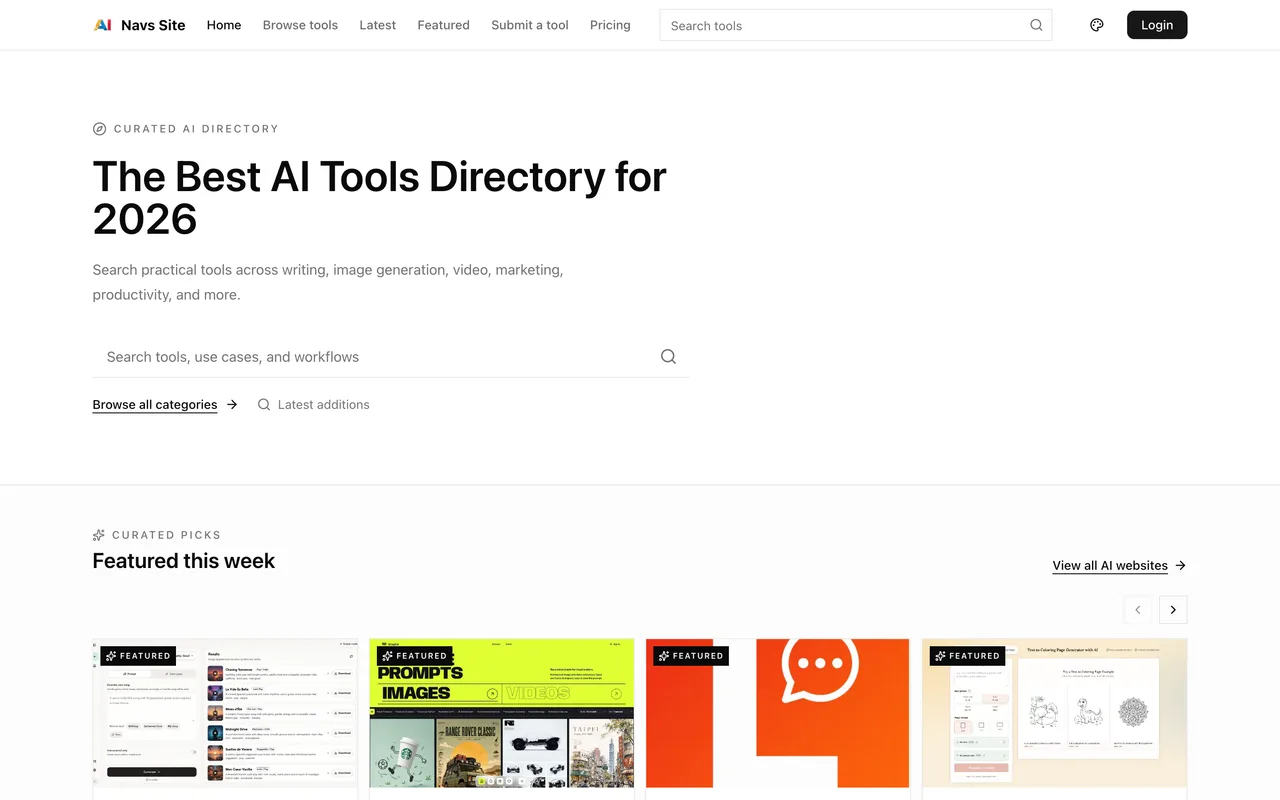
navs.site
Eligibility
Who Navs Site accepts
You need
An account, Google only
A detailed description of at least 1,000 characters
A screenshot, either a public image URL or an upload under 10MB
You'll be rejected if
Anything that cannot fill 1,000 characters honestly, since the floor is enforced before the form will send
AI toolsSaaS productsDeveloper tools
What you actually get
A page under /website/ that exists as soon as you press Submit. The link out is nofollow on the free plan, so this is a listing and a screenshot rather than a link.
How to submit to Navs Site
- Sign inGoogle is the only option. The form renders signed out but says sign in is required.
- Fill itName, URL, screenshot, a short description and a detailed one of at least 1,000 characters.
- CategoriseUp to five from a fixed list of eight, plus free-text tags and a pricing model.
- SubmitDuring the launch period the page is published straight away and the toast says so.
Navs Site requirements
Detailed description
1,000 to 20,000 characters, markdown
Screenshot
JPEG, PNG or WebP, max 10MB
Gotchas
The page says every submission is reviewed before it appears, and the pricing page says the opposite: during the launch period publication is automatic. The toast on submitting confirms the second one.
The free plan's links are nofollow by their own pricing table, and free submissions cannot be edited afterwards.
The detailed description has a 1,000 character floor, which is a page of prose rather than a paragraph.
Let your agent submit to Navs Site
Connect SubmitMap to your AI over MCP and this page stops being something you read and copy. Your agent asks for the Navs Site playbook and gets the brief for this exact form, with the values already taken from your submission pack instead of placeholders you fill in by hand.
What it does for this platform
Checks your product against the 4 Navs Site rules above, so you find out you would be rejected before you open a tab.
Hands your agent all 2 fields this form asks for, none of them optional, already filled from your pack.
Tells you what paying buys here, so you pick it on purpose: free during what they call the launch period: automatic publication, no review, website submissions only, and no followed links. Paid plans add featured placement, editing and API submissions.
Types it into Navs Site in your own browser, and stops for you when the form wants a sign-in.
Records what it sent, so the dashboard can answer "did I ever submit to Navs Site?".
Connect your agentHow this worksTools and endpointsWorks with Claude Code, Claude, Codex, Cursor, VS Code and Hermes.
Navs Site FAQ
How long does Navs Site approval take?
Navs Site's typical time from submission to going live is instant.
How much does it cost to submit to Navs Site?
Navs Site has a free submission option plus paid placement (Free during what they call the launch period: automatic publication, no review, website submissions only, and no followed links. Paid plans add featured placement, editing and API submissions.).
Does Navs Site give a dofollow backlink?
No, links from Navs Site are nofollow. The site has a domain rating of 67.
Does Navs Site require a backlink to your site?
No, Navs Site does not require a link back from your site.
What gets you rejected from Navs Site?
Anything that cannot fill 1,000 characters honestly, since the floor is enforced before the form will send.