
mobile · indie
faith.tools: requirements, how to submit, and what you actually get
A one-person directory of Christian apps that takes recommendations on a six-field form and tells you up front there will be no reply.
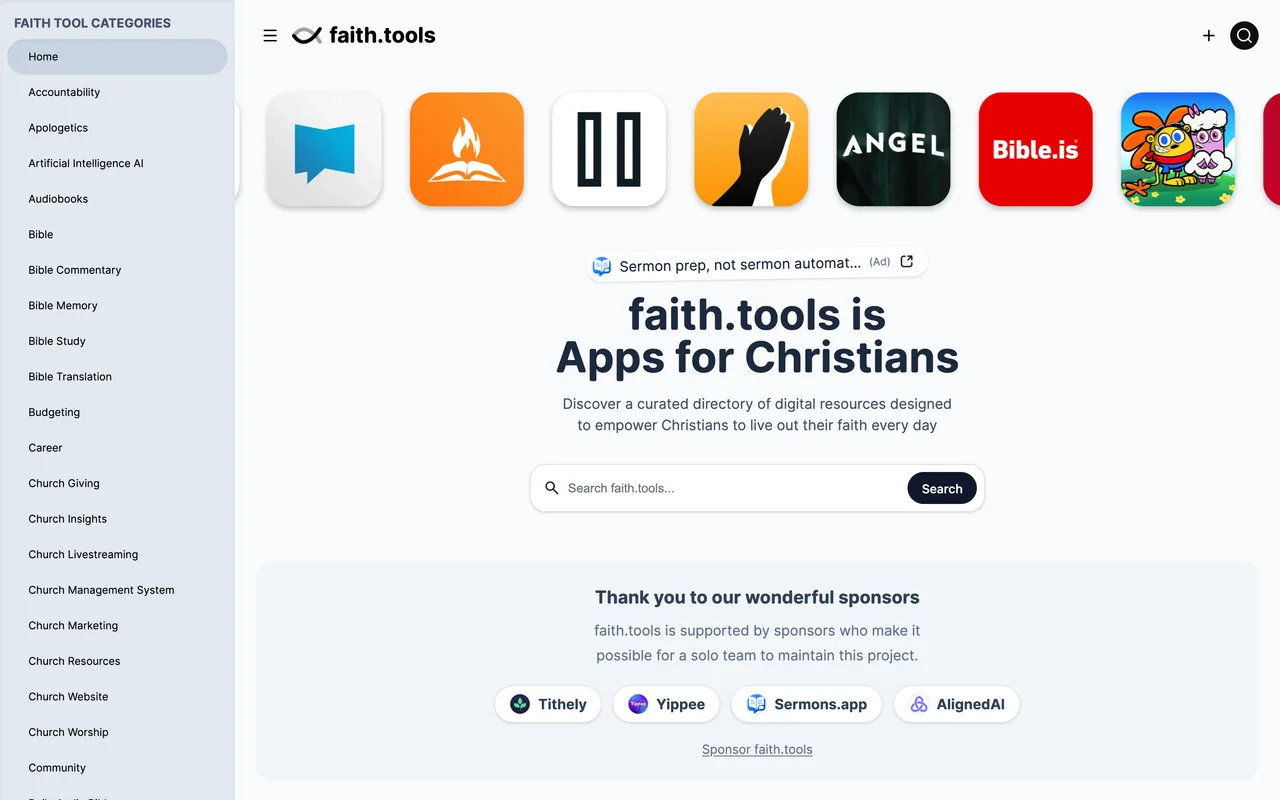
faith.tools
Eligibility
Who faith.tools accepts
You need
An app aimed at Christians or churches
Public and out of beta for at least two months
You'll be rejected if
TestFlight, beta, waitlist or request-access builds
Anything the curator does not think belongs
Christian appsIndie products
What you actually get
A dofollow link from a DR 49 domain and a card in one of about fifteen categories, from Bible Apps to Parenting to For Churches. The directory is funded by sponsors rather than by listings, so an ordinary entry costs nothing and buys nothing beyond the placement itself.
How to submit to faith.tools
- Open the recommendation formgo.faith.tools/submit goes to a Tally form titled Recommend an App. No account, no upload, and the intro states the terms: it is free, there is no timeline, there are no status updates and there is no reply.
- Name the app and argue for itApp name, app URL, and a free-text answer to why it belongs on faith.tools. That third field is the whole pitch and the only place your reasoning goes.
- Answer the two-month questionA required yes or no on whether the app has been public, out of alpha and beta, for at least two months. The form explains the rule: apps change too much before then for the curator to recommend them.
- Declare yourself and the AI questionTwo more required yes or no answers: whether you made the app, and whether it produces content with generative AI. An email is optional and used only if the curator has a question.
faith.tools requirements
App name
App URL
Why it belongs on faith.tools
Public and out of beta
two months minimum
Your emailoptional
Gotchas
The two-month rule is a real gate and it is asked as a yes or no you answer yourself: a launch-week app is not eligible, and TestFlight, waitlist and request-access builds do not start the clock.
The form says there is no timeline, no status update and no reply, so there is nothing to chase and no way to tell a rejection from a queue.
You are asked outright whether the app generates content with AI, which is a question the curator is filtering on rather than collecting for fun.
Let your agent submit to faith.tools
Connect SubmitMap to your AI over MCP and this page stops being something you read and copy. Your agent asks for the faith.tools playbook and gets the brief for this exact form, with the values already taken from your submission pack instead of placeholders you fill in by hand.
What it does for this platform
Checks your product against the 4 faith.tools rules above, so you find out you would be rejected before you open a tab.
Hands your agent all 5 fields this form asks for, 1 of them optional, already filled from your pack.
Types it into faith.tools in your own browser, and stops for you when the form wants a sign-in.
Records what it sent, so the dashboard can answer "did I ever submit to faith.tools?".
Connect your agentHow this worksTools and endpointsWorks with Claude Code, Claude, Codex, Cursor, VS Code and Hermes.
faith.tools FAQ
How long does faith.tools approval take?
faith.tools does not publish how long approval takes.
How much does it cost to submit to faith.tools?
Submitting to faith.tools is free.
Does faith.tools give a dofollow backlink?
Yes, a listing on faith.tools carries a dofollow link. The site has a domain rating of 49.
Does faith.tools require a backlink to your site?
No, faith.tools does not require a link back from your site.
What gets you rejected from faith.tools?
TestFlight, beta, waitlist or request-access builds; Anything the curator does not think belongs.