
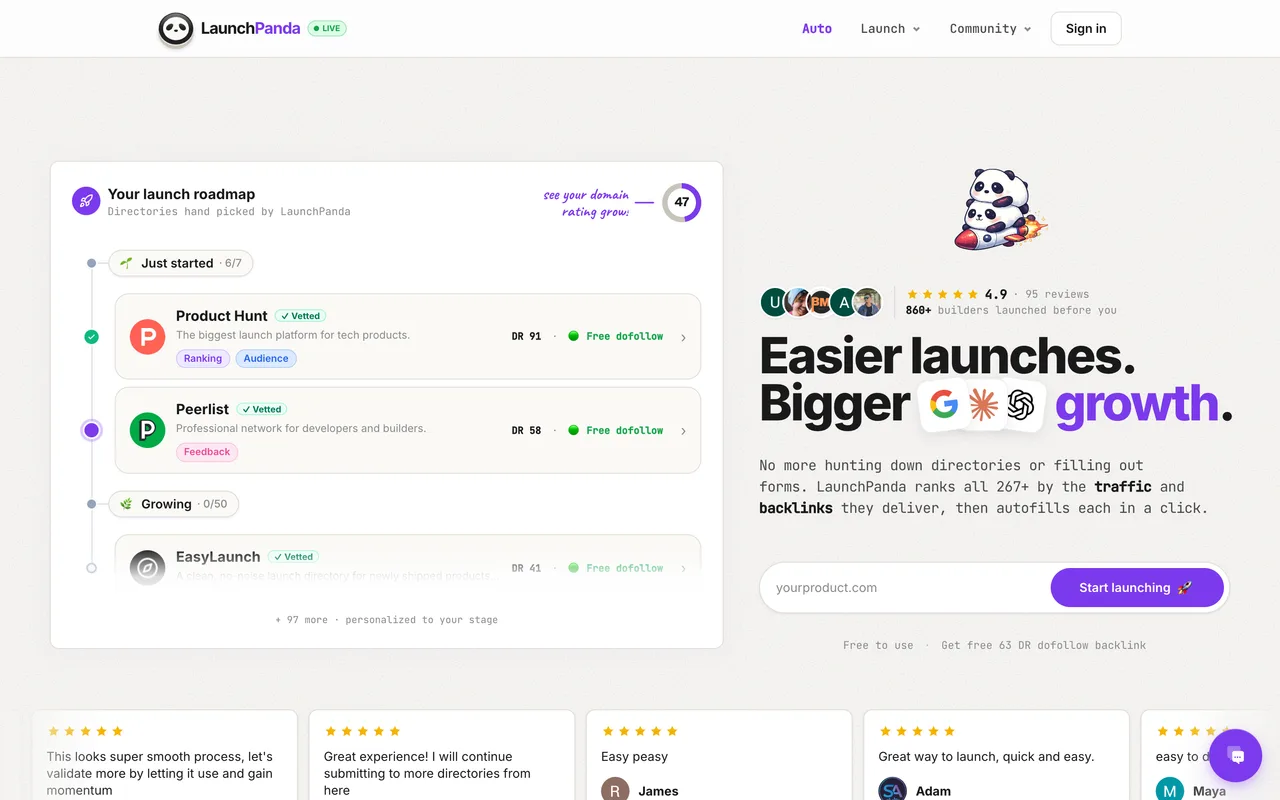
A roadmap of directories that lists itself first, and its own row is a badge trade: place the badge, get the dofollow, free forever.
launchpanda.dev
Eligibility
Who LaunchPanda accepts
You need
A Google account or a magic link
A startup profile completed through their four-step kit
Their badge on your site, unless you pay to skip it
You'll be rejected if
Refusing the badge without paying the $19 badgeless launch, since their own listing is the badge trade and nothing publishes without one or the other
SaaS productsIndie productsAI toolsMarketing tools
What you actually get
A row in their Launches feed and a page at /launches/<category>/<slug>, reached by placing their badge. Outbound links there carry a non-standard rel="dofollow", which crawlers follow, so the link is real. The wider product is a roadmap of 267 directories with a Chrome extension that autofills each one from a profile you fill in once.
How to submit to LaunchPanda
1
Sign in and build the startup profile
Google or a magic link. /kit is a four-step wizard: how you found them, then the basics, a conduct pledge, a Chrome extension pitch you can skip, and a plan.
2
Take the free plan
Pro at $19 arrives preselected with Free sitting plain above it. Clicking Free relabels the button from Unlock this profile to Continue for free, which is the confirmation the choice took.
3
Open their own row in the roadmap
LaunchPanda lists itself first under Featured. Expanding the row reveals the badge snippet, in light or dark, and the listing slug it has already reserved for you.
4
Deploy the badge, then verify
The snippet is a plain anchor with rel="noopener". Their checker answers "Badge verified!" once it is live in your served HTML.
5
Mark as done, and leave a comment
Verification alone publishes nothing. Their own confirmation says to mark the directory as done and leave a comment, and the listing page 404s until that is finished.
LaunchPanda requirements
Website URL, tool name and your name
A tagline within 60 characters
A short description within 150 characters
One category and a pricing answer from their lists
Their badge live on your site
A Twitter or X handleoptional
Gotchas
Verifying the badge does not list you, and neither does marking the row done. Their own line is "mark this directory as done and leave a comment", and until the comment lands the listing URL answers Launch not found while your badge already points at it.
Pro at $19 is preselected on the plan step with Free unhighlighted above it. The tell that Free took is the button changing to Continue for free.
The badge is the price of the listing, so removing it takes the dofollow with it. The only way out is $19 for a badgeless launch.
Building the startup profile is not launching. The account can show a finished profile and still read zero directories launched, including on LaunchPanda itself.
Let your agent submit to LaunchPanda
Connect SubmitMap to your AI over MCP and this page stops being something you read and copy. Your agent asks for the LaunchPanda playbook and gets the brief for this exact form, with the values already taken from your submission pack instead of placeholders you fill in by hand.
What it does for this platform
Checks your product against the 4 LaunchPanda rules above, so you find out you would be rejected before you open a tab.
Hands your agent all 6 fields this form asks for, 1 of them optional, already filled from your pack.
Warns you that LaunchPanda looks for its badge on your site, so it has to be live before you submit rather than after.
Tells you what paying buys here, so you pick it on purpose: $19 Pro unlocks a startup profile fully and adds the Pro badge, $39 for unlimited profiles. A $19 badgeless launch skips the badge on their own listing. Auto Launch submits to 30, 50 or 100 directories for you from $169 a launch, and a sponsored slot in the roadmap sidebar is $39.
Types it into LaunchPanda in your own browser, and stops for you when the form wants a sign-in.
Records what it sent, so the dashboard can answer "did I ever submit to LaunchPanda?".
Connect your agentTools and endpointsWorks with Claude Code, Claude, Codex, Cursor, VS Code and Hermes.
LaunchPanda FAQ
How long does LaunchPanda approval take?
LaunchPanda's typical time from submission to going live is instant.
How much does it cost to submit to LaunchPanda?
LaunchPanda has a free submission option plus paid placement ($19 Pro unlocks a startup profile fully and adds the Pro badge, $39 for unlimited profiles. A $19 badgeless launch skips the badge on their own listing. Auto Launch submits to 30, 50 or 100 directories for you from $169 a launch, and a sponsored slot in the roadmap sidebar is $39.).
Does LaunchPanda give a dofollow backlink?
Yes, a listing on LaunchPanda carries a dofollow link. The site has a domain rating of 55.
Does LaunchPanda require a backlink to your site?
Yes, LaunchPanda expects a link back from your site as part of listing.
What gets you rejected from LaunchPanda?
Refusing the badge without paying the $19 badgeless launch, since their own listing is the badge trade and nothing publishes without one or the other.