
dev · ai · mcp
Docker MCP Catalog: requirements, how to submit, and what you actually get
A pull request against a Docker repo, reviewed by the Docker team.
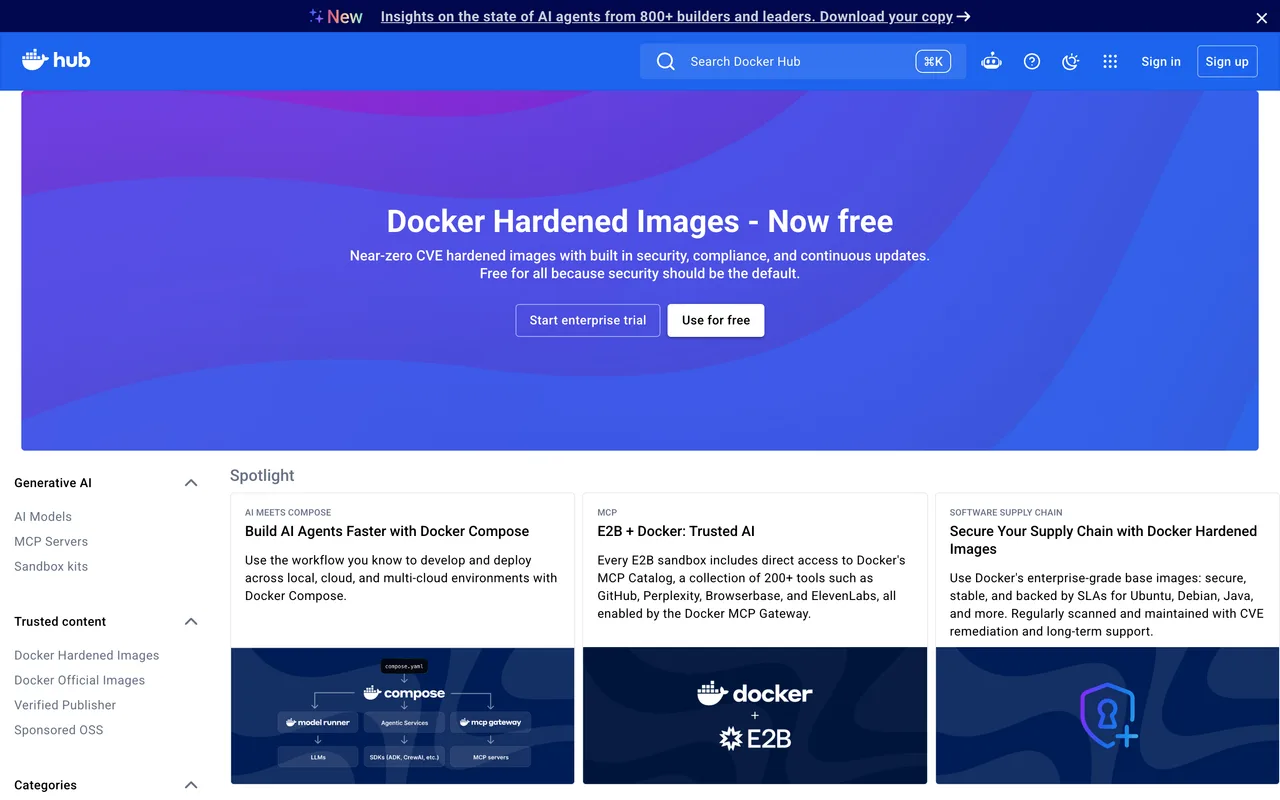
hub.docker.com
Eligibility
Who Docker MCP Catalog accepts
You need
A GitHub account, because the submission is a pull request
A licence that lets people consume the server: they name MIT and Apache 2 and rule GPL out
Either a Dockerfile in a public repo, or a publicly reachable HTTP endpoint for a remote server
A documentation URL
You'll be rejected if
Anything that is not an MCP server
A GPL licence, which they exclude by name
MCP servers
What you actually get
A catalogue entry at hub.docker.com/mcp and inside Docker Desktop MCP Toolkit, about 24 hours after a Docker reviewer merges the pull request. The audience is developers already in Docker rather than search traffic.
How to submit to Docker MCP Catalog
- Fork the registrygithub.com/docker/mcp-registry, cloned locally.
- Generate the entrytask wizard for a containerised server, task remote-wizard for a hosted one. Both write a server.yaml under servers/.
- Open the pull requestTitle and description have to describe the entry, and CI has to pass.
- Wait for reviewA Docker reviewer has to approve. Test credentials, where the server needs them, go through a Google form they link rather than into the PR.
- MergeCommits are squashed, and the catalogue entry appears about a day later.
Docker MCP Catalog requirements
server.yaml
generated by their Go tooling, not written by hand
Icon URL
a hosted image, referenced by address
Documentation URL
required for a remote server
Gotchas
A remote server needs no Dockerfile at all, which their headline offer does not say: the two container options are what the README leads with, and the hosted lane is a separate section further down.
They exclude GPL by name, so the licence decides eligibility before anything else does.
Review is by a Docker employee against quality and security standards, and no window is published for it.
The prerequisites for the container lane are Go, Docker Desktop and Task, so this is a submission from a development machine rather than a browser.
Let your agent submit to Docker MCP Catalog
Connect SubmitMap to your AI over MCP and this page stops being something you read and copy. Your agent asks for the Docker MCP Catalog playbook and gets the brief for this exact form, with the values already taken from your submission pack instead of placeholders you fill in by hand.
What it does for this platform
Checks your product against the 6 Docker MCP Catalog rules above, so you find out you would be rejected before you open a tab.
Hands your agent all 3 fields this form asks for, none of them optional, already filled from your pack.
Types it into Docker MCP Catalog in your own browser, and stops for you when the form wants a sign-in.
Records what it sent, so the dashboard can answer "did I ever submit to Docker MCP Catalog?".
Connect your agentHow this worksTools and endpointsWorks with Claude Code, Claude, Codex, Cursor, VS Code and Hermes.
Docker MCP Catalog FAQ
How long does Docker MCP Catalog approval take?
Docker MCP Catalog does not publish how long approval takes.
How much does it cost to submit to Docker MCP Catalog?
Submitting to Docker MCP Catalog is free.
Does Docker MCP Catalog give a dofollow backlink?
Yes, a listing on Docker MCP Catalog carries a dofollow link. The site has a domain rating of 92.
Does Docker MCP Catalog require a backlink to your site?
No, Docker MCP Catalog does not require a link back from your site.
What gets you rejected from Docker MCP Catalog?
Anything that is not an MCP server; A GPL licence, which they exclude by name.