
ai · dev · open-source
MCP Registry: requirements, how to submit, and what you actually get
The official MCP server registry, published to from a command line, and the place the protocol's own repository now sends everybody who wants to be found.
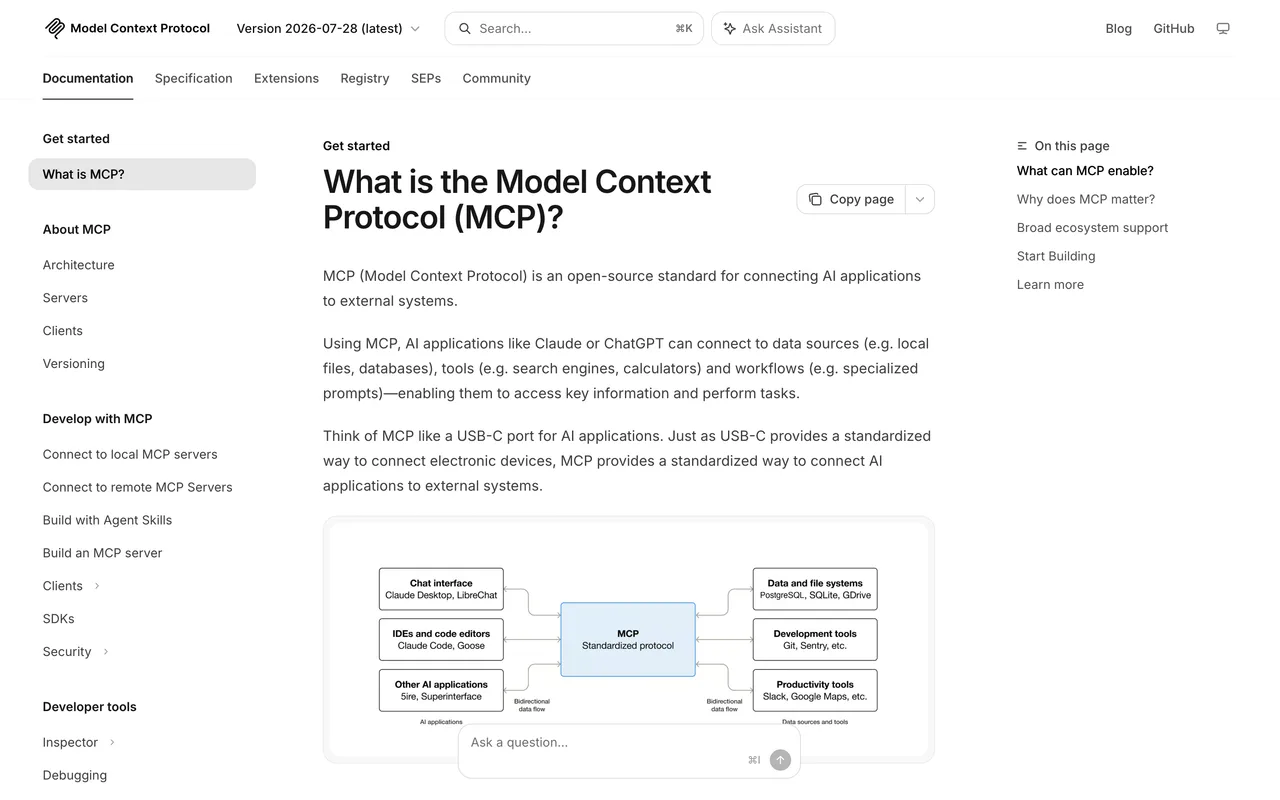
modelcontextprotocol.io
Eligibility
Who MCP Registry accepts
You need
A published package or a publicly reachable server URL, because the registry only stores the metadata pointing at it
A namespace you can prove you own: a GitHub account, a domain you control, or a key you can serve from it
A server.json describing the server, which the publisher tool will scaffold for you
You'll be rejected if
A server nobody outside your network can reach: a remote entry must be publicly accessible at the URL it declares
A name in a namespace you cannot prove, which is refused at publish rather than at review
MCP serversDeveloper toolsOpen source projects
What you actually get
A record in the registry every MCP client and directory reads, published the moment the command returns and queryable straight away over the registry API. The value is distribution rather than a link: the entry is a JSON record in an API, not a page with an anchor on it.
How to submit to MCP Registry
1
Decide the namespace before anything else
GitHub authentication gives you names under io.github.<your-account>/. Domain authentication gives you your own reverse-domain prefix, which is what a product with its own site wants.
2
Prove the namespace
GitHub is a device-code login. A domain is proved either by a TXT record on the apex or by serving a key at /.well-known/mcp-registry-auth, which is the easier of the two if you already deploy static files.
3
Install the publisher and scaffold server.json
mcp-publisher ships as a binary or through Homebrew. Its init command writes a server.json template from what it can read out of your project.
4
Describe the server honestly
A packaged server lists its registry type, identifier and version. A hosted one uses a remotes array instead, naming streamable-http or sse and the URL it answers on.
5
Publish and check the API
mcp-publisher publish returns as soon as it is live. Search the registry API for your name to confirm what landed rather than trusting the success line.
MCP Registry requirements
A server.json describing the server
Proof of the namespace: a GitHub login, a DNS TXT record, or a key served at a well-known path
A published package identifier, or a public URL for a hosted server
An ownership marker inside the package itself, which packaged servers need and hosted ones do notoptional
Gotchas
This is a command-line publish, not a form. There is no page to fill in, no review queue, and no human between you and the registry.
The namespace decides your name for good. Authenticating through GitHub means your server is called io.github.<account>/<name> forever; a product with its own domain wants domain authentication instead, and choosing it afterwards means republishing under a different name.
The registry is still in preview and says so, warning that breaking changes and data resets may happen before it is generally available.
The DNS route wants the TXT record on the apex of the domain, not under a selector, and a stale record left behind from a previous key is tried first and fails the whole thing.
Let your agent submit to MCP Registry
Connect SubmitMap to your AI over MCP and this page stops being something you read and copy. Your agent asks for the MCP Registry playbook and gets the brief for this exact form, with the values already taken from your submission pack instead of placeholders you fill in by hand.
What it does for this platform
Checks your product against the 5 MCP Registry rules above, so you find out you would be rejected before you open a tab.
Hands your agent all 4 fields this form asks for, 1 of them optional, already filled from your pack.
Types it into MCP Registry in your own browser, and stops for you when the form wants a sign-in.
Records what it sent, so the dashboard can answer "did I ever submit to MCP Registry?".
Connect your agentTools and endpointsWorks with Claude Code, Claude, Codex, Cursor, VS Code and Hermes.
MCP Registry FAQ
How long does MCP Registry approval take?
MCP Registry's typical time from submission to going live is instant.
How much does it cost to submit to MCP Registry?
Submitting to MCP Registry is free.
Does MCP Registry give a dofollow backlink?
No, links from MCP Registry are nofollow. The site has a domain rating of 91.
Does MCP Registry require a backlink to your site?
No, MCP Registry does not require a link back from your site.
What gets you rejected from MCP Registry?
A server nobody outside your network can reach: a remote entry must be publicly accessible at the URL it declares; A name in a namespace you cannot prove, which is refused at publish rather than at review.