
ai · b2b · marketing
AI for Businesses: requirements, how to submit, and what you actually get
A business-AI directory whose whole submission is one form on the homepage, and whose outbound links carry no rel at all.
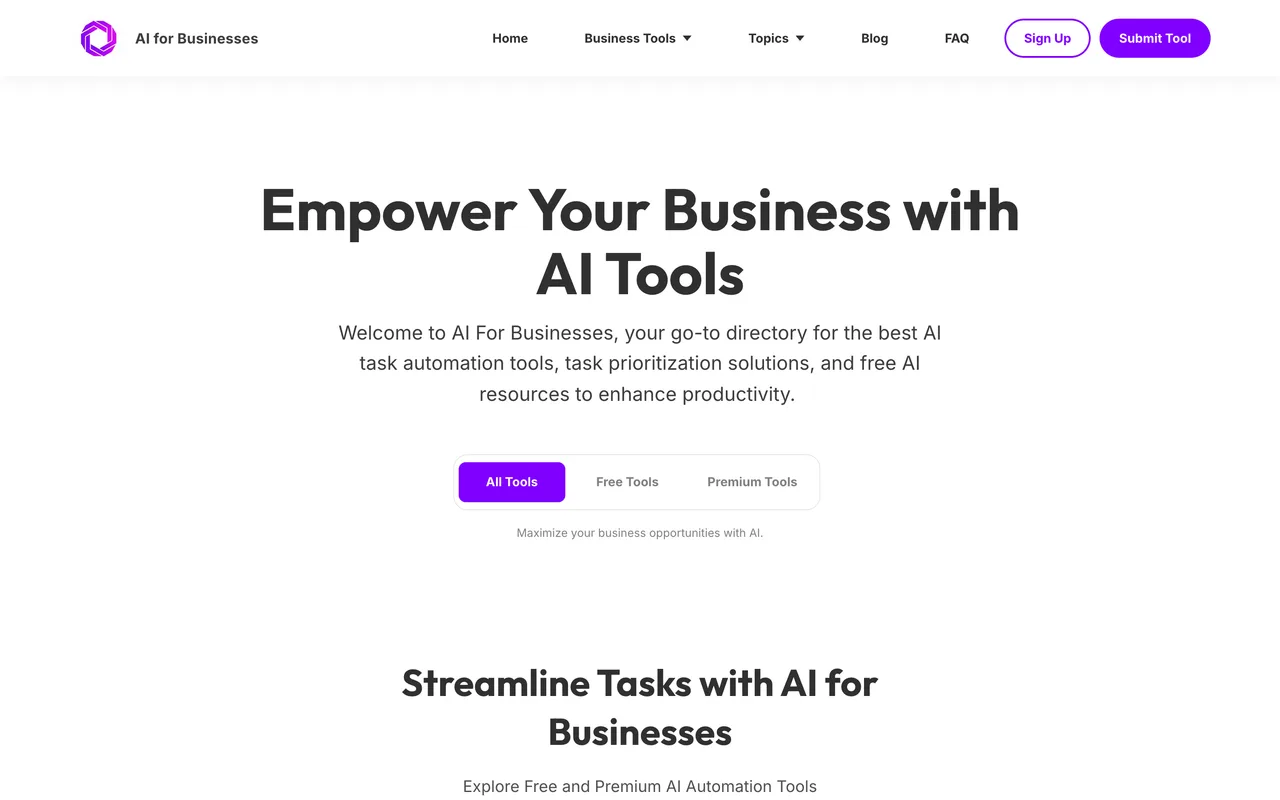
aiforbusinesses.com
Eligibility
Who AI for Businesses accepts
You need
A live URL, which the form validates as a URL
A product a business would buy, since every Type is a department: Marketing, Sales, Strategy or Management
A description you are happy to have published as written
You'll be rejected if
A consumer product with no business use, which has no Type to file it under
AI toolsB2B softwareMarketing tools
What you actually get
A card in a business-AI directory that sorts by department, on a domain rated well above most of its neighbours. Every outbound link sampled on the homepage carries no rel attribute at all, which is unusual at this size and is most of the reason to bother.
How to submit to AI for Businesses
- Go to the homepage, not a submit pageSubmit Tool in the header is an anchor to a form further down the same page. There is no separate submission URL to bookmark and no account anywhere in the flow.
- Fill seven fieldsFull name, email, website URL, business name, description, then Type and Categories, which are searchable multi-selects rather than plain dropdowns.
- Add a logo if you have one under a megabyteThe dropzone states a 1 MB maximum, which is small enough that a full-size PNG export will not fit.
- Submit, and keep your own recordThe form posts and clears. There is no account, no dashboard and no reference number, so the only evidence you will have is what you noted before pressing it.
AI for Businesses requirements
Full name
Email address
Website URL
Business name
A description of the product
At least one Type: Marketing, Sales, Strategy or Management
One or more categories from about twenty, including SEO and Copywriting, Marketing and Salesoptional
A logo under 1 MBoptional
Gotchas
There is no confirmation of any kind. The form clears itself and says nothing, and with no account and no dashboard there is nowhere to check, so write down what you sent before you send it.
The logo cap is 1 MB, which is low enough to reject an ordinary PNG export. Resize before you start rather than after the form has cleared itself.
Type and Categories look like plain dropdowns and are searchable multi-selects. A choice only counts once it appears as a chip inside the field.
Let your agent submit to AI for Businesses
Connect SubmitMap to your AI over MCP and this page stops being something you read and copy. Your agent asks for the AI for Businesses playbook and gets the brief for this exact form, with the values already taken from your submission pack instead of placeholders you fill in by hand.
What it does for this platform
Checks your product against the 4 AI for Businesses rules above, so you find out you would be rejected before you open a tab.
Hands your agent all 8 fields this form asks for, 2 of them optional, already filled from your pack.
Types it into AI for Businesses in your own browser, and stops for you when the form wants a sign-in.
Records what it sent, so the dashboard can answer "did I ever submit to AI for Businesses?".
Connect your agentHow this worksTools and endpointsWorks with Claude Code, Claude, Codex, Cursor, VS Code and Hermes.
AI for Businesses FAQ
How long does AI for Businesses approval take?
AI for Businesses does not publish how long approval takes.
How much does it cost to submit to AI for Businesses?
Submitting to AI for Businesses is free.
Does AI for Businesses give a dofollow backlink?
Yes, a listing on AI for Businesses carries a dofollow link. The site has a domain rating of 27.
Does AI for Businesses require a backlink to your site?
No, AI for Businesses does not require a link back from your site.
What gets you rejected from AI for Businesses?
A consumer product with no business use, which has no Type to file it under.