
indie · saas · directory
Viral Bucket: requirements, how to submit, and what you actually get
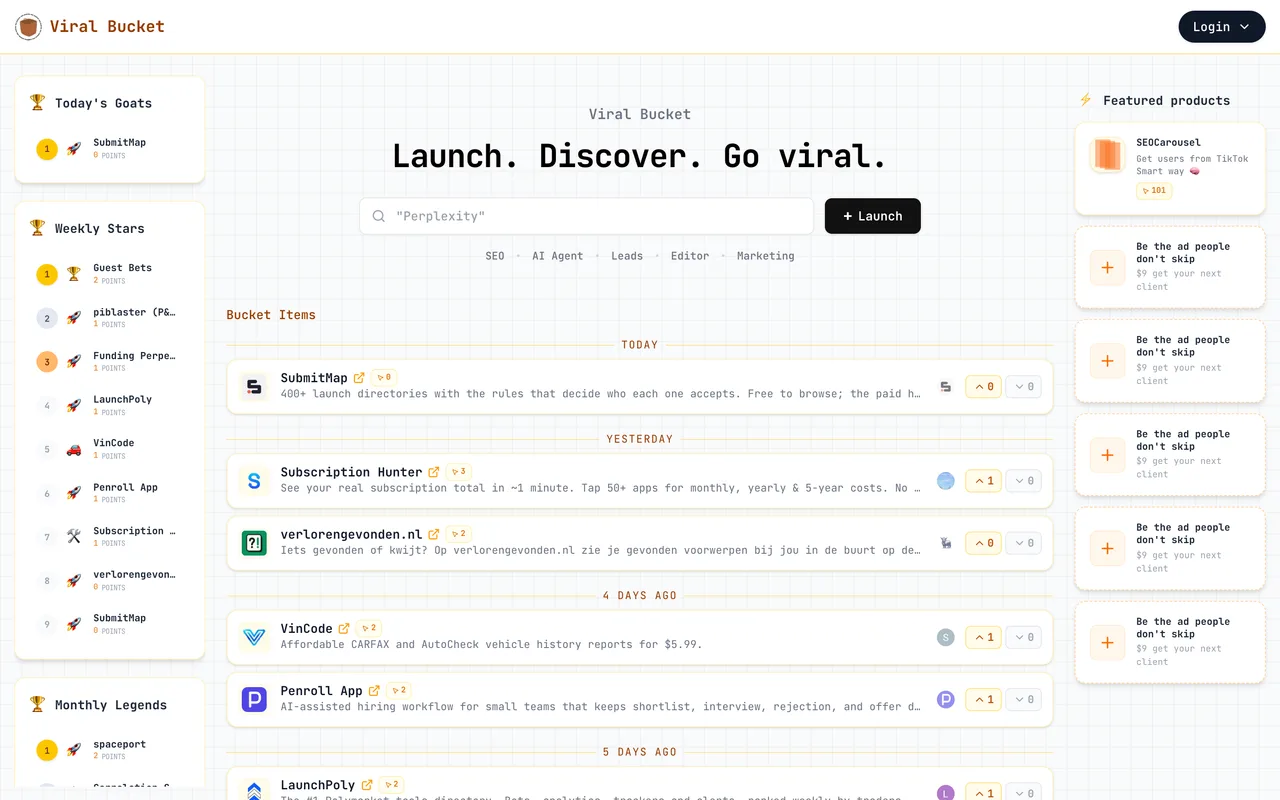
An upvote board where the whole listing is one modal and the link follows
myviralbucket.com
Eligibility
Who Viral Bucket accepts
You need
A Google account, the only sign-in
You'll be rejected if
It is an upvote board rather than a permanent shelf, so a product nobody will vote for sits at zero and drops off the daily board within a day.
SaaS productsIndie productsAI toolsMarketing tools
What you actually get
A row in the feed the moment you press Launch, with an upvote count, a Today's Goats board, Weekly Stars and Monthly Legends. The outbound link is rel="noopener noreferrer" with no nofollow. It is small: the weekly leader had two points when this was written, so a handful of votes puts you on the board.
How to submit to Viral Bucket
- Sign in with GoogleThe Login button opens a one-item menu and Google is the only option. Your handle is derived from the address.
- Press LaunchThe whole submission is one modal: product name, a two-line description of at most 160 characters, the link, up to ten tags entered with Enter, up to two categories, and an emoji.
- Leave the backlink options alone unless you mean themTwo checkboxes offer to open you to backlink barter and to paid link placements. They are unticked by default.
- Press Launch againThe listing is live at once, at the top of Today's Goats with zero points.
Viral Bucket requirements
A live URL
Description
max 160 characters
Categories
up to 2
Gotchas
The description caps at 160 characters and the field scrolls rather than warning you, so write it short before you paste.
Two checkboxes in the launch modal opt you into backlink barter and paid link placements. Read them: they are about selling links from your own site, not about your listing.
It is an upvote board, so a listing with no votes sits at zero on the daily board and drops off. Budget for asking a few people.
The board is tiny, with weekly leaders on two points, which cuts both ways: easy to reach the top, small audience when you do.
Let your agent submit to Viral Bucket
Connect SubmitMap to your AI over MCP and this page stops being something you read and copy. Your agent asks for the Viral Bucket playbook and gets the brief for this exact form, with the values already taken from your submission pack instead of placeholders you fill in by hand.
What it does for this platform
Checks your product against the 2 Viral Bucket rules above, so you find out you would be rejected before you open a tab.
Hands your agent all 3 fields this form asks for, none of them optional, already filled from your pack.
Types it into Viral Bucket in your own browser, and stops for you when the form wants a sign-in.
Records what it sent, so the dashboard can answer "did I ever submit to Viral Bucket?".
Connect your agentHow this worksTools and endpointsWorks with Claude Code, Claude, Codex, Cursor, VS Code and Hermes.
Viral Bucket FAQ
How long does Viral Bucket approval take?
Viral Bucket's typical time from submission to going live is instant.
How much does it cost to submit to Viral Bucket?
Submitting to Viral Bucket is free.
Does Viral Bucket give a dofollow backlink?
Yes, a listing on Viral Bucket carries a dofollow link. The site has a domain rating of 13.
Does Viral Bucket require a backlink to your site?
No, Viral Bucket does not require a link back from your site.
What gets you rejected from Viral Bucket?
It is an upvote board rather than a permanent shelf, so a product nobody will vote for sits at zero and drops off the daily board within a day.