
design · web
Storefront.Design: requirements, how to submit, and what you actually get
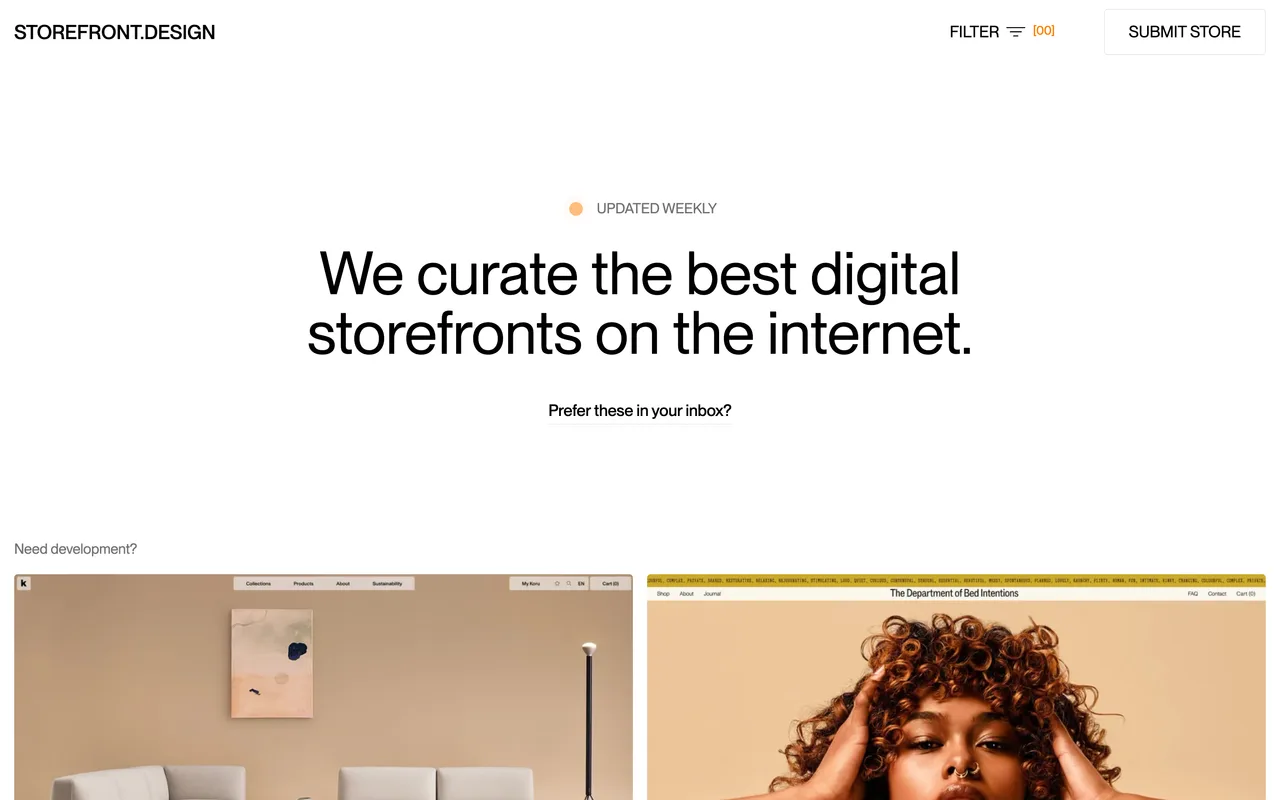
A weekly ecommerce design gallery that takes four fields, no account, and links out followed.
storefront.design
Eligibility
Who Storefront.Design accepts
You need
A live ecommerce storefront, since the gallery is about shop design
An email address
You'll be rejected if
Anything that is not a storefront: SaaS, apps and tools have nothing to submit here
Ecommerce storesOnline shops
What you actually get
A card in a curated gallery of digital storefronts, with a followed link straight to the shop and separate credit links for whoever designed and built it. The audience is designers and agencies browsing for reference, so the realistic value is being seen by people who commission work, plus the link.
How to submit to Storefront.Design
- Open the SUBMIT STORE dialogThe control is a button in the header rather than a page; there is no /submit route. It opens a small modal in place.
- Fill four fieldsStore URL and your email are required. Designer URL and developer URL are optional and become the CREDITS line under the listing.
- Wait for the weekly passThe site states it is updated weekly and curates what it takes, so expect a wait of about that with no individual confirmation.
Storefront.Design requirements
A live storefront URL
An email address
Designer URL, printed as a creditoptional
Developer URL, printed as a creditoptional
Gotchas
Two of the four fields credit the designer and the developer rather than the shop, so a store built in-house simply leaves them blank and loses the extra links that other listings carry.
The gallery is curated and updated weekly, and nothing confirms a submission or reports a rejection, so the only way to find out is to watch for the card.
Let your agent submit to Storefront.Design
Connect SubmitMap to your AI over MCP and this page stops being something you read and copy. Your agent asks for the Storefront.Design playbook and gets the brief for this exact form, with the values already taken from your submission pack instead of placeholders you fill in by hand.
What it does for this platform
Checks your product against the 3 Storefront.Design rules above, so you find out you would be rejected before you open a tab.
Hands your agent all 4 fields this form asks for, 2 of them optional, already filled from your pack.
Types it into Storefront.Design in your own browser, and stops for you when the form wants a sign-in.
Records what it sent, so the dashboard can answer "did I ever submit to Storefront.Design?".
Connect your agentHow this worksTools and endpointsWorks with Claude Code, Claude, Codex, Cursor, VS Code and Hermes.
Storefront.Design FAQ
How long does Storefront.Design approval take?
Storefront.Design's typical time from submission to going live is about a week.
How much does it cost to submit to Storefront.Design?
Submitting to Storefront.Design is free.
Does Storefront.Design give a dofollow backlink?
Yes, a listing on Storefront.Design carries a dofollow link. The site has a domain rating of 24.
Does Storefront.Design require a backlink to your site?
No, Storefront.Design does not require a link back from your site.
What gets you rejected from Storefront.Design?
Anything that is not a storefront: SaaS, apps and tools have nothing to submit here.