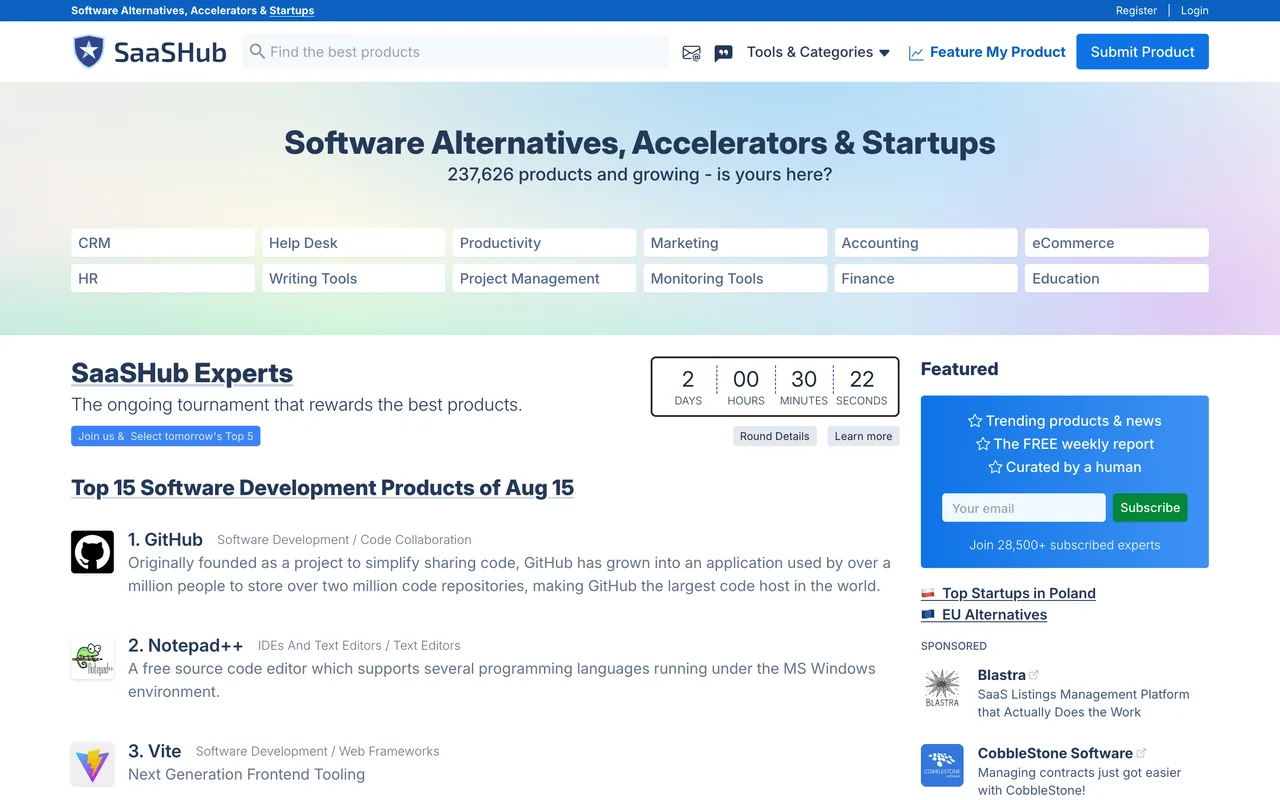
A reviewed listing page on a genuinely large comparison site, plus an entry as an alternative on the pages of whichever competitors you named. The outbound link on a normal product page is nofollow, so this is placement in front of software shoppers rather than link equity.
How to submit to SaaSHub
1
Find the real submit page
/submit is a different product, their own list of 107 directories to submit to. The product form is at /services/submit.
2
Give the URL and continue
One field. A clean browser goes straight on to the details form with no account, but some makers' agents have been sent to "You need to register to submit a new product" instead. It restates the rules, including the immediate rejection of unreleased products and free subdomains.
3
Fill the listing
Name, a 250-character tagline, at least three categories, competitors, optional LinkedIn and a contact email. Name and tagline arrive pre-scraped.
4
Pick the free lane, which is the submit button
A paid card is preselected (Priority Extra at $99 on one run, Priority+ at $75 on another). The Free card is the plain one beside them, quoted at 1 to 12 weeks with no corrections, and clicking it submits: there is no separate button.
5
Confirm competitors and categories
Two more screens, /manage/<slug>/alternatives and /manage/<slug>/categories, let you tick the products you want to appear beside and the categories to appear in, then it lands on a success page.
SaaSHub requirements
Live product URL on your own domain
Product name, without explanatory suffixes
Tagline
250 characters
Categories
at least three
A contact email for the approval notice
Competitors, which they say decide whether you are approved first or last
LinkedIn URLoptional
Gotchas
The obvious URL is the wrong one. /submit is SaaSHub Submit, their own marketing tool listing 107 other directories; the product form is /services/submit and nothing on the first page points at it.
Leaving competitors blank is not neutral. Their own guidance says a submission without identified competitors is slowed down and put to the bottom of a queue the Free card now quotes at 1 to 12 weeks.
The name and tagline arrive pre-filled from a scrape of your site, and the name field appends rather than replaces, so typing into it produces "YourProductYourProduct" unless you clear it first.
The lane cards are the submit buttons: clicking Free sends the form, and the paid card beside it is the one preselected. There is no separate Submit control to pause on.
The submit page asks AI agents, in so many words, to have their human operator submit the product themselves. An agent can prepare the copy, the categories and the competitors, but pressing submit is yours.
Let your agent submit to SaaSHub
Connect SubmitMap to your AI over MCP and this page stops being something you read and copy. Your agent asks for the SaaSHub playbook and gets the brief for this exact form, with the values already taken from your submission pack instead of placeholders you fill in by hand.
What it does for this platform
Checks your product against the 10 SaaSHub rules above, so you find out you would be rejected before you open a tab.
Hands your agent all 7 fields this form asks for, 1 of them optional, already filled from your pack.
Tells you what paying buys here, so you pick it on purpose: $75 Priority+ reviews within 24 hours, adds newsletter consideration, an automatic verified badge for three months and a homepage slot.
Types it into SaaSHub in your own browser, and stops for you when the form wants a sign-in.
Records what it sent, so the dashboard can answer "did I ever submit to SaaSHub?".
SaaSHub's typical time from submission to going live is 2-3 months.
How much does it cost to submit to SaaSHub?
SaaSHub has a free submission option plus paid placement ($75 Priority+ reviews within 24 hours, adds newsletter consideration, an automatic verified badge for three months and a homepage slot).
Does SaaSHub give a dofollow backlink?
No, links from SaaSHub are nofollow. The site has a domain rating of 79.
Does SaaSHub require a backlink to your site?
No, SaaSHub does not require a link back from your site.
What gets you rejected from SaaSHub?
Software development agencies; Landing pages with a waiting-list email form; Products not released yet, rejected immediately; Products on free subdomains such as vercel.app; Products not in English.
For platform owners
Run SaaSHub? Put the badge on it
It links back to this page, where makers read who you accept and how to submit. Pick the version that matches where it will sit, copy the snippet, and paste it into your footer or wherever your other badges go.
HTML
<a href="https://submitmap.com/platform/saashub/">
  <img src="https://submitmap.com/badge/listed-light.svg" alt="Listed on SubmitMap" width="150" height="52">
</a>
No account, no cost and nothing to verify: it works the moment it is on the page. If anything on this page is out of date, tell us and we will fix the record.