
dev · ai · marketplace
PluginMarketplace.ai: requirements, how to submit, and what you actually get
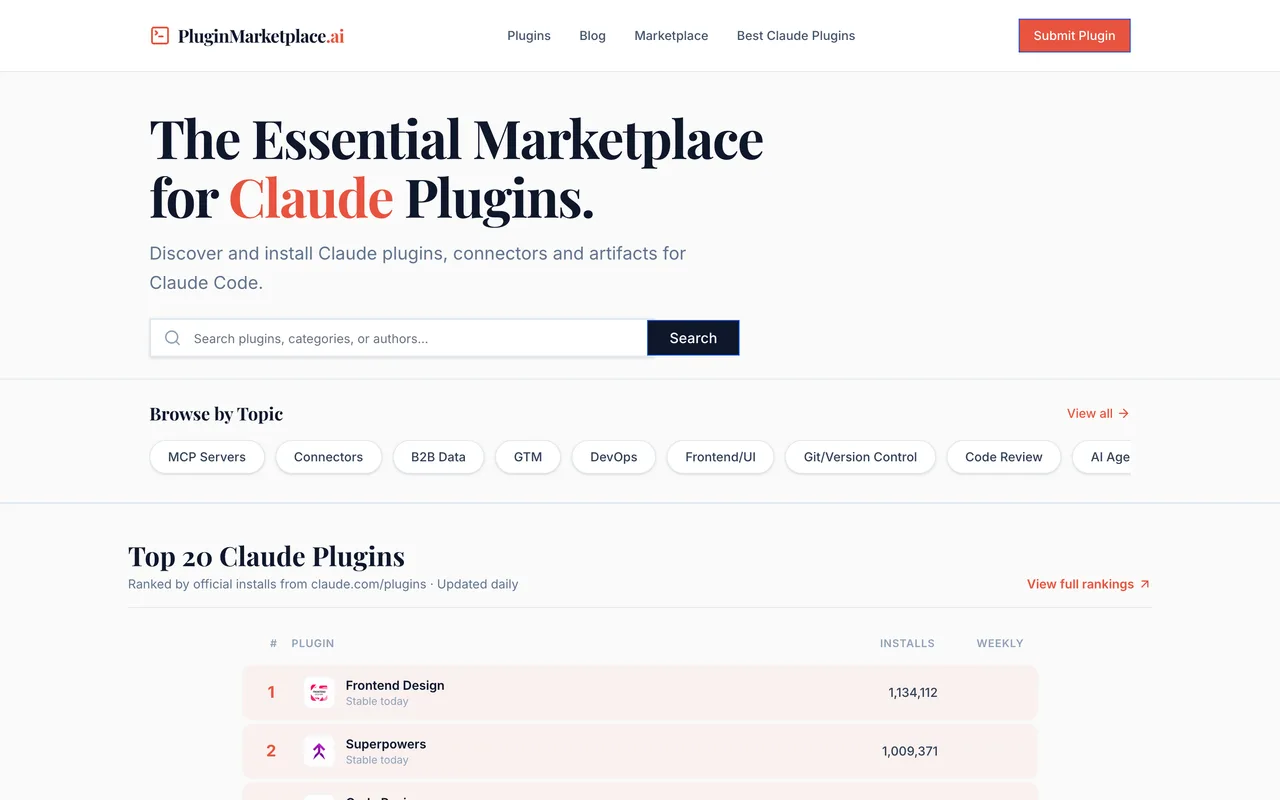
A Claude plugin index that hands out install commands, not links
pluginmarketplace.ai
Eligibility
Who PluginMarketplace.ai accepts
You need
A plugin, connector or MCP server that installs into Claude Code
An install command
You'll be rejected if
A product with no install path into Claude Code has nothing to put in the required install command field.
MCP serversDeveloper toolsAI tools
What you actually get
A card in a young index of Claude Code plugins, MCP servers and connectors, browsable by topic. What a listing gives you is an install command rather than a followed link: the plugin pages carry almost no outbound anchors at all, so treat this as distribution to people already inside Claude Code and not as a backlink. The form asks for notes to reviewers, so something is read before publication, but no review time is published.
How to submit to PluginMarketplace.ai
1
Open the form
https://pluginmarketplace.ai/submit needs no account.
2
Plugin details
Plugin name, description, install command, homepage URL, logo URL and a category, plus comma separated tags.
3
Your details
Name and email are required; company and notes to reviewers are optional.
4
Submit
The notes field is addressed to reviewers, so expect a human read rather than an instant listing.
PluginMarketplace.ai requirements
Install command
Required, in the form claude plugin install <name>
Tags
Required, comma separated
Logo
A URL, not an upload
A name and an email for the submitter
Gotchas
The install command is required, so this only accepts something that actually installs into Claude Code. An ordinary web product has nothing to put there.
The Plugins link in the site's own navigation lands on a client-side 404 that reads "Did you forget to add the page to the router?", so parts of the site are unfinished.
The logo is taken as a URL rather than an upload, so it has to be hosted somewhere public before you start.
Let your agent submit to PluginMarketplace.ai
Connect SubmitMap to your AI over MCP and this page stops being something you read and copy. Your agent asks for the PluginMarketplace.ai playbook and gets the brief for this exact form, with the values already taken from your submission pack instead of placeholders you fill in by hand.
What it does for this platform
Checks your product against the 3 PluginMarketplace.ai rules above, so you find out you would be rejected before you open a tab.
Hands your agent all 4 fields this form asks for, none of them optional, already filled from your pack.
Types it into PluginMarketplace.ai in your own browser, and stops for you when the form wants a sign-in.
Records what it sent, so the dashboard can answer "did I ever submit to PluginMarketplace.ai?".
Connect your agentHow this worksTools and endpointsWorks with Claude Code, Claude, Codex, Cursor, VS Code and Hermes.
PluginMarketplace.ai FAQ
How long does PluginMarketplace.ai approval take?
PluginMarketplace.ai does not publish how long approval takes.
How much does it cost to submit to PluginMarketplace.ai?
Submitting to PluginMarketplace.ai is free.
Does PluginMarketplace.ai give a dofollow backlink?
No, links from PluginMarketplace.ai are nofollow. The site has a domain rating of 18.
Does PluginMarketplace.ai require a backlink to your site?
No, PluginMarketplace.ai does not require a link back from your site.
What gets you rejected from PluginMarketplace.ai?
A product with no install path into Claude Code has nothing to put in the required install command field.