
ai · dev · directory
AIToolHub: requirements, how to submit, and what you actually get
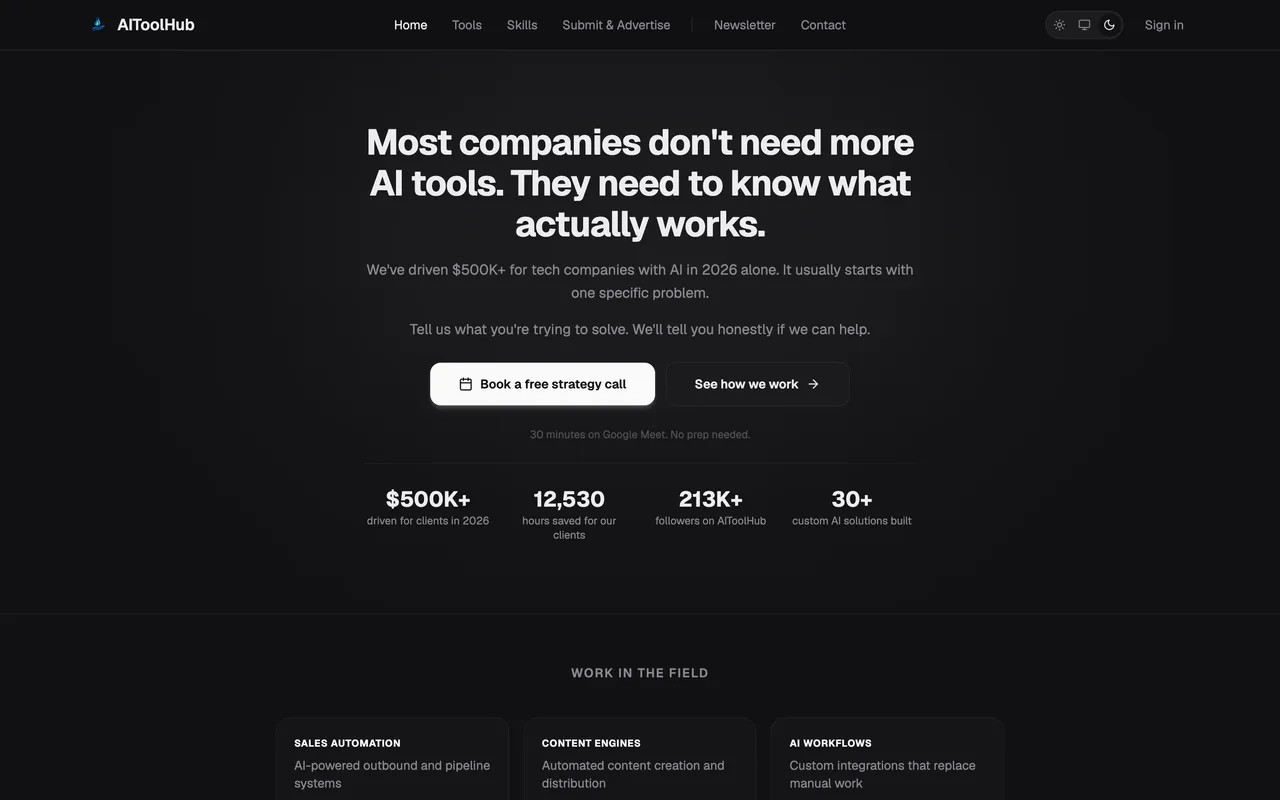
One of the few places that lists an agent skill, and it wants the file
aitoolhub.co
Eligibility
Who AIToolHub accepts
You need
An agent skill, as an actual file you can paste
A category and a target platform
You'll be rejected if
The skills form wants the full skill content pasted in, so a product with no skill file has nothing to submit through it.
AI toolsDeveloper toolsMCP servers
What you actually get
A skill page in a directory that keeps AI tools and agent skills as two separate shelves, which is unusual and makes it worth a look if you ship a skill rather than an app. What a listing shows is the skill file itself plus an install line, so treat this as distribution to people wiring skills into Claude Code, Cursor or Windsurf. Link value is unverified here: the listing pages render client side and returned no outbound anchors when read, so assume none until you can see your own row.
How to submit to AIToolHub
1
Open the form
https://aitoolhub.co/skills/submit needs no account and says the skill is listed after submission.
2
Paste the skill
Name, a short description, and the full skill file, which they name as SKILL.md, CLAUDE.md or prompt content.
3
Say where it runs
A category from development, automation, sales, marketing, content, operations or analytics, and a platform from Claude Code, Cursor, Windsurf or Any AI.
4
Add the source
A GitHub source URL and an install line such as npx skills add my-skill, plus an email.
AIToolHub requirements
Skill content
The full file, pasted, not linked
Category
One of seven, from development to analytics
Platform
Claude Code, Cursor, Windsurf or Any AI
Source URLoptional
A GitHub repo
An email
Gotchas
The form wants the entire skill file pasted into a textarea rather than a link to it, so whatever you submit is published verbatim and should be read once more before you send it.
It is a skills directory rather than a product directory, so an ordinary web product has nothing to put in the field the form is built around.
The site renders its listings client side and served no outbound links when read, so there is no way to confirm what a published row links to before you submit.
Let your agent submit to AIToolHub
Connect SubmitMap to your AI over MCP and this page stops being something you read and copy. Your agent asks for the AIToolHub playbook and gets the brief for this exact form, with the values already taken from your submission pack instead of placeholders you fill in by hand.
What it does for this platform
Checks your product against the 3 AIToolHub rules above, so you find out you would be rejected before you open a tab.
Hands your agent all 5 fields this form asks for, 1 of them optional, already filled from your pack.
Types it into AIToolHub in your own browser, and stops for you when the form wants a sign-in.
Records what it sent, so the dashboard can answer "did I ever submit to AIToolHub?".
Connect your agentHow this worksTools and endpointsWorks with Claude Code, Claude, Codex, Cursor, VS Code and Hermes.
AIToolHub FAQ
How long does AIToolHub approval take?
AIToolHub does not publish how long approval takes.
How much does it cost to submit to AIToolHub?
Submitting to AIToolHub is free.
Does AIToolHub give a dofollow backlink?
No, links from AIToolHub are nofollow. The site has a domain rating of 20.
Does AIToolHub require a backlink to your site?
No, AIToolHub does not require a link back from your site.
What gets you rejected from AIToolHub?
The skills form wants the full skill content pasted in, so a product with no skill file has nothing to submit through it.