
directory · indie · saas
Kick Product: requirements, how to submit, and what you actually get
A three-step dashboard form whose Paid option insists on a number
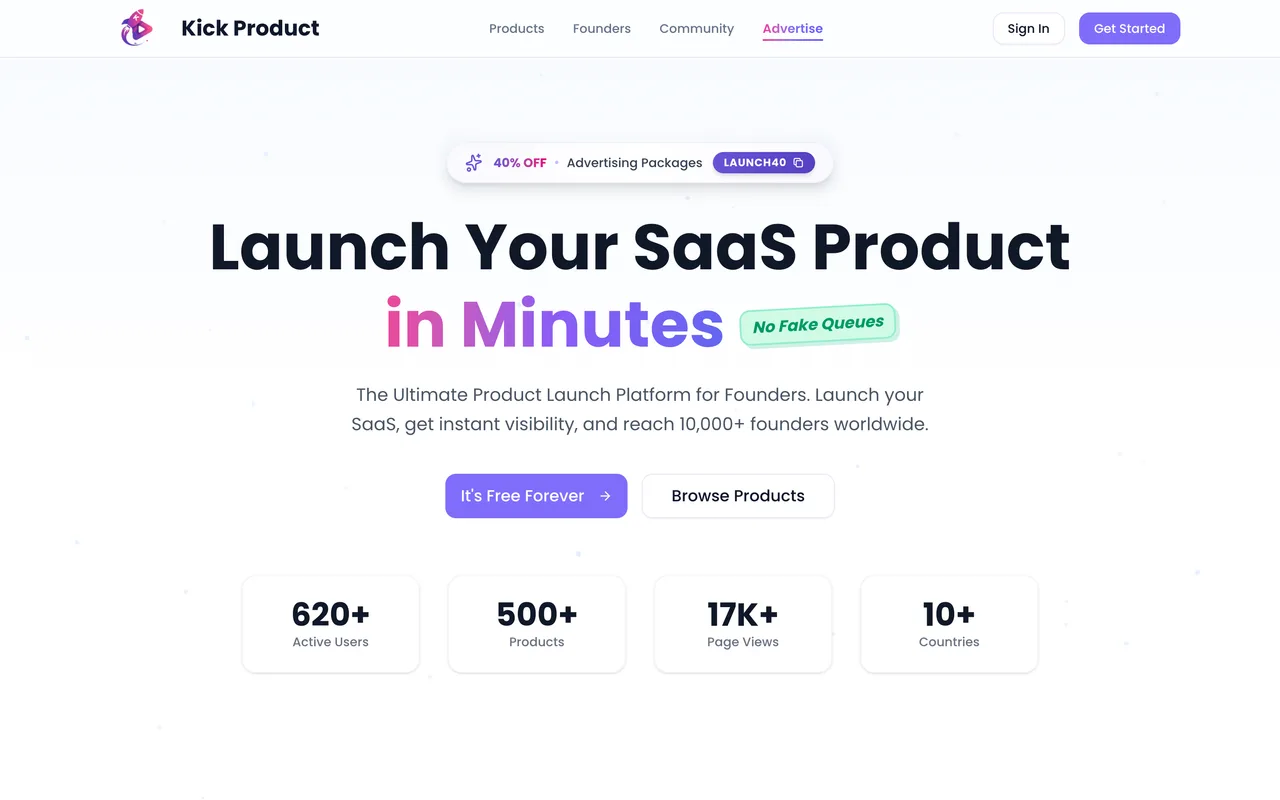
kickproduct.com
Eligibility
Who Kick Product accepts
You need
A live public URL
An account
A numeric price and a currency if the product is Paid: the form has no way to say "custom quote"
You'll be rejected if
Nothing published about who is refused.
SaaS productsIndie productsAI tools
What you actually get
A product page on a site that keeps a founders section and a community alongside the product feed. The link follows plainly: the Get Started control on a live product page carries no rel attribute at all. Advertising is sold from the main navigation, so paid placement sits next to the free feed.
How to submit to Kick Product
- Sign inThe dashboard is behind the Sign In or Get Started control in the header. /products/submit, the old guess, renders a Product Not Found page.
- Basic Info/dashboard/products/add: product name and a short description (both required), an image URL and a website link. Next: Metadata.
- Metadata and VisibilityTags and tech stack as comma-separated text, a status of Active, Inactive or Coming Soon, and one category from Product, Business, Marketing, Personal Life, Development, AI or Design.
- Pricing and LaunchFree, Paid or Freemium. Paid reveals a required Amount field (a number) and a currency of USD, EUR or GBP; the Launch Product! button stays disabled until the amount is filled.
Kick Product requirements
An account
Product name and short description
Image URLoptional
a hosted image address, not an upload
Website link
Tags and tech stackoptional
comma-separated text
Status
Active, Inactive or Coming Soon
Category
one of seven, Product through Design
Pricing model
Free, Paid or Freemium; Paid needs a number and currency
Gotchas
A paid product has to be a number. Choosing Paid reveals a required Amount field and a currency, and there is no way to describe a quote, a range or "contact us", so a product priced that way has to pick Freemium or invent a figure.
The logo is an image URL, not an upload, so the file has to be hosted somewhere public first.
The product page's outbound control is labelled Get Started rather than Visit, so it reads as a signup for their site until you check where it points.
Advertising is sold from the main navigation, so the ordering of the feed is not purely editorial.
No review time is published anywhere.
Let your agent submit to Kick Product
Connect SubmitMap to your AI over MCP and this page stops being something you read and copy. Your agent asks for the Kick Product playbook and gets the brief for this exact form, with the values already taken from your submission pack instead of placeholders you fill in by hand.
What it does for this platform
Checks your product against the 4 Kick Product rules above, so you find out you would be rejected before you open a tab.
Hands your agent all 8 fields this form asks for, 2 of them optional, already filled from your pack.
Types it into Kick Product in your own browser, and stops for you when the form wants a sign-in.
Records what it sent, so the dashboard can answer "did I ever submit to Kick Product?".
Connect your agentHow this worksTools and endpointsWorks with Claude Code, Claude, Codex, Cursor, VS Code and Hermes.
Kick Product FAQ
How long does Kick Product approval take?
Kick Product does not publish how long approval takes.
How much does it cost to submit to Kick Product?
Submitting to Kick Product is free.
Does Kick Product give a dofollow backlink?
Yes, a listing on Kick Product carries a dofollow link. The site has a domain rating of 28.
Does Kick Product require a backlink to your site?
No, Kick Product does not require a link back from your site.
What gets you rejected from Kick Product?
Nothing published about who is refused.
For platform owners
Run Kick Product? Put the badge on it
It links back to this page, where makers read who you accept and how to submit. Pick the version that matches where it will sit, copy the snippet, and paste it into your footer or wherever your other badges go.

<a href="https://submitmap.com/platform/kick-product/">
  <img src="https://submitmap.com/badge/listed-light.svg" alt="Listed on SubmitMap" width="150" height="52">
</a>
No account, no cost and nothing to verify: it works the moment it is on the page. If anything on this page is out of date, tell us and we will fix the record.