
indie
Hatchr: requirements, how to submit, and what you actually get
Posting a project is instant; the listing that carries your link needs a week-old account
hatchr.in
Eligibility
Who Hatchr accepts
You need
An account, which Google sign-up covers
An account at least 7 days old, but only for the startup listing
A title and a description; a URL is not asked for when hatching a project
You'll be rejected if
Nothing is published about who is refused. The stated bar for a startup listing is keeping the platform focused on real builders, and that is the whole of it
Any live websiteIndie projects
What you actually get
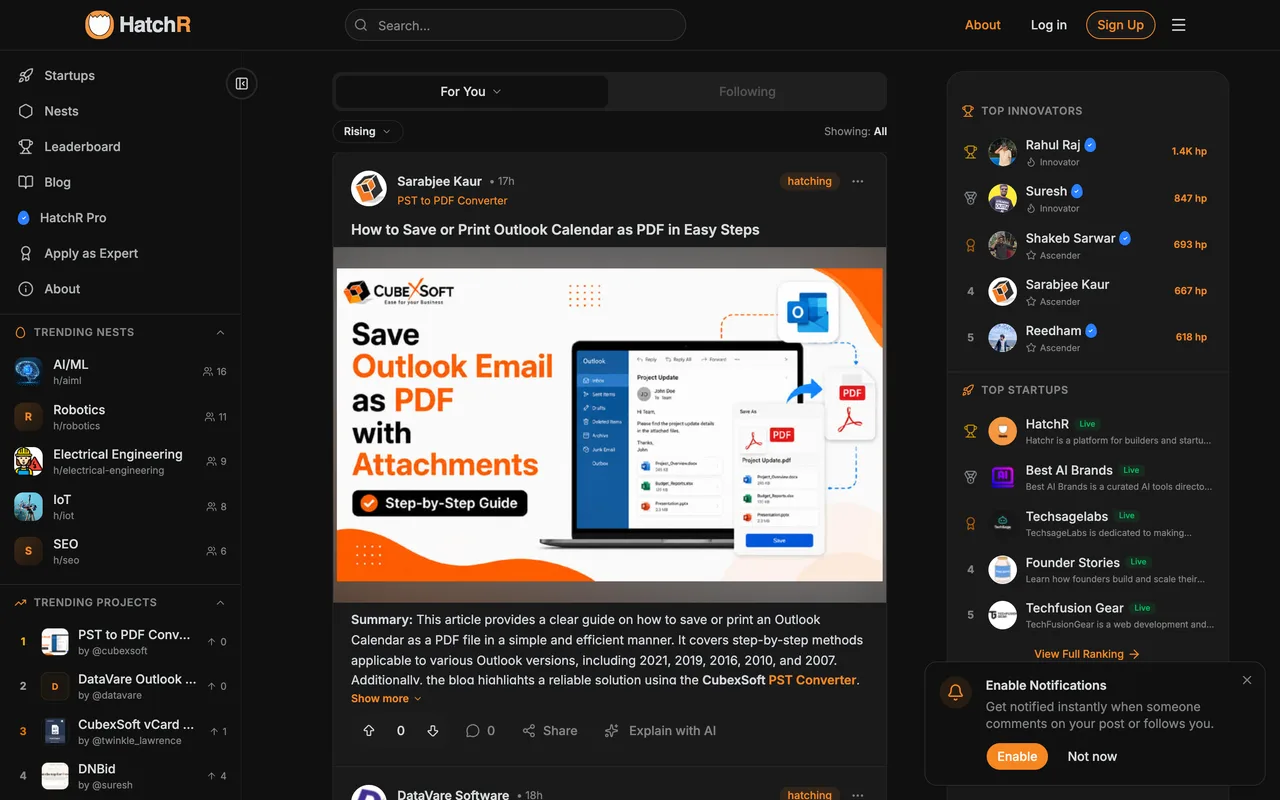
Two different things, and only the second is worth submitting for. A hatched project is live instantly with a title, a rich description, a cover and categories, and it carries no link to your site at all. A startup listing, requested separately and reviewed by them, adds the Product URL, founding year, your role and a logo, and that URL renders on the project's About tab as a real dofollow. The company you keep is worth a look first: the trending projects are dominated by Outlook and PDF file-conversion tools from a couple of vendors, and the leaderboard is a points game.
How to submit to Hatchr
- Sign up with Google/signup offers Google alongside an email form. Google opens a popup, then a username picker, then a five-step profile onboarding with a Skip for now underneath it.
- Hatch the projectThe Hatch Project button in the header opens a two-step dialog. Step one takes a title, a rich description, an optional cover image up to 5MB and up to five categories, then Hatch Instantly publishes it. There is no field for your website anywhere in it.
- Request the startup listing separatelyProject Settings on the new project has a Startup Approval item. That form is where the Product URL lives, along with a stage of idea, MVP, beta or live, the founding year, your role title and a square logo up to 2MB.
- Find out your account is too newSubmit for review answers "Account must be at least 7 days old" and refuses. Nothing says so beforehand, and the project you already hatched stays live and linkless in the meantime.
Hatchr requirements
An account
Project title
Description
Cover imageoptional
PNG or JPG up to 5MB
Categories
up to 5
Product URL
startup listing only
Founding year
startup listing only
Your role title
startup listing only
Square logo
PNG or JPG up to 2MB, startup listing only
Gotchas
Hatching a project never asks for your website, so the page you get is a description with no link out. The URL only exists on the separate startup-approval form, and until that is granted the listing sends nobody anywhere.
That form is gated on account age, and the gate is invisible until you press the button: it answers "Account must be at least 7 days old" and refuses. So the useful half of this platform cannot be done on the day you arrive, and you have to come back.
Signing up drops you through three screens before the platform itself: a username picker, then a five-step profile wizard, then a six-item Get Started checklist. The Skip for now under the wizard is the way past it.
Let your agent submit to Hatchr
Connect SubmitMap to your AI over MCP and this page stops being something you read and copy. Your agent asks for the Hatchr playbook and gets the brief for this exact form, with the values already taken from your submission pack instead of placeholders you fill in by hand.
What it does for this platform
Checks your product against the 4 Hatchr rules above, so you find out you would be rejected before you open a tab.
Hands your agent all 9 fields this form asks for, 1 of them optional, already filled from your pack.
Tells you what paying buys here, so you pick it on purpose: posting a project and requesting a startup listing both cost nothing. HatchR Pro is billed in rupees at 249 a month annually and sells analytics, premium profile layouts and priority in the Discover feed; it does not unlock the startup listing or change the link.
Types it into Hatchr in your own browser, and stops for you when the form wants a sign-in.
Records what it sent, so the dashboard can answer "did I ever submit to Hatchr?".
Connect your agentHow this worksTools and endpointsWorks with Claude Code, Claude, Codex, Cursor, VS Code and Hermes.
Hatchr FAQ
How long does Hatchr approval take?
Hatchr does not publish how long approval takes.
How much does it cost to submit to Hatchr?
Hatchr has a free submission option plus paid placement (Posting a project and requesting a startup listing both cost nothing. HatchR Pro is billed in rupees at 249 a month annually and sells analytics, premium profile layouts and priority in the Discover feed; it does not unlock the startup listing or change the link.).
Does Hatchr give a dofollow backlink?
Yes, a listing on Hatchr carries a dofollow link. The site has a domain rating of 3.
Does Hatchr require a backlink to your site?
No, Hatchr does not require a link back from your site.
What gets you rejected from Hatchr?
Nothing is published about who is refused. The stated bar for a startup listing is keeping the platform focused on real builders, and that is the whole of it.