
Saasgrave Launches: requirements, how to submit, and what you actually get
A brand new weekly launch board: free, instant, genuinely dofollow, and currently three products deep.
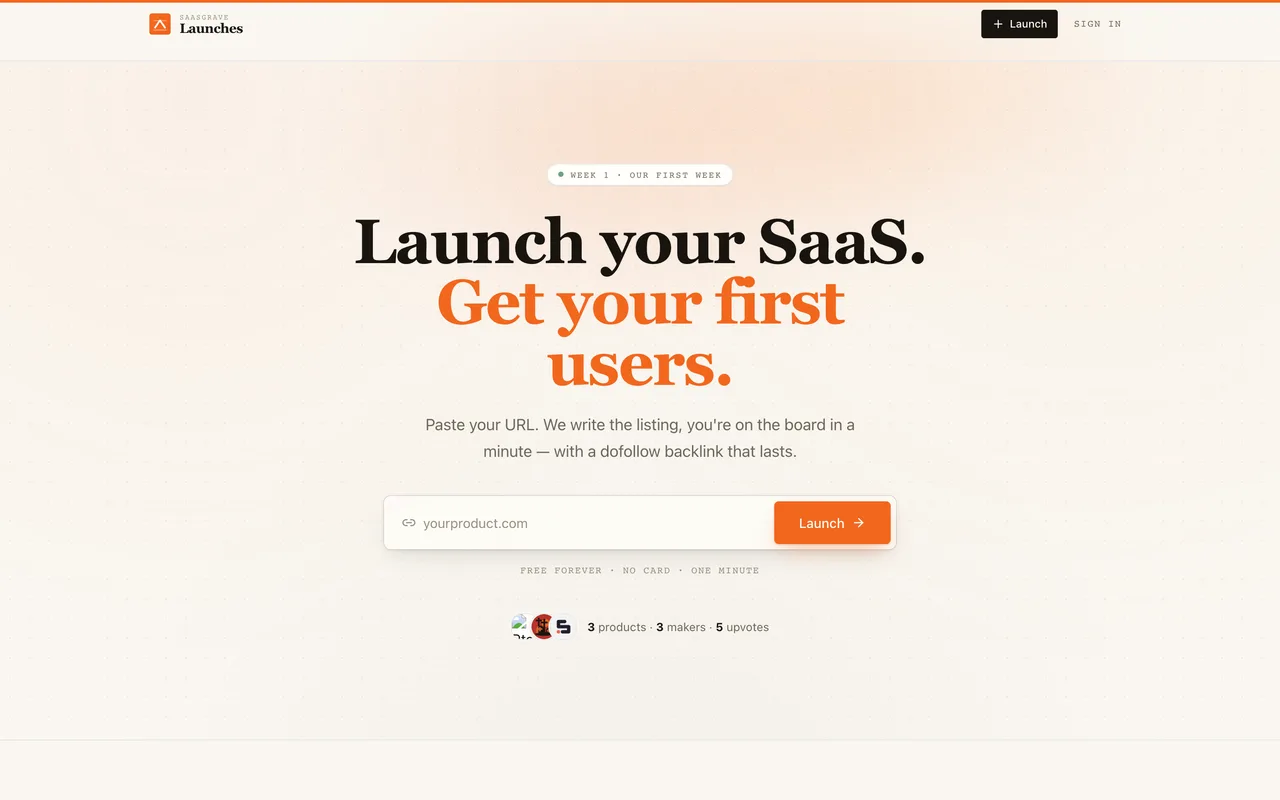
Who Saasgrave Launches accepts
How to submit to Saasgrave Launches
- Sign in before anything else/launch redirects to /login. Continue with Google creates the account in the same click, and it is the same account as saasgrave.org. Email and password is the other option.
- Ignore the AI autofillThe form opens with a URL box and a Fill with AI button that scrapes your site and writes every field. Paste your own copy instead; there are only five required fields.
- Fill the five essentialsProduct name, tagline, website, logo URL and one or two categories. The logo is a URL you host, not an upload, and it previews live beside the field.
- Open the collapsed sectionMake the page work harder holds the description, audience, pricing, problem, solution, differentiator, keywords and the first comment. That section is the entire SEO page; skipping it leaves a listing with a tagline and nothing else.
- Press Launch itNo review, no queue and no upsell modal. You land on your live product page with the badge HTML and three ready-made share posts above it.
Saasgrave Launches requirements
Gotchas
Let your agent submit to Saasgrave Launches
Connect SubmitMap to your AI over MCP and this page stops being something you read and copy. Your agent asks for the Saasgrave Launches playbook and gets the brief for this exact form, with the values already taken from your submission pack instead of placeholders you fill in by hand.
Saasgrave Launches FAQ
How long does Saasgrave Launches approval take?
How much does it cost to submit to Saasgrave Launches?
Does Saasgrave Launches give a dofollow backlink?
Does Saasgrave Launches require a backlink to your site?
What gets you rejected from Saasgrave Launches?
Run Saasgrave Launches? Put the badge on it
It links back to this page, where makers read who you accept and how to submit. Pick the version that matches where it will sit, copy the snippet, and paste it into your footer or wherever your other badges go.

<a href="https://submitmap.com/platform/saasgrave-launches/">
  <img src="https://submitmap.com/badge/listed-light.svg" alt="Listed on SubmitMap" width="150" height="52">
</a>
No account, no cost and nothing to verify: it works the moment it is on the page. If anything on this page is out of date, tell us and we will fix the record.