
Four fields, no account and a dofollow Visit link, behind a Cloudflare checkbox that only a human can tick.
projecthunt.me
Eligibility
Who ProjectHunt accepts
You need
An email address
A project name and URL
A logo file, which the form marks required
A person at the keyboard for the Cloudflare Turnstile checkbox
You'll be rejected if
Nothing is published as a bar: their own FAQ says projects of any kind are welcome regardless of who made them or what they are for. The only filter is the manual review they promise within 24 hours.
AI toolsSaaS productsIndie projectsWeb apps
What you actually get
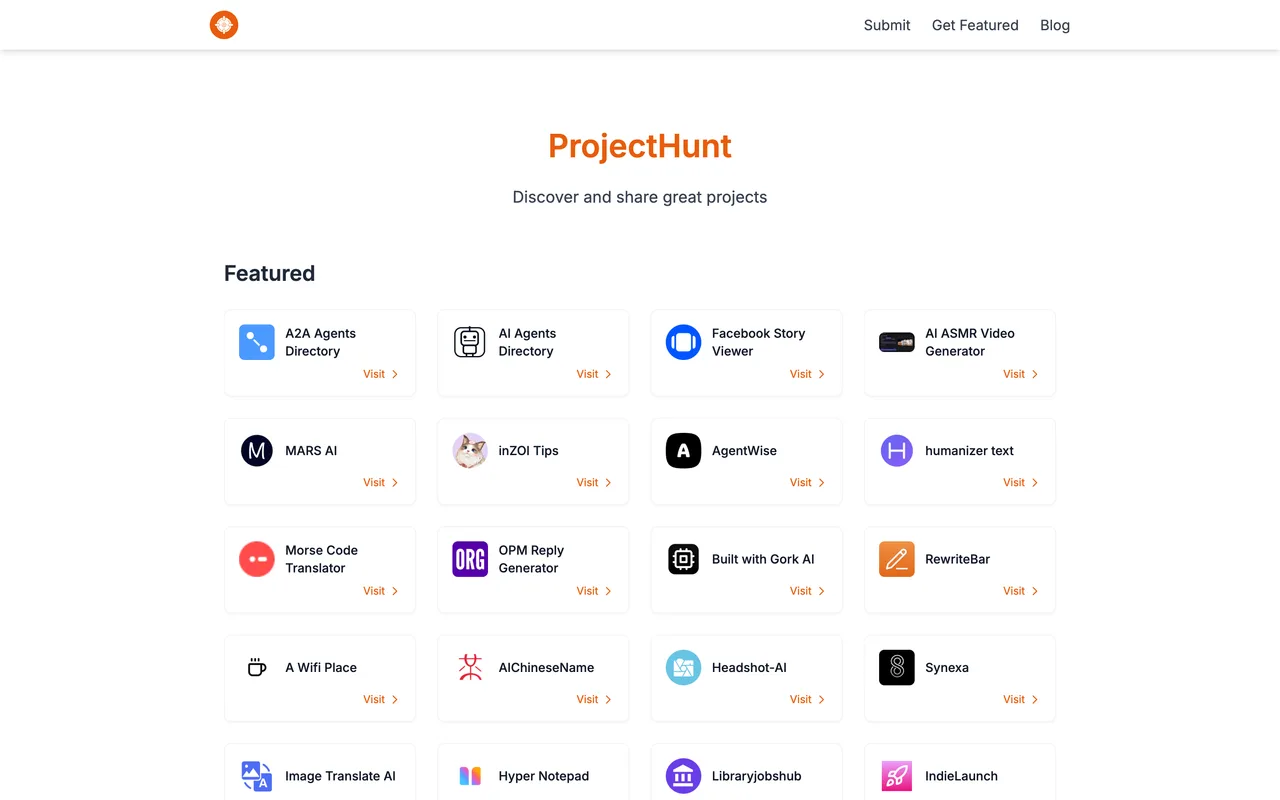
A page under /project-detail/ with your name, a one-line description, three keyword chips and an AI-written description paragraph, plus a card in the long homepage grid. The Visit Website button is rel="noopener noreferrer" with a utm_source appended, so the link is followed. The featured strip at the top of the homepage is a separate thing you only get by putting their badge up and emailing them.
How to submit to ProjectHunt
1
Open the modal
Submit in the header is a button, not a link: /submit is a 404. It opens a modal on whatever page you are on.
2
Fill four fields
Email, project name, project URL and a logo file. That is the whole form; there is no description field, no category and no account.
3
Tick the Cloudflare box
An interactive Turnstile widget sits above the submit button and does not solve itself.
4
Submit and wait
They say they review and reply within 24 hours. The description on your page is written by their AI from your site, not by you.
ProjectHunt requirements
Email address
Project name
Project URL
A logo file
Gotchas
The Cloudflare Turnstile above the submit button is the interactive kind and stays unticked on its own, so the last step needs a person however you got to it.
Nothing you write becomes the listing. The form takes no description, and the paragraph on your project page is generated from your site afterwards, so your positioning is theirs to decide.
The Submit control is a button with no route behind it. Guessing /submit gives their 404 page, which is the only thing that looks like an answer if you go looking for the form directly.
Let your agent submit to ProjectHunt
Connect SubmitMap to your AI over MCP and this page stops being something you read and copy. Your agent asks for the ProjectHunt playbook and gets the brief for this exact form, with the values already taken from your submission pack instead of placeholders you fill in by hand.
What it does for this platform
Checks your product against the 5 ProjectHunt rules above, so you find out you would be rejected before you open a tab.
Hands your agent all 4 fields this form asks for, none of them optional, already filled from your pack.
Types it into ProjectHunt in your own browser, and stops for you when the form wants a sign-in.
Records what it sent, so the dashboard can answer "did I ever submit to ProjectHunt?".
Connect your agentTools and endpointsWorks with Claude Code, Claude, Codex, Cursor, VS Code and Hermes.
ProjectHunt FAQ
How long does ProjectHunt approval take?
ProjectHunt's typical time from submission to going live is up to 24 hours.
How much does it cost to submit to ProjectHunt?
Submitting to ProjectHunt is free.
Does ProjectHunt give a dofollow backlink?
Yes, a listing on ProjectHunt carries a dofollow link. The site has a domain rating of 47.
Does ProjectHunt require a backlink to your site?
No, ProjectHunt does not require a link back from your site.
What gets you rejected from ProjectHunt?
Nothing is published as a bar: their own FAQ says projects of any kind are welcome regardless of who made them or what they are for. The only filter is the manual review they promise within 24 hours.