
directory · ai
Dynamite AI: requirements, how to submit, and what you actually get
Seven fields, no account, and a free queue of three weeks against $2 for a day
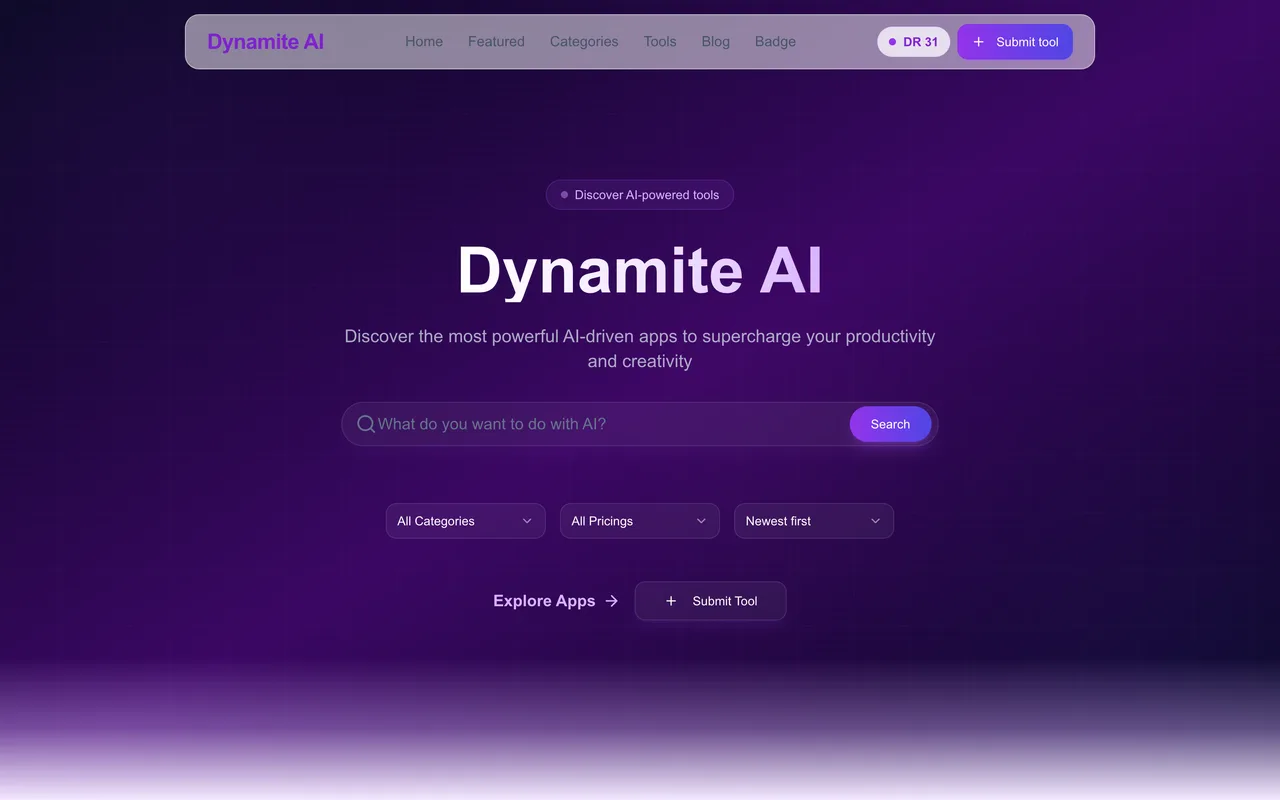
dynamite-ai.com
Eligibility
Who Dynamite AI accepts
You need
A live URL
An email address
One image
You'll be rejected if
Nothing published about who is refused.
AI toolsSaaS with an AI angleDeveloper toolsMarketing and SEO tools
What you actually get
A permanent tool page in a Nairobi-run AI directory, filed under one of 72 categories, with a Visit button that carries rel="noopener noreferrer" and no nofollow. The free queue is three weeks; the $2 tier is the same page a day later. The homepage shows a handful of featured tools over a category grid and publishes no count.
How to submit to Dynamite AI
- Fill seven fieldsTool name, email, website, an optional description, an image, one of 72 categories and a pricing model. No account at any point.
- Press NextThe tool is saved here, before you see a plan: the next screen opens with 'Your tool is in'.
- Choose a planFree (three weeks), Pro at $2 (24 hours) or Max at $5. Continue for free needs no card.
- Read the success page'Submission Received!' with an optional badge builder. No id, no email promised, no dashboard.
Dynamite AI requirements
Tool name
Email
Website URL
Descriptionoptional
Image
Category
one of 72
Pricing
free, freemium or paid
Gotchas
The tool is saved the moment you press Next, before the plan step: the plan page opens with 'Your tool is in', so backing out to fix a field means a second, duplicate submission.
The free queue is three weeks and nothing shows it moving: there is no account, no dashboard and no promise of an email beyond the address you typed.
Let your agent submit to Dynamite AI
Connect SubmitMap to your AI over MCP and this page stops being something you read and copy. Your agent asks for the Dynamite AI playbook and gets the brief for this exact form, with the values already taken from your submission pack instead of placeholders you fill in by hand.
What it does for this platform
Checks your product against the 4 Dynamite AI rules above, so you find out you would be rejected before you open a tab.
Hands your agent all 7 fields this form asks for, 1 of them optional, already filled from your pack.
Tells you what paying buys here, so you pick it on purpose: free is reviewed within 3 weeks with no support. Pro is $2 one time: reviewed and posted within 24 hours, a permanent dofollow link and support. Max is $5 one time: Pro plus three days in Featured Tools and round-the-clock support.
Types it into Dynamite AI in your own browser, and stops for you when the form wants a sign-in.
Records what it sent, so the dashboard can answer "did I ever submit to Dynamite AI?".
Connect your agentHow this worksTools and endpointsWorks with Claude Code, Claude, Codex, Cursor, VS Code and Hermes.
Dynamite AI FAQ
How long does Dynamite AI approval take?
Dynamite AI's typical time from submission to going live is 2-4 weeks.
How much does it cost to submit to Dynamite AI?
Dynamite AI has a free submission option plus paid placement (Free is reviewed within 3 weeks with no support. Pro is $2 one time: reviewed and posted within 24 hours, a permanent dofollow link and support. Max is $5 one time: Pro plus three days in Featured Tools and round-the-clock support.).
Does Dynamite AI give a dofollow backlink?
Yes, a listing on Dynamite AI carries a dofollow link. The site has a domain rating of 31.
Does Dynamite AI require a backlink to your site?
No, Dynamite AI does not require a link back from your site.
What gets you rejected from Dynamite AI?
Nothing published about who is refused.