
ai · dev · directory
FastPedia: requirements, how to submit, and what you actually get
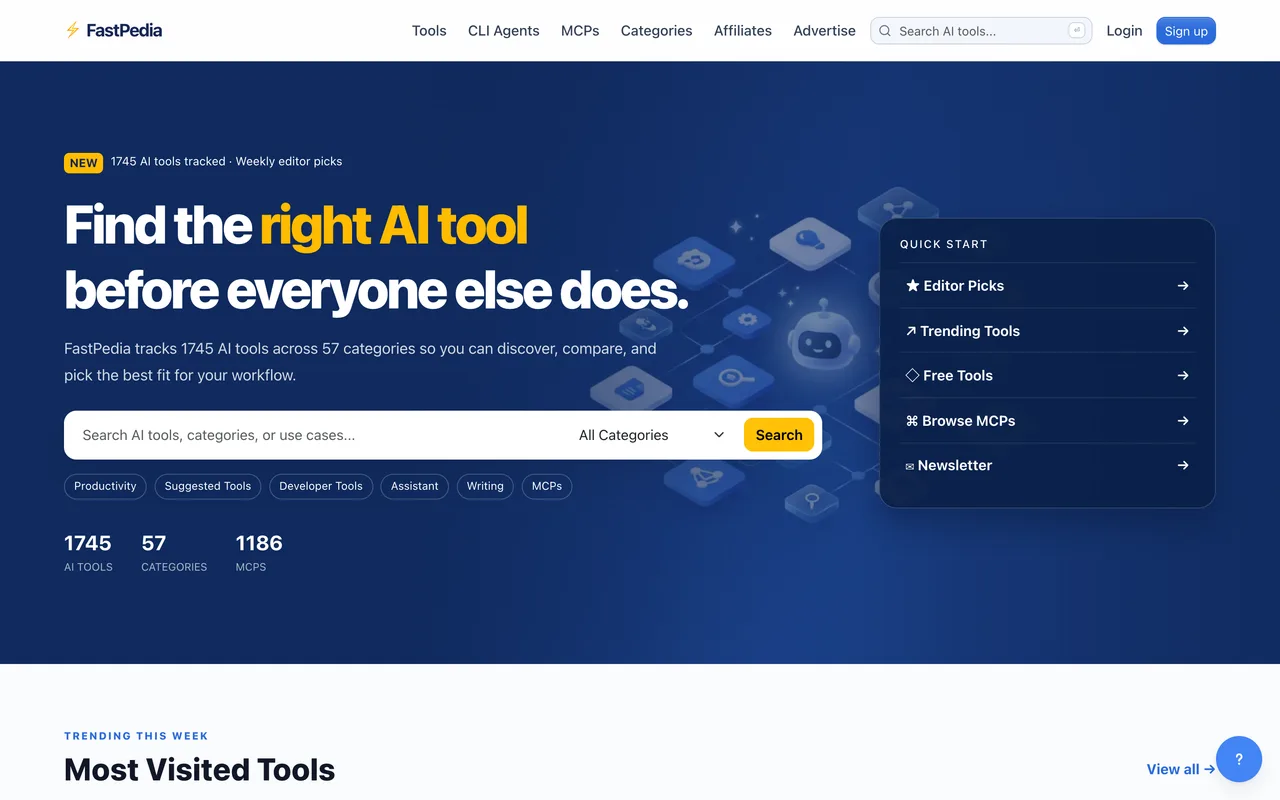
It has a shelf for MCP servers, and the link out is an internal redirect
fastpedia.io
Eligibility
Who FastPedia accepts
You need
An account
An AI tool, a CLI agent or an MCP server
You'll be rejected if
The three indexes are AI tools, CLI agents and MCP servers, so a product that is none of those has no shelf.
AI toolsDeveloper toolsAI agents
What you actually get
A page in one of three indexes: AI tools by category, CLI agents, or MCP servers. That last one is the reason to look: it is a real shelf with its own categories, and there are few directories that have one. The link is worth nothing though. Your button points at an internal /go/ redirect carrying rel="sponsored nofollow noreferrer", so nothing points at your domain at all.
How to submit to FastPedia
1
Make an account
/submit redirects to a sign-in that takes a username or email and a password. There is no Google or GitHub option.
2
Pick the right index
Tools, CLI agents and MCPs are separate, with their own category lists. An MCP server belongs on /mcps/ rather than in the tools index.
FastPedia requirements
A live URL
Account
Username and password only, no OAuth
Gotchas
The outbound button is not a link to you. It is a redirect on their own domain carrying rel="sponsored nofollow noreferrer", so nothing about this listing reaches your site as a link.
There is no OAuth. Getting in means creating a username and password by hand.
The MCP server index is the genuinely useful part and it is easy to miss, because the submit route does not ask which of the three indexes you mean until you are inside.
An Advertise page sits next to the free route, so expect the free listing to be the quiet one.
Let your agent submit to FastPedia
Connect SubmitMap to your AI over MCP and this page stops being something you read and copy. Your agent asks for the FastPedia playbook and gets the brief for this exact form, with the values already taken from your submission pack instead of placeholders you fill in by hand.
What it does for this platform
Checks your product against the 3 FastPedia rules above, so you find out you would be rejected before you open a tab.
Hands your agent all 2 fields this form asks for, none of them optional, already filled from your pack.
Types it into FastPedia in your own browser, and stops for you when the form wants a sign-in.
Records what it sent, so the dashboard can answer "did I ever submit to FastPedia?".
Connect your agentHow this worksTools and endpointsWorks with Claude Code, Claude, Codex, Cursor, VS Code and Hermes.
FastPedia FAQ
How long does FastPedia approval take?
FastPedia does not publish how long approval takes.
How much does it cost to submit to FastPedia?
Submitting to FastPedia is free.
Does FastPedia give a dofollow backlink?
No, links from FastPedia are nofollow. The site has a domain rating of 16.
Does FastPedia require a backlink to your site?
No, FastPedia does not require a link back from your site.
What gets you rejected from FastPedia?
The three indexes are AI tools, CLI agents and MCP servers, so a product that is none of those has no shelf.