
saas · ai · directory
Arcapush: requirements, how to submit, and what you actually get
A four-step record with a Genesis number, and every outbound link is a redirect
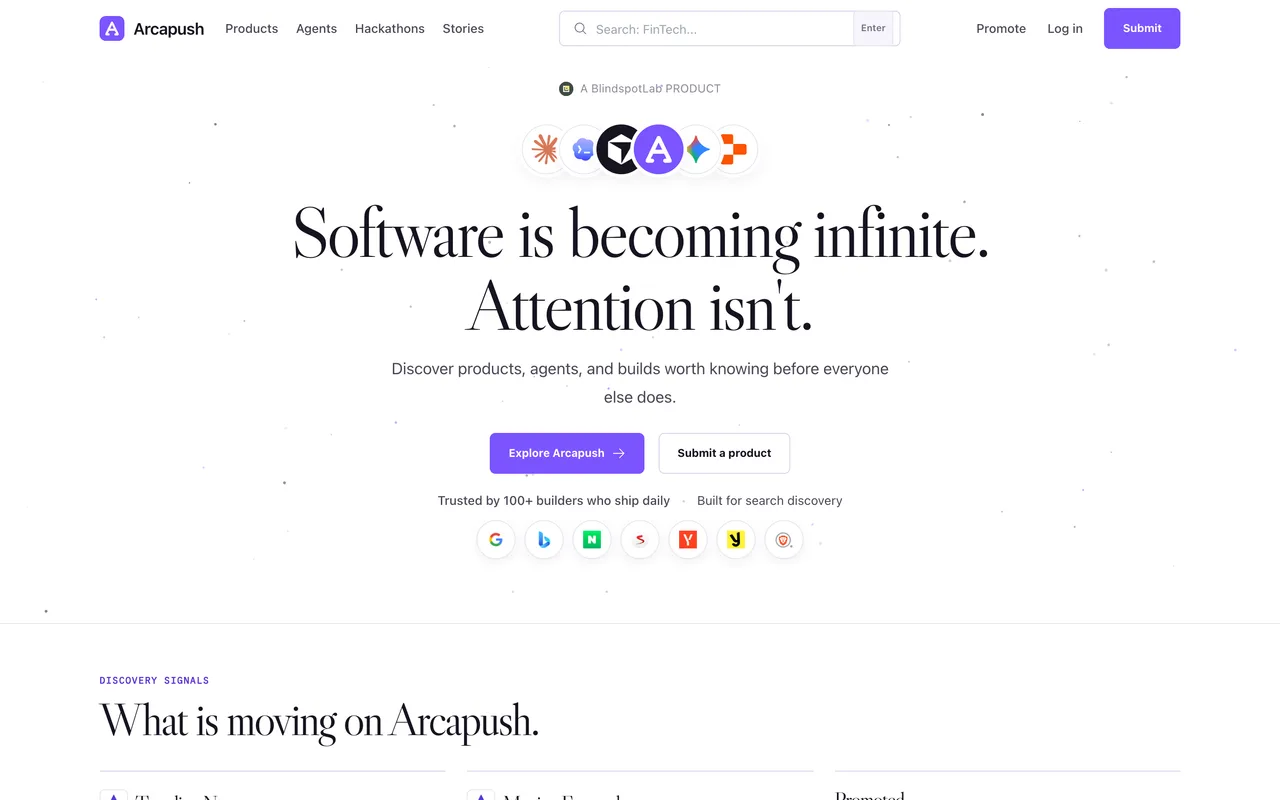
arcapush.com
Eligibility
Who Arcapush accepts
You need
An account: Google or GitHub
A logo, and at least one more image
You'll be rejected if
The three record types are Product, AI agent and Hackathon build, so anything that is not one of those has nowhere to go.
SaaS productsAI agentsDev toolsIndie products
What you actually get
A record in their registry with a permanent Genesis number, filed under a category path like /startup/productivity/<slug>, carrying your tagline, a long description, a logo, screenshots and your socials. The registry held 204 public records when this was written. What it does not carry is a link to your site: every Visit product, Website and Open product site control points at /go/product/<slug> on their own domain, so nothing in the HTML leaves Arcapush.
How to submit to Arcapush
- Sign inGoogle or GitHub, no passwords. /submit shows a sign-in wall before anything else.
- Pick the record typeProduct is reviewed before publishing. AI agent and Hackathon build both publish immediately, which is worth knowing but not worth lying about.
- Step 1, identityName, a one-line tagline, one category from about 35, and a logo. The draft saves as you go.
- Steps 2 and 3, links and mediaProduct URL, optional GitHub, X and pitch deck, a long description, then a cover or screenshot on top of the logo.
- Step 4, builder and reviewYour display name and X, then a full review panel. "Submit Product for Review" ends with "Product received and queued for review".
Arcapush requirements
A live URL
Logo
JPEG, PNG or WebP, max 8 MB
Description
what problem, for whom
Gotchas
There is no link to your site anywhere on a published record. Every button that looks like one, Visit product, Website, Open product site, points at /go/product/<slug> on Arcapush's own domain, so the link value is zero however the rel reads.
Product records are reviewed before publishing while AI agent and Hackathon build publish immediately. The temptation to file a product as an agent to skip the queue is the wrong trade: it puts your listing in the wrong section forever.
The tagline field fights you. Selecting all and retyping merged the old and new text twice; clear it, confirm it is empty, then type.
It is four screens with a draft saved between each, so you can leave and come back, but nothing is submitted until the button on step four.
Let your agent submit to Arcapush
Connect SubmitMap to your AI over MCP and this page stops being something you read and copy. Your agent asks for the Arcapush playbook and gets the brief for this exact form, with the values already taken from your submission pack instead of placeholders you fill in by hand.
What it does for this platform
Checks your product against the 3 Arcapush rules above, so you find out you would be rejected before you open a tab.
Hands your agent all 3 fields this form asks for, none of them optional, already filled from your pack.
Types it into Arcapush in your own browser, and stops for you when the form wants a sign-in.
Records what it sent, so the dashboard can answer "did I ever submit to Arcapush?".
Connect your agentHow this worksTools and endpointsWorks with Claude Code, Claude, Codex, Cursor, VS Code and Hermes.
Arcapush FAQ
How long does Arcapush approval take?
Arcapush does not publish how long approval takes.
How much does it cost to submit to Arcapush?
Submitting to Arcapush is free.
Does Arcapush give a dofollow backlink?
No, links from Arcapush are nofollow. The site has a domain rating of 14.
Does Arcapush require a backlink to your site?
No, Arcapush does not require a link back from your site.
What gets you rejected from Arcapush?
The three record types are Product, AI agent and Hackathon build, so anything that is not one of those has nowhere to go.