
mobile · saas · directory
AppsMirror: requirements, how to submit, and what you actually get
The page still says free review, and the form starts at twenty-five dollars
appsmirror.com
Eligibility
Who AppsMirror accepts
You need
Something their editor can install and use
$25
You'll be rejected if
The whole site is app reviews for readers deciding what to install, so a product with nothing to try has nothing to review.
Mobile appsWeb appsSaaS products
What you actually get
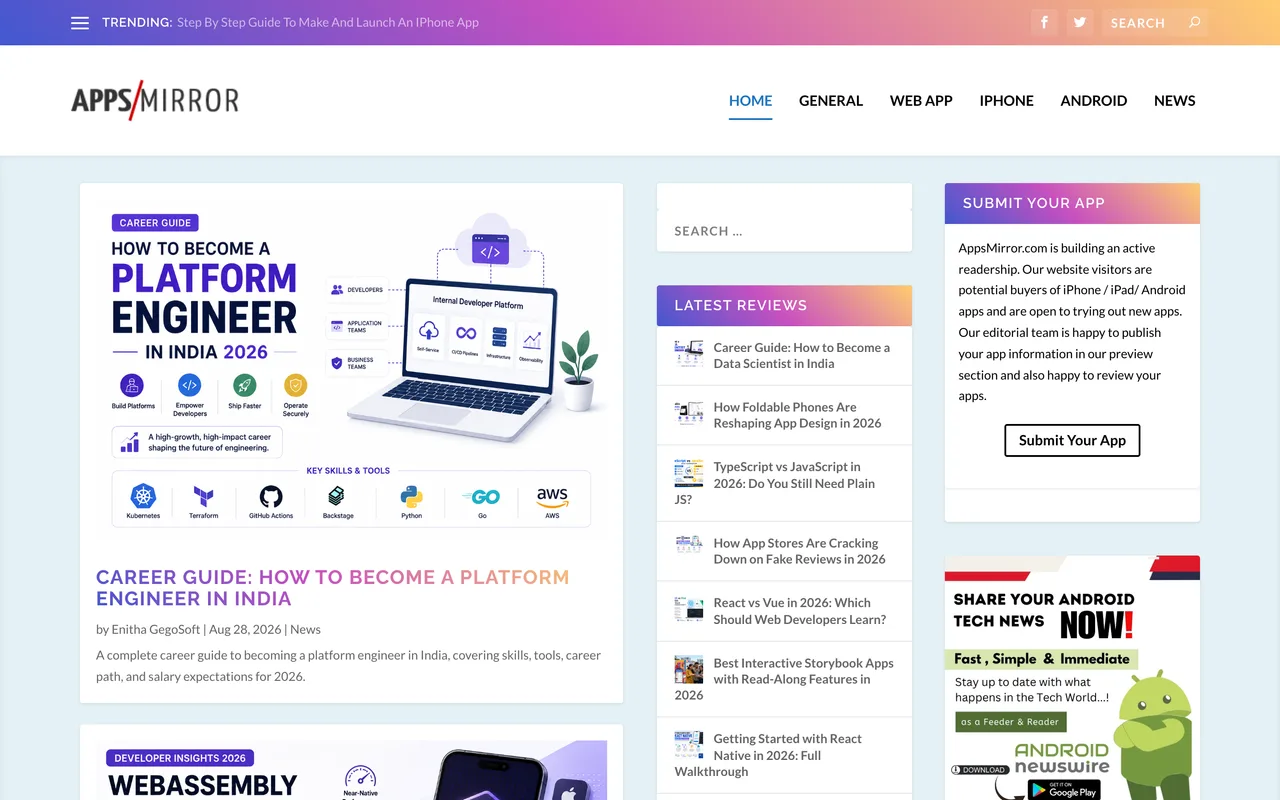
An editorial post about your app on a WordPress blog that has been running since 2012, written by their team from their own use of it. Links in their posts carry no rel attribute at all, so they follow. They say seven to ten days to publish and that they will not answer questions about status in the meantime.
How to submit to AppsMirror
- Open the Wufoo formThe submit page embeds it; it also stands alone at amp2.wufoo.com. Pick a review option first, because it is required and it sets the total.
- Classify and describeWeb Application, iOS, Android, Facebook or Other Mobile, then app name, URL, an About paragraph, the developer name and site, and your own name and email.
- Accept the terms and pass the captchaOne tickbox for the terms, and reCAPTCHA Enterprise on submit.
AppsMirror requirements
A live app or web app
$25 minimum
Or $249 for the ten-blog network
About App
A paragraph their editor writes from
Developer name and website
Gotchas
The submit page advertises a Free App Review section and the form has no free option: the required Select Review Option field offers $25 and $249 and nothing else.
The $249 package is ten of their own blogs, not ten independent ones. That is one editorial voice across ten domains, which is worth pricing differently from ten real reviews.
They say plainly that they will not reply about status and will only contact you when it publishes, so budget seven to ten days of silence.
It is a mobile-first review blog. Web Application is an accepted classification, but almost everything on the front page is an iOS or Android game.
Let your agent submit to AppsMirror
Connect SubmitMap to your AI over MCP and this page stops being something you read and copy. Your agent asks for the AppsMirror playbook and gets the brief for this exact form, with the values already taken from your submission pack instead of placeholders you fill in by hand.
What it does for this platform
Checks your product against the 3 AppsMirror rules above, so you find out you would be rejected before you open a tab.
Hands your agent all 4 fields this form asks for, none of them optional, already filled from your pack.
Tells you what paying buys here, so you pick it on purpose: $25 for a guaranteed review here, $249 for the same app reviewed across ten blogs they own. The Select Review Option field is required and both choices carry a price.
Types it into AppsMirror in your own browser, and stops for you when the form wants a sign-in.
Records what it sent, so the dashboard can answer "did I ever submit to AppsMirror?".
Connect your agentHow this worksTools and endpointsWorks with Claude Code, Claude, Codex, Cursor, VS Code and Hermes.
AppsMirror FAQ
How long does AppsMirror approval take?
AppsMirror's typical time from submission to going live is 1-2 weeks.
How much does it cost to submit to AppsMirror?
Submitting to AppsMirror is paid ($25 for a guaranteed review here, $249 for the same app reviewed across ten blogs they own. The Select Review Option field is required and both choices carry a price.).
Does AppsMirror give a dofollow backlink?
Yes, a listing on AppsMirror carries a dofollow link. The site has a domain rating of 15.
Does AppsMirror require a backlink to your site?
No, AppsMirror does not require a link back from your site.
What gets you rejected from AppsMirror?
The whole site is app reviews for readers deciding what to install, so a product with nothing to try has nothing to review.