
Versily: requirements, how to submit, and what you actually get
A launch calendar where the free plan is greyed out on every date and $39 buys the slot and the followed link
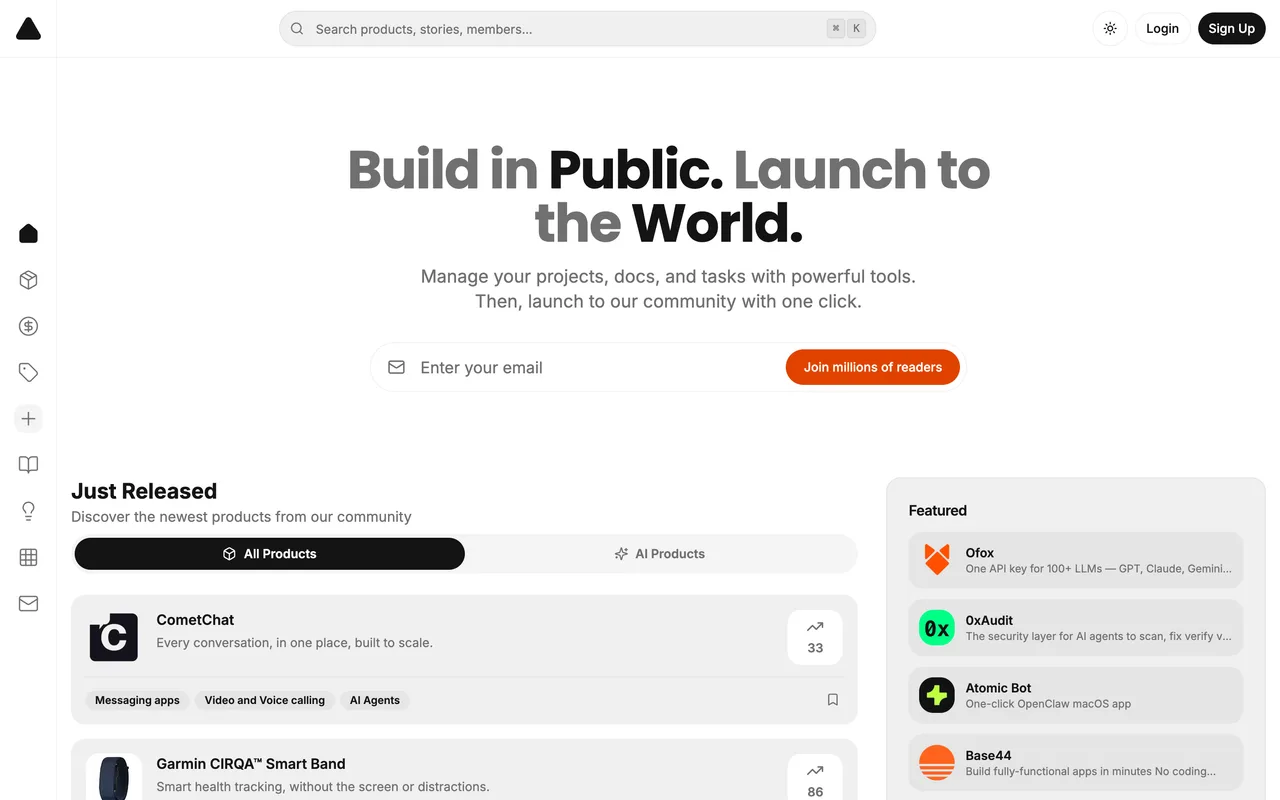
Who Versily accepts
How to submit to Versily
- Sign in and finish the profile/start/product redirects to /login, which offers Continue with Google, X, GitHub or LinkedIn, plus email and password. A new account is then sent to /settings until Full Name, Username and a unique Nickname are saved.
- Give them the URLThe wizard opens on a single Product URL field and checks whether the product already exists before it continues.
- Seven stepsMain info (name, slug, 60-character tagline, 600-character description, up to three topics, optional parent brand), Links, Media (240x240 thumbnail, up to six gallery images, YouTube), Makers (did you work on it, plus team), Built with, Finance (Free, Paid or Freemium, optional deal), then Launch.
- Pick a date, then a planThe Launch step shows a checklist and a thirty-day calendar; each day lists Free and Featured with a coloured dot. Clicking a day opens the plan dialog with Featured ($39) preselected and Free disabled, titled "Free is not available on the selected launch date". Continue to payment is the only way forward.
- Wait for their reviewThe Launch step says the product is reviewed by their team before going live. No time is published.
Versily requirements
Gotchas
Let your agent submit to Versily
Connect SubmitMap to your AI over MCP and this page stops being something you read and copy. Your agent asks for the Versily playbook and gets the brief for this exact form, with the values already taken from your submission pack instead of placeholders you fill in by hand.
Versily FAQ
How long does Versily approval take?
How much does it cost to submit to Versily?
Does Versily give a dofollow backlink?
Does Versily require a backlink to your site?
What gets you rejected from Versily?
Run Versily? Put the badge on it
It links back to this page, where makers read who you accept and how to submit. Pick the version that matches where it will sit, copy the snippet, and paste it into your footer or wherever your other badges go.

<a href="https://submitmap.com/platform/versily/">
  <img src="https://submitmap.com/badge/listed-light.svg" alt="Listed on SubmitMap" width="150" height="52">
</a>
No account, no cost and nothing to verify: it works the moment it is on the page. If anything on this page is out of date, tell us and we will fix the record.