SU Visit
Visit
saas · indie · productivity
Super Launch: requirements, how to submit, and what you actually get
A badge here buys speed rather than link value: the free listing is nofollow either way.
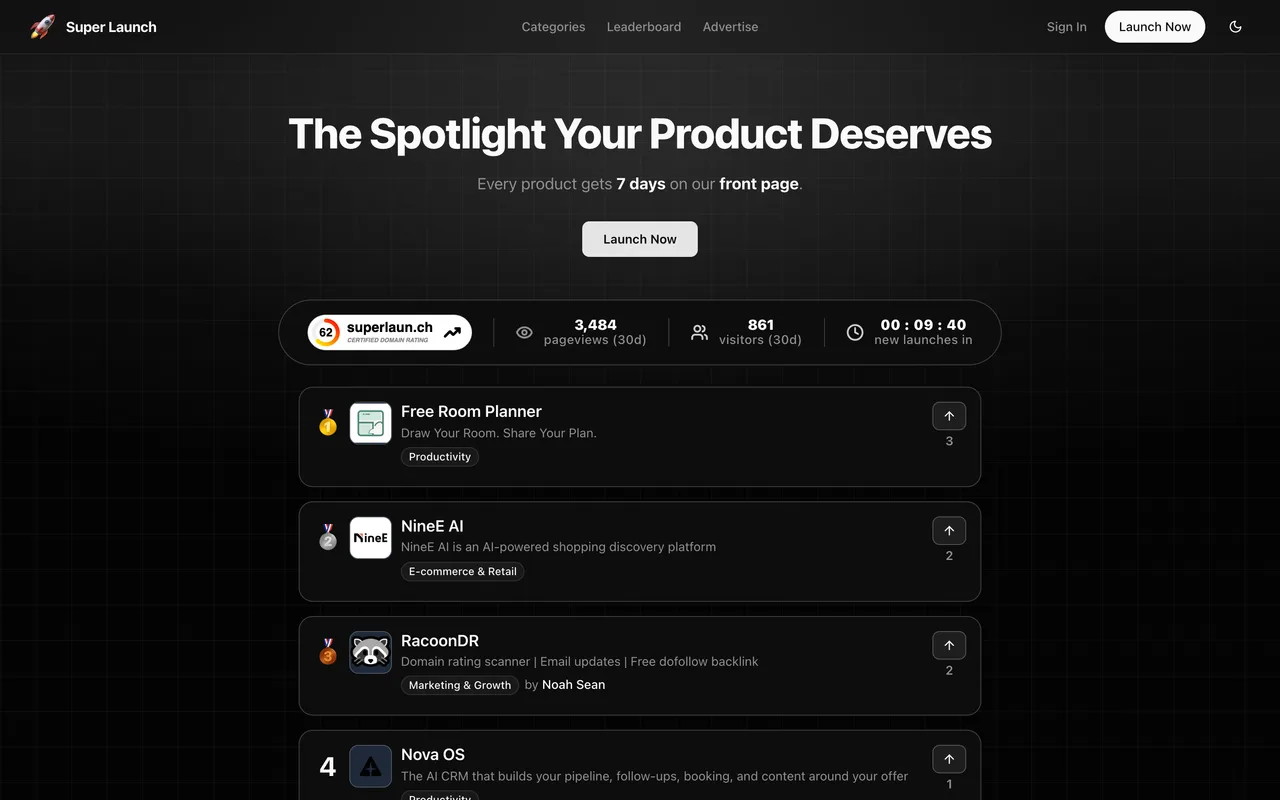
superlaun.ch
Eligibility
Who Super Launch accepts
You need
A Google account or an email address
A product name, tagline, website and category
A logo
You'll be rejected if
A product with no logo or no category, both of which the form requires before it will submit
SaaS productsIndie productsDev toolsProductivity tools
What you actually get
A product page and seven days on the front page, reached through a queue whose position depends on whether you added their badge. The link stays nofollow on the free plan however long you wait.
How to submit to Super Launch
1
Sign in
Continue with Google through their Clerk dialog, or an email address.
2
Fill the product form
Product name, tagline, website, category from a fixed list, a rich-text description and a logo, with an Optional Details section below.
3
Switch the plan to Free
Premium at $19 is preselected. Choosing Free changes the action button from Continue to Payment to Submit for Review.
4
Add the badge for speed
After submitting, a dialog offers the badge as the route to immediate approval, with Skip for Now beside it. The link is nofollow either way.
Super Launch requirements
Product name, tagline and website
A category from their list
A logo
A longer description and the optional details sectionoptional
Their badge, which buys approval speed rather than link valueoptional
Gotchas
The free plan's link is nofollow and stays that way: their own card lists Nofollow backlink as the first free feature and the badge only moves you up the queue.
Premium at $19 is preselected on the form, and the button reads Continue to Payment until you actively choose the free card.
Their badge snippet claims 300x300 for an asset that is really 470x130, so pasting it unchanged distorts the badge.
Let your agent submit to Super Launch
Connect SubmitMap to your AI over MCP and this page stops being something you read and copy. Your agent asks for the Super Launch playbook and gets the brief for this exact form, with the values already taken from your submission pack instead of placeholders you fill in by hand.
What it does for this platform
Checks your product against the 4 Super Launch rules above, so you find out you would be rejected before you open a tab.
Hands your agent all 5 fields this form asks for, 2 of them optional, already filled from your pack.
Tells you what paying buys here, so you pick it on purpose: premium is $19 one-time: two dofollow backlinks, a launch date you choose, no badge, no ads on the product page and immediate approval.
Types it into Super Launch in your own browser, and stops for you when the form wants a sign-in.
Records what it sent, so the dashboard can answer "did I ever submit to Super Launch?".
Connect your agentTools and endpointsWorks with Claude Code, Claude, Codex, Cursor, VS Code and Hermes.
Super Launch FAQ
How long does Super Launch approval take?
Super Launch's typical time from submission to going live is 1-2 weeks.
How much does it cost to submit to Super Launch?
Super Launch has a free submission option plus paid placement (Premium is $19 one-time: two dofollow backlinks, a launch date you choose, no badge, no ads on the product page and immediate approval.).
Does Super Launch give a dofollow backlink?
No, links from Super Launch are nofollow. The site has a domain rating of 62.
Does Super Launch require a backlink to your site?
No, Super Launch does not require a link back from your site.
What gets you rejected from Super Launch?
A product with no logo or no category, both of which the form requires before it will submit.