
design · productivity · marketing
Turbo0: requirements, how to submit, and what you actually get
A content-creation products directory whose free lane pays three dofollow links for a permanent badge and a two-week wait.
turbo0.com
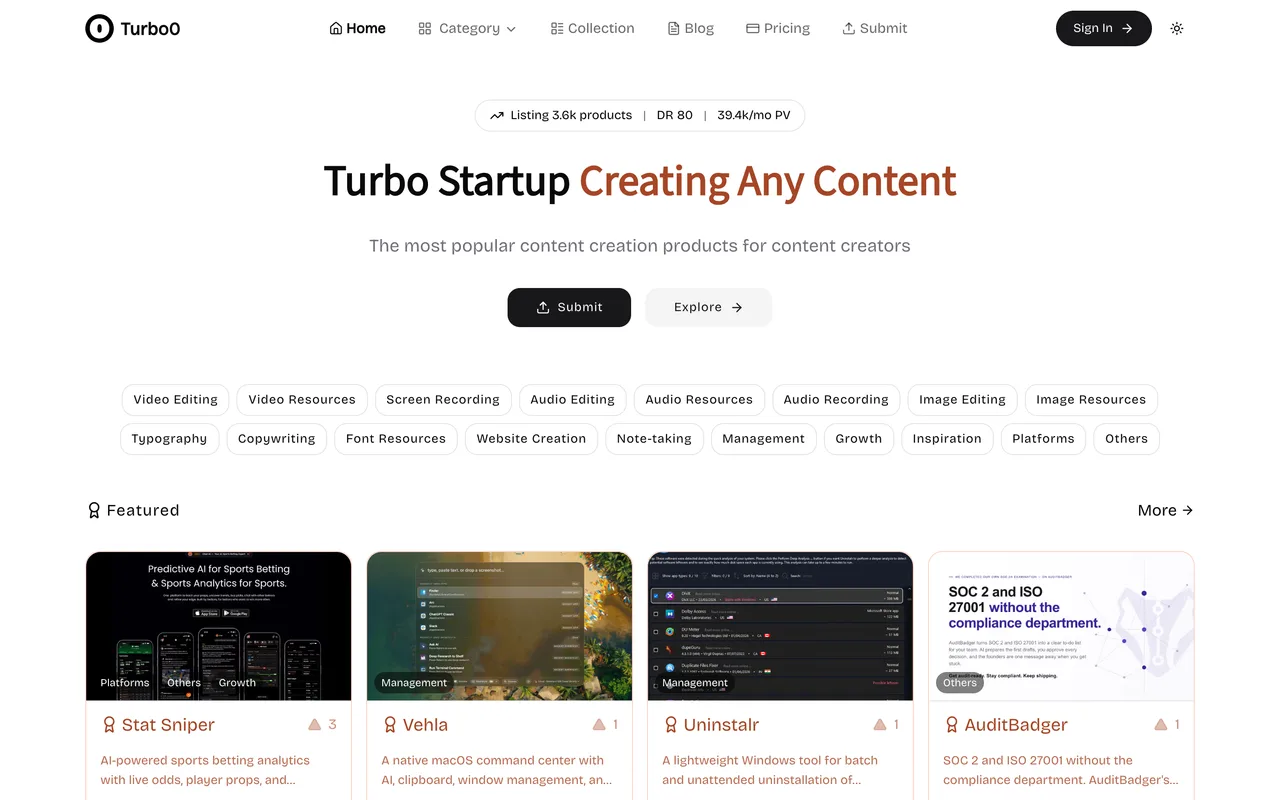
Eligibility
Who Turbo0 accepts
You need
An account: Google, GitHub or email and password
A live URL
Their badge on your site, on the free lane, verified before the submission goes through
A 16:9 image, PNG or JPEG, under 1MB
A fit with one of eighteen content-creation categories
You'll be rejected if
A product with no content-creation angle at all: the category list runs from video editing to typography and stops
A maker who will not host a badge, on the free lane
Design toolsProductivity toolsMarketing toolsNote-taking appsWebsite buildersCopywriting tools
What you actually get
A product page with your own markdown introduction, up to three categories, tag chips and a 16:9 card, carrying three followed links even on the free lane. The catch is fit: the eighteen categories are all content-creation buckets, so a product that is not one of those has nowhere honest to sit.
How to submit to Turbo0
1
Sign in
/submit redirects to /auth/login. Google and GitHub sit under the email and password form and create the account on the spot.
2
Fill the details, step 1 of 3
Link, name, up to three categories from a picker dialog, a tag dialog with four required groups (difficulty, pricing model, platforms, languages), a short description, a markdown introduction and one 16:9 image under 1MB.
3
Pick the lane, step 2 of 3
Submit creates the product with status Submitting and moves to the plan step. Basic and Pro are Pay & Publish Right Now; the free card's button reads Verify backlink first.
4
Verify the badge
The badge dialog gives a light or dark snippet pointing at your own listing URL and reads Waiting for verification until their checker finds it. Only then does the free submission continue.
5
Wait out the two weeks
The free card says reviewed and listed within two weeks, against listed immediately on both paid tiers.
Turbo0 requirements
Account (Google, GitHub, or email and password)
Product name and live URL
Categories
up to three of eighteen
Tags in four required groups: usage difficulty, pricing model, platforms, supported languages
Short description
Markdown introduction
One image
16:9, PNG or JPEG, under 1MB
Their badge on your site, for the free lane
Gotchas
The free lane's badge is checked before the submission continues, not after, so the badge has to be deployed and live before you reach the plan step.
Both counters on the details step are labelled Words and count characters, the same as the operator's sister site AIToolFame.
Let your agent submit to Turbo0
Connect SubmitMap to your AI over MCP and this page stops being something you read and copy. Your agent asks for the Turbo0 playbook and gets the brief for this exact form, with the values already taken from your submission pack instead of placeholders you fill in by hand.
What it does for this platform
Checks your product against the 7 Turbo0 rules above, so you find out you would be rejected before you open a tab.
Hands your agent all 8 fields this form asks for, none of them optional, already filled from your pack.
Warns you that Turbo0 looks for its badge on your site, so it has to be live before you submit rather than after.
Tells you what paying buys here, so you pick it on purpose: basic is $16.90 once, struck through from $29.90, and drops the badge requirement and the queue. Pro is $69.90 from $99.90 and adds a fifth link, featured embeds and a permanent border. A $169 review article sits on top of that.
Types it into Turbo0 in your own browser, and stops for you when the form wants a sign-in.
Records what it sent, so the dashboard can answer "did I ever submit to Turbo0?".
Connect your agentHow this worksTools and endpointsWorks with Claude Code, Claude, Codex, Cursor, VS Code and Hermes.
Turbo0 FAQ
How long does Turbo0 approval take?
Turbo0's typical time from submission to going live is 1-2 weeks.
How much does it cost to submit to Turbo0?
Turbo0 has a free submission option plus paid placement (Basic is $16.90 once, struck through from $29.90, and drops the badge requirement and the queue. Pro is $69.90 from $99.90 and adds a fifth link, featured embeds and a permanent border. A $169 review article sits on top of that.).
Does Turbo0 give a dofollow backlink?
Yes, a listing on Turbo0 carries a dofollow link. The site has a domain rating of 80.
Does Turbo0 require a backlink to your site?
Yes, Turbo0 expects a link back from your site as part of listing.
What gets you rejected from Turbo0?
A product with no content-creation angle at all: the category list runs from video editing to typography and stops; A maker who will not host a badge, on the free lane.