DP Visit
Visit
ai · saas · indie · productivity
DailyPings: requirements, how to submit, and what you actually get
One of the few free lanes that lists you instantly and pays a real dofollow, for exactly as long as the badge stays up.
dailypings.com
Eligibility
Who DailyPings accepts
You need
An account, by GitHub, Google or X
Their badge on your site, for the free tier
A live product URL
You'll be rejected if
Nothing is published as a content bar; the free tier's only stated condition is the badge
AI toolsSaaS productsIndie projectsProductivity apps
What you actually get
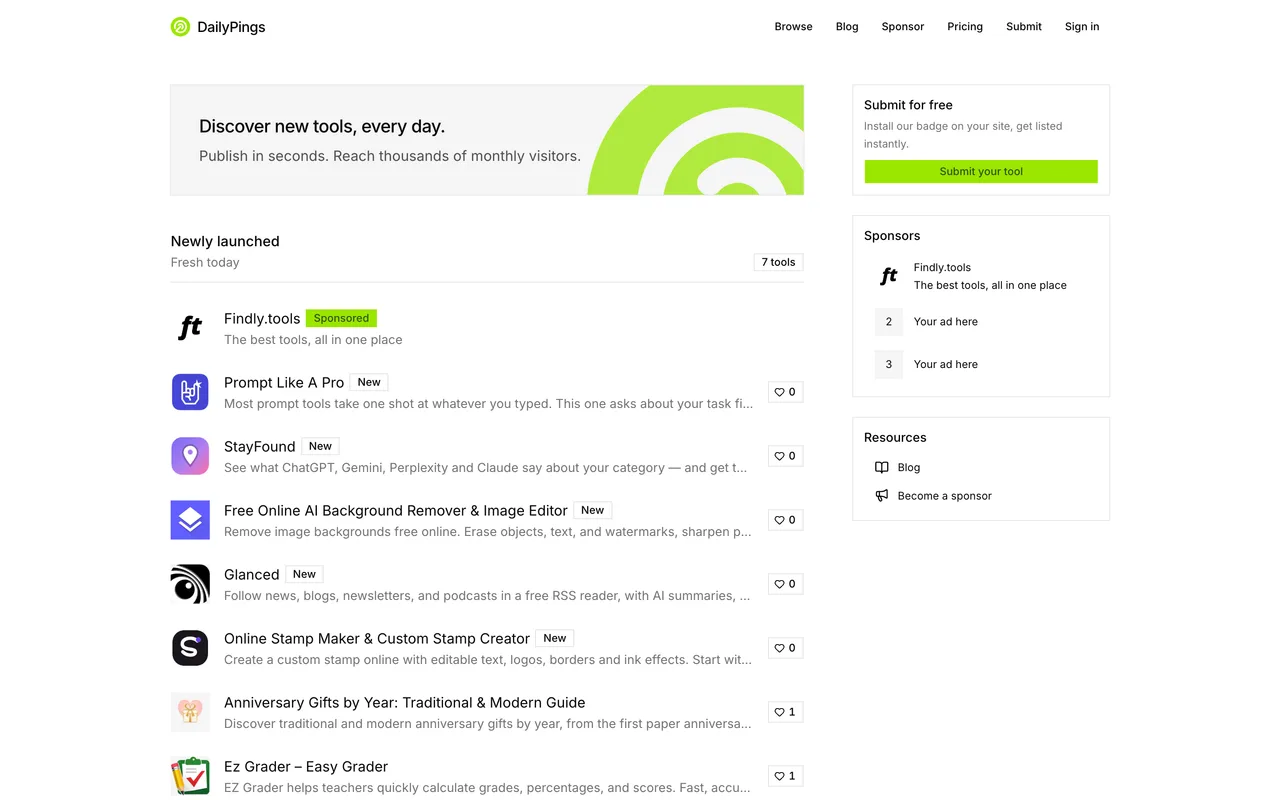
A permanent listing published the instant the badge verifies, with 24 hours in their Newly launched section. The outbound link is a direct dofollow with no click redirect, and it lives exactly as long as the badge does: they re-check daily.
How to submit to DailyPings
1
Sign in
/submit redirects to /sign-in. The visible form is email and password, with three unlabelled provider icons under an "or" divider.
2
Pick the lane
Free with badge, or $9 once for Premium with no badge and a longer featured window.
3
Install and verify the badge
On free, the listing appears the moment their check passes, so the badge goes up before the listing rather than after.
DailyPings requirements
An account
A live product URL
Their badge on your site, for the free tier
Gotchas
The three sign-in providers are unlabelled icons under the "or" divider, so the page reads as email and password only until you look at it. GitHub, Google and X are all there.
The dofollow lasts exactly as long as the badge does. Their own wording is a lifetime backlink while the badge stays live, so taking it down ends the link rather than just the listing.
Let your agent submit to DailyPings
Connect SubmitMap to your AI over MCP and this page stops being something you read and copy. Your agent asks for the DailyPings playbook and gets the brief for this exact form, with the values already taken from your submission pack instead of placeholders you fill in by hand.
What it does for this platform
Checks your product against the 4 DailyPings rules above, so you find out you would be rejected before you open a tab.
Hands your agent all 3 fields this form asks for, none of them optional, already filled from your pack.
Warns you that DailyPings looks for its badge on your site, so it has to be live before you submit rather than after.
Tells you what paying buys here, so you pick it on purpose: free with their badge: listed instantly once it verifies, a lifetime dofollow that lasts while the badge stays live, 24 hours in Newly launched, a newsletter mention and priority support. $9 once for Premium skips the badge and stretches the featured window to seven days. Sponsorship pins you to the top of every list from about $19.67 a week.
Types it into DailyPings in your own browser, and stops for you when the form wants a sign-in.
Records what it sent, so the dashboard can answer "did I ever submit to DailyPings?".
Connect your agentTools and endpointsWorks with Claude Code, Claude, Codex, Cursor, VS Code and Hermes.
DailyPings FAQ
How long does DailyPings approval take?
DailyPings's typical time from submission to going live is instant.
How much does it cost to submit to DailyPings?
DailyPings has a free submission option plus paid placement (Free with their badge: listed instantly once it verifies, a lifetime dofollow that lasts while the badge stays live, 24 hours in Newly launched, a newsletter mention and priority support. $9 once for Premium skips the badge and stretches the featured window to seven days. Sponsorship pins you to the top of every list from about $19.67 a week.).
Does DailyPings give a dofollow backlink?
Yes, a listing on DailyPings carries a dofollow link. The site has a domain rating of 53.
Does DailyPings require a backlink to your site?
Yes, DailyPings expects a link back from your site as part of listing.
What gets you rejected from DailyPings?
Nothing is published as a content bar; the free tier's only stated condition is the badge.