
ai
Human or Not: requirements, how to submit, and what you actually get
Two fields, no account, a followed link and a stated 48 hours: the shortest free submission in this bracket.
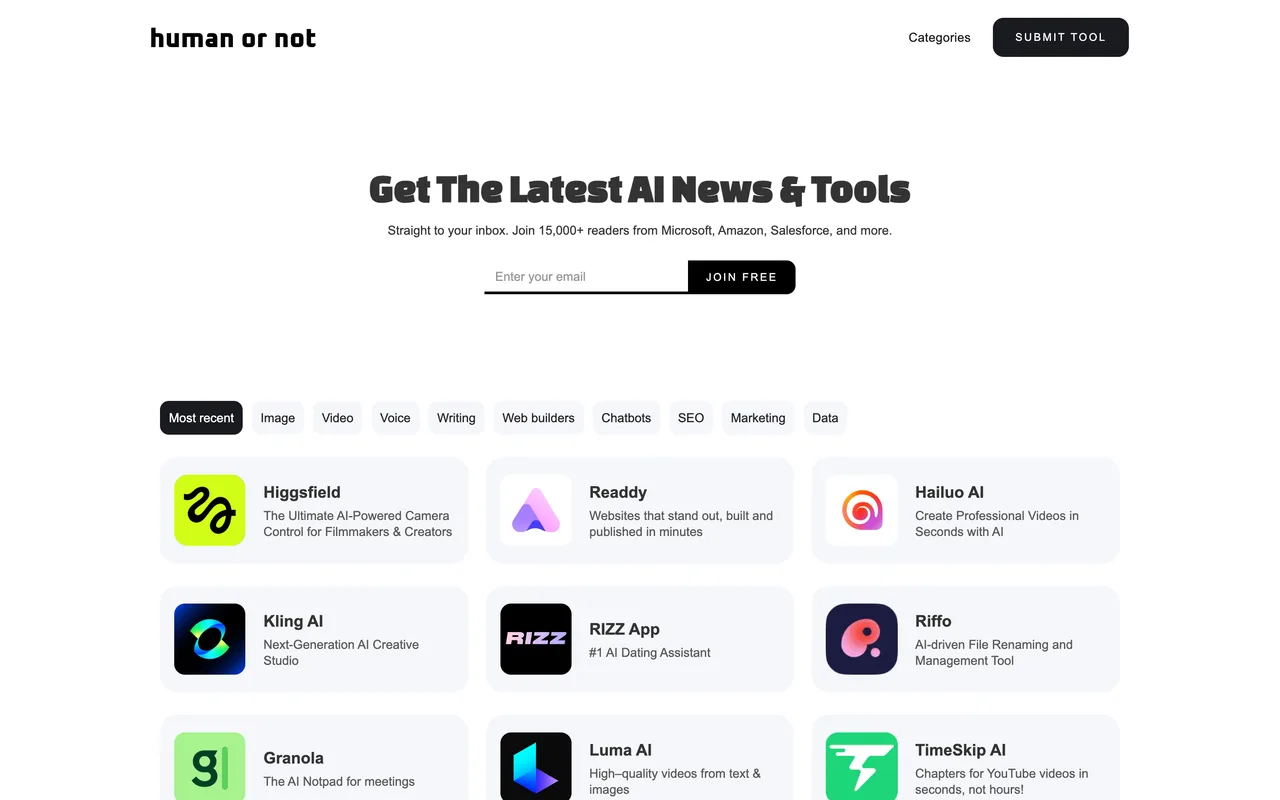
humanornot.co
Eligibility
Who Human or Not accepts
You need
A live product that genuinely incorporates AI features
An email address you can receive the publication notice at
You'll be rejected if
Tools with no AI features, which the submit page says outright will not be published
AI tools
What you actually get
A listing page at /tools/<slug> with your tagline, a description and a Visit Website button linking straight to your domain with no rel attribute. The free tier also promises an X mention and a newsletter mention, and the listing is stated to be for life.
How to submit to Human or Not
- Open the submit page/submit-tool carries the whole thing. No account, no login, no captcha, and the free tier is the only tier on the page.
- Fill two fieldsAn email address and your URL. That is the entire form: they take the copy off your site rather than asking you for it, so the listing you get is written from whatever your page says.
- Submit and read the panelThe form posts to Webflow's form API and is replaced by "Thank you! Your submission has been received!" plus a line saying you will be notified by email once the tool is published.
- Wait 48 hoursThe page states publication within 48 hours, and that the free listing is for life and carries an X mention and a newsletter mention.
Human or Not requirements
An email address
Your product URL
Gotchas
You do not write your own listing: the form takes only an email and a URL, so the tagline and description are lifted from your page and you have no say in the wording.
The page states outright that tools without AI features will not be published, and there is no refund of the wait: you find out by nothing appearing.
Some cards elsewhere on the site carry affiliate parameters on their outbound links, so check what your own listing links to once it is live.
Let your agent submit to Human or Not
Connect SubmitMap to your AI over MCP and this page stops being something you read and copy. Your agent asks for the Human or Not playbook and gets the brief for this exact form, with the values already taken from your submission pack instead of placeholders you fill in by hand.
What it does for this platform
Checks your product against the 3 Human or Not rules above, so you find out you would be rejected before you open a tab.
Hands your agent all 2 fields this form asks for, none of them optional, already filled from your pack.
Types it into Human or Not in your own browser, and stops for you when the form wants a sign-in.
Records what it sent, so the dashboard can answer "did I ever submit to Human or Not?".
Connect your agentHow this worksTools and endpointsWorks with Claude Code, Claude, Codex, Cursor, VS Code and Hermes.
Human or Not FAQ
How long does Human or Not approval take?
Human or Not's typical time from submission to going live is 1-2 days.
How much does it cost to submit to Human or Not?
Submitting to Human or Not is free.
Does Human or Not give a dofollow backlink?
Yes, a listing on Human or Not carries a dofollow link. The site has a domain rating of 12.
Does Human or Not require a backlink to your site?
No, Human or Not does not require a link back from your site.
What gets you rejected from Human or Not?
Tools with no AI features, which the submit page says outright will not be published.