
ai · directory
GPTAcademy: requirements, how to submit, and what you actually get
Free unless you tick the box, and it wants a screenshot, not a logo
gptacademy.co
Eligibility
Who GPTAcademy accepts
You need
An AI tool or a Custom GPT
A live public URL
A screenshot or thumbnail image
You'll be rejected if
The form asks you to declare whether it is an AI tool or a Custom GPT in the OpenAI store, so a product that is neither has no answer to a required question.
AI toolsSaaS products
What you actually get
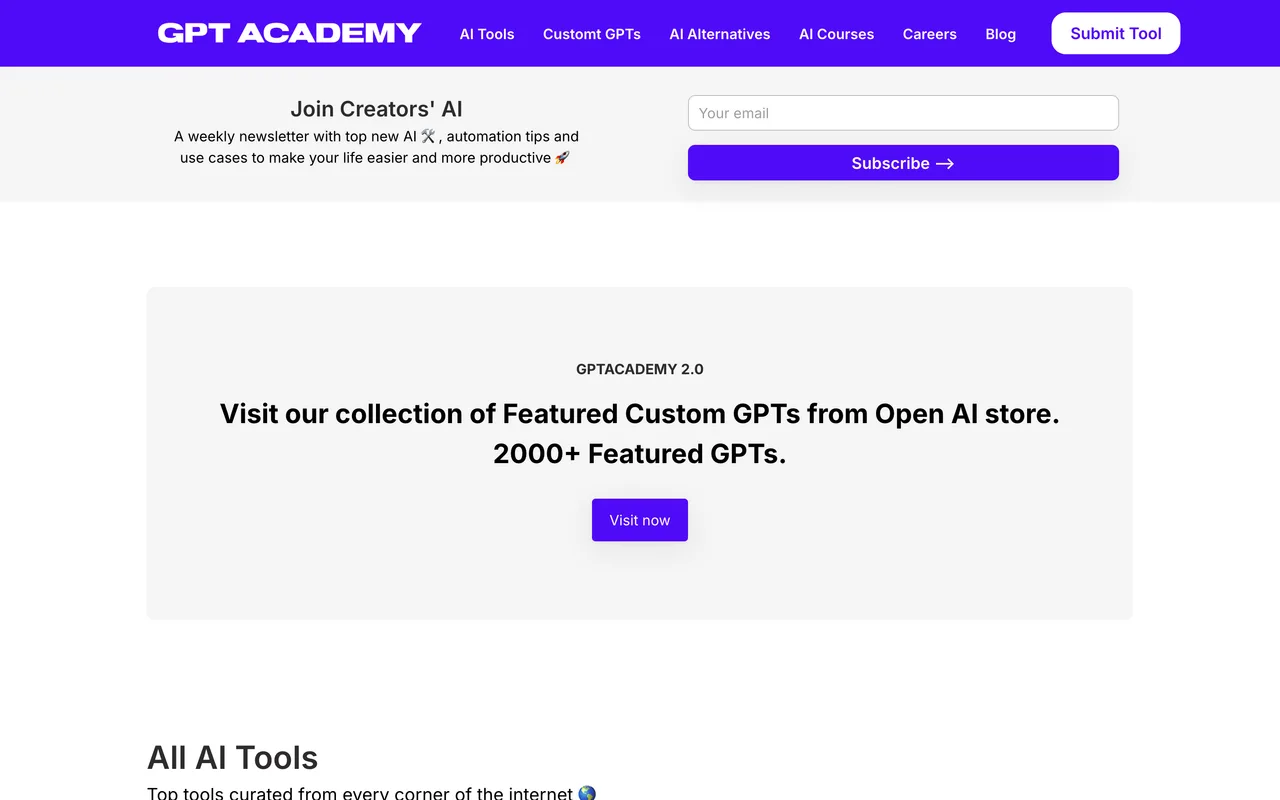
A card in a directory that separates ordinary AI tools from Custom GPTs listed in the OpenAI store, and also runs alternatives pages and courses. The link follows: the Visit AI Tool control on a live listing carries no rel at all. The site is built on Softr over Airtable, so listings are records rather than pages and the URLs carry a recordId.
How to submit to GPTAcademy
- Open the formhttps://www.gptacademy.co/submit needs no account.
- Say what it isYour name, email, the tool name, whether it is an AI tool or a Custom GPT in the OpenAI store, and the link.
- Write it shortUp to 3 tags, a one sentence description and a description of at most three sentences. Both limits are stated on the form.
- Upload a screenshotThe image field asks for a thumbnail or screenshot and says explicitly not a logo.
- Choose the laneLeave the paid listing checkbox unticked to submit free.
GPTAcademy requirements
A live public URL
A name and an email
One sentence description
1 sentence
Description
3 sentences maximum
Tags
Up to 3
Image
A thumbnail or screenshot, not a logo
Gotchas
The image field refuses to be a logo: it asks for a thumbnail or screenshot, so a pack that only carries an icon has nothing to give it.
Both description fields are capped in sentences rather than characters, one sentence and three, which is a tighter budget than most forms.
The paid checkbox sits at the bottom just above Submit, so it is easy to agree to $7.99 while trying to finish the form.
Let your agent submit to GPTAcademy
Connect SubmitMap to your AI over MCP and this page stops being something you read and copy. Your agent asks for the GPTAcademy playbook and gets the brief for this exact form, with the values already taken from your submission pack instead of placeholders you fill in by hand.
What it does for this platform
Checks your product against the 4 GPTAcademy rules above, so you find out you would be rejected before you open a tab.
Hands your agent all 6 fields this form asks for, none of them optional, already filled from your pack.
Types it into GPTAcademy in your own browser, and stops for you when the form wants a sign-in.
Records what it sent, so the dashboard can answer "did I ever submit to GPTAcademy?".
Connect your agentHow this worksTools and endpointsWorks with Claude Code, Claude, Codex, Cursor, VS Code and Hermes.
GPTAcademy FAQ
How long does GPTAcademy approval take?
GPTAcademy does not publish how long approval takes.
How much does it cost to submit to GPTAcademy?
Submitting to GPTAcademy is free.
Does GPTAcademy give a dofollow backlink?
Yes, a listing on GPTAcademy carries a dofollow link. The site has a domain rating of 18.
Does GPTAcademy require a backlink to your site?
No, GPTAcademy does not require a link back from your site.
What gets you rejected from GPTAcademy?
The form asks you to declare whether it is an AI tool or a Custom GPT in the OpenAI store, so a product that is neither has no answer to a required question.