
saas · marketing · directory
FiveTaco: requirements, how to submit, and what you actually get
One URL field behind a sign-up, three followed links on the listing, and no confirmation afterwards
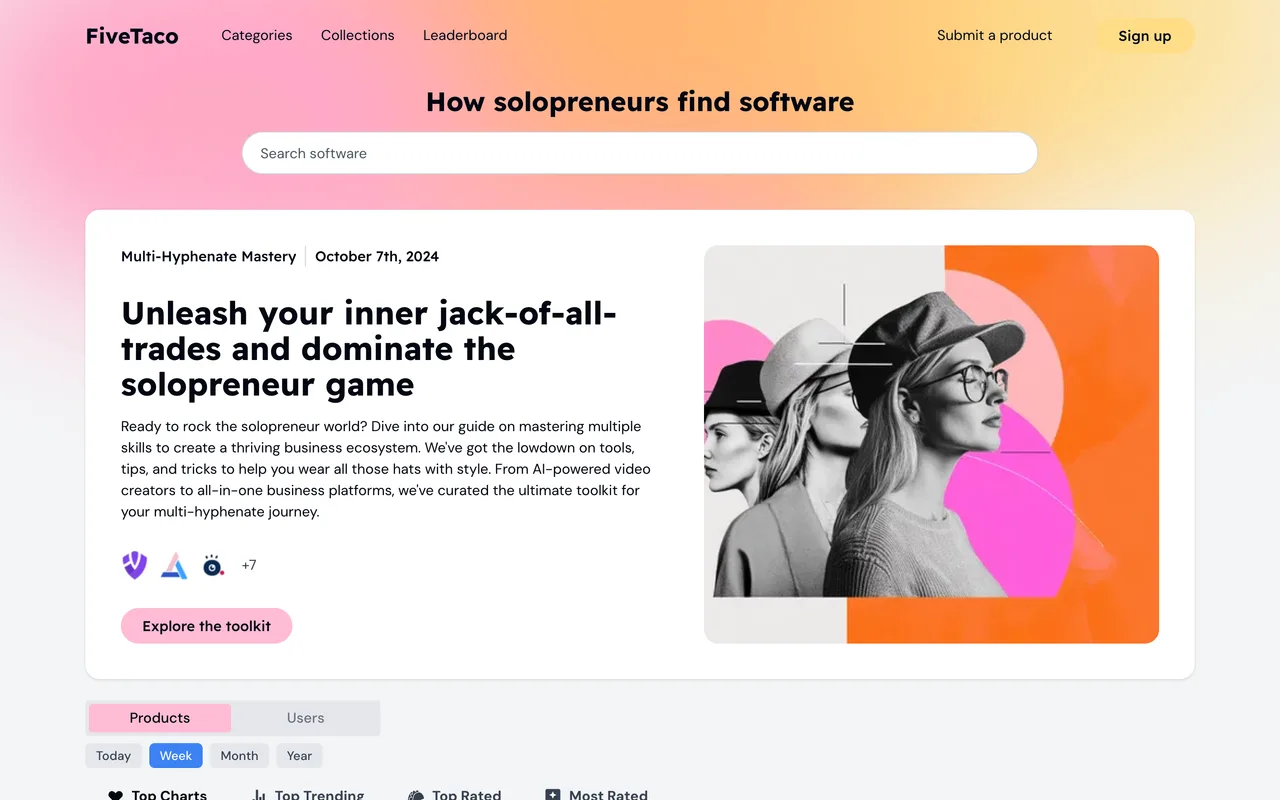
fivetaco.com
Eligibility
Who FiveTaco accepts
You need
A live URL they can read
An account: Google, or email and password with a terms checkbox
You'll be rejected if
Anything that is not software a solopreneur would buy, which is the whole shelf
SaaS productsMarketing toolsProductivity tools
What you actually get
A listing at /products/<slug> in one of ten categories of software for solopreneurs, carrying three links to your site with rel="noopener noreferrer" and a ?ref=fivetaco parameter, so all three are followed. Everything on the page is written from your site: you supply one URL and they collect the rest.
How to submit to FiveTaco
- Paste the URLThe form at /submit has one field and their own line is that they will start collecting all the goods from it.
- Sign up when it asksPressing Submit product signed out opens a "Sign up to continue" dialog: Sign up with Google, or an email, a password and a terms checkbox, with a Log in switch for an existing account. The URL is only taken once you are signed in.
- Press Submit productSigned in, nothing visible happens. The page does not redirect, shows no message, and clears the field unreliably.
FiveTaco requirements
A live product URL
An account
Google, or email and password
Gotchas
The form looks accountless and is not: Submit product opens a Sign up to continue dialog the first time, with Google or an email and password. Sign up or in before you expect anything to land.
There is no confirmation of any kind once you are signed in. The page does not change, does not redirect and shows no message, so the only way to know it worked is that the POST returned 200, which you cannot see.
Because nothing acknowledges the press, it is easy to submit the same URL three times before you are sure it landed once.
You write nothing but the URL. Every word on the listing is theirs, so nothing from your pack is used here.
Let your agent submit to FiveTaco
Connect SubmitMap to your AI over MCP and this page stops being something you read and copy. Your agent asks for the FiveTaco playbook and gets the brief for this exact form, with the values already taken from your submission pack instead of placeholders you fill in by hand.
What it does for this platform
Checks your product against the 3 FiveTaco rules above, so you find out you would be rejected before you open a tab.
Hands your agent all 2 fields this form asks for, none of them optional, already filled from your pack.
Types it into FiveTaco in your own browser, and stops for you when the form wants a sign-in.
Records what it sent, so the dashboard can answer "did I ever submit to FiveTaco?".
Connect your agentHow this worksTools and endpointsWorks with Claude Code, Claude, Codex, Cursor, VS Code and Hermes.
FiveTaco FAQ
How long does FiveTaco approval take?
FiveTaco does not publish how long approval takes.
How much does it cost to submit to FiveTaco?
Submitting to FiveTaco is free.
Does FiveTaco give a dofollow backlink?
Yes, a listing on FiveTaco carries a dofollow link. The site has a domain rating of 34.
Does FiveTaco require a backlink to your site?
No, FiveTaco does not require a link back from your site.
What gets you rejected from FiveTaco?
Anything that is not software a solopreneur would buy, which is the whole shelf.
For platform owners
Run FiveTaco? Put the badge on it
It links back to this page, where makers read who you accept and how to submit. Pick the version that matches where it will sit, copy the snippet, and paste it into your footer or wherever your other badges go.

<a href="https://submitmap.com/platform/fivetaco/">
  <img src="https://submitmap.com/badge/listed-light.svg" alt="Listed on SubmitMap" width="150" height="52">
</a>
No account, no cost and nothing to verify: it works the moment it is on the page. If anything on this page is out of date, tell us and we will fix the record.