
b2b · directory · marketing
Enests: requirements, how to submit, and what you actually get
A company listing and review site where the only way in is an account with a password
enests.co
Eligibility
Who Enests accepts
You need
An account created with a password, since nothing else is offered
A company rather than a side project, in their framing
You'll be rejected if
Anything that is not a company or a service, since the categories are all trades and industries
A submission from anyone unwilling to create a password account, which is the only route in
Business sitesCompaniesServices
What you actually get
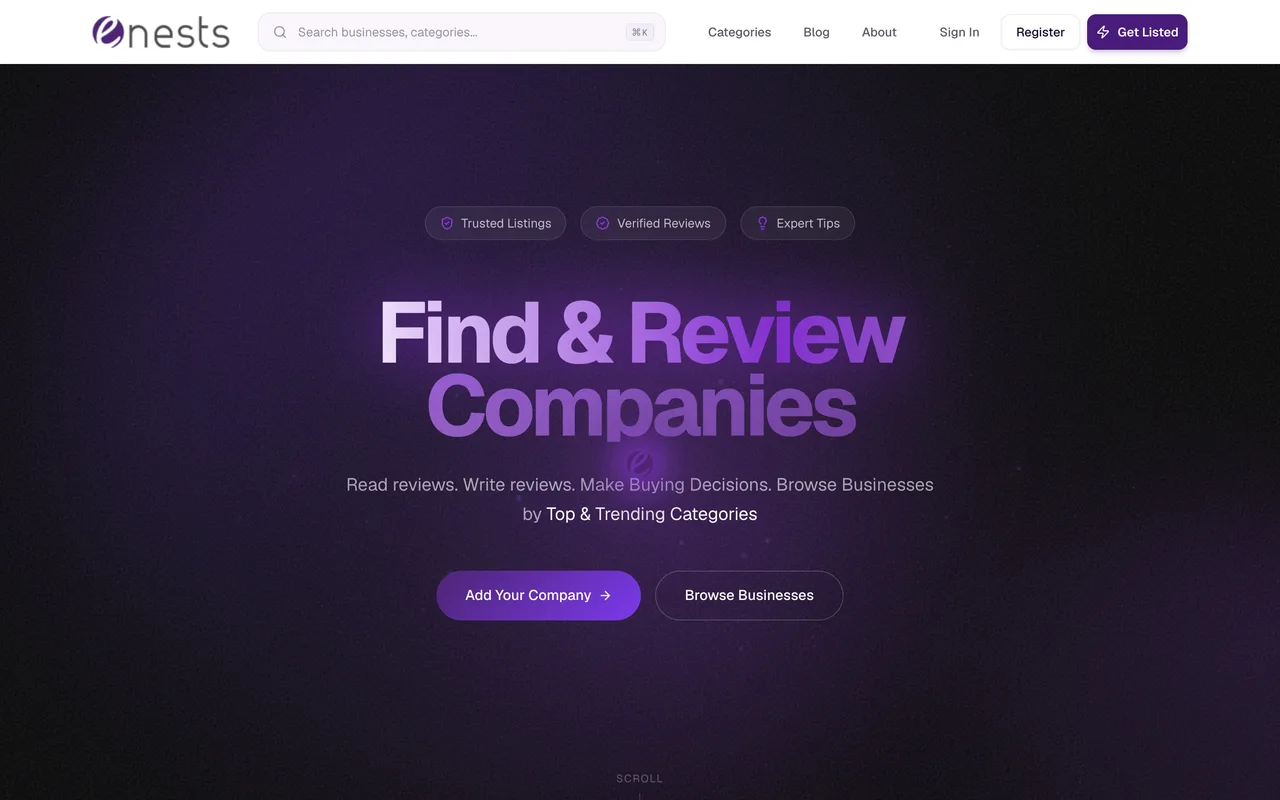
A profile at /profile/<slug> that other people can review, in one of eight categories from Services and Business through Programming and Tech to Home and Garden. The company links on a live profile carry rel="noopener noreferrer" and no nofollow, so they are followed; the social links beside them are nofollow. The site is built around reviews rather than launches, so what a profile is worth depends on whether anyone writes one.
How to submit to Enests
- Press Get ListedIt redirects to /sign-in with the destination in the query, so the form behind it is never shown to a signed-out visitor.
- Create an accountRegister asks for a first name, a last name, an email, a password of at least eight characters, the same password again, and a ticked box agreeing to the Terms and Conditions. There is no Google, GitHub or magic link option anywhere on either screen.
- Add the companyEverything past that point is behind the account and could not be read from outside it.
Enests requirements
An account
first and last name, email, password
Agreement to their Terms and Conditions
a checkbox on the register form
A company website
Gotchas
The only way to see the submission form is to create a password account: there is no social sign-in and no magic link, so this cannot be delegated to anything that does not hold the password.
Get Listed looks like a form and is a redirect. Nothing about the listing, its cost or its fields is visible before you register.
The site is built around customer reviews of companies rather than product launches, so a listing does nothing until somebody writes one.
Let your agent submit to Enests
Connect SubmitMap to your AI over MCP and this page stops being something you read and copy. Your agent asks for the Enests playbook and gets the brief for this exact form, with the values already taken from your submission pack instead of placeholders you fill in by hand.
What it does for this platform
Checks your product against the 4 Enests rules above, so you find out you would be rejected before you open a tab.
Hands your agent all 3 fields this form asks for, none of them optional, already filled from your pack.
Types it into Enests in your own browser, and stops for you when the form wants a sign-in.
Records what it sent, so the dashboard can answer "did I ever submit to Enests?".
Connect your agentHow this worksTools and endpointsWorks with Claude Code, Claude, Codex, Cursor, VS Code and Hermes.
Enests FAQ
How long does Enests approval take?
Enests does not publish how long approval takes.
How much does it cost to submit to Enests?
Submitting to Enests is free.
Does Enests give a dofollow backlink?
Yes, a listing on Enests carries a dofollow link. The site has a domain rating of 32.
Does Enests require a backlink to your site?
No, Enests does not require a link back from your site.
What gets you rejected from Enests?
Anything that is not a company or a service, since the categories are all trades and industries; A submission from anyone unwilling to create a password account, which is the only route in.