
aier.im: requirements, how to submit, and what you actually get
No account and no captcha, but the longest free form here: it wants the job title of the person your tool is for.
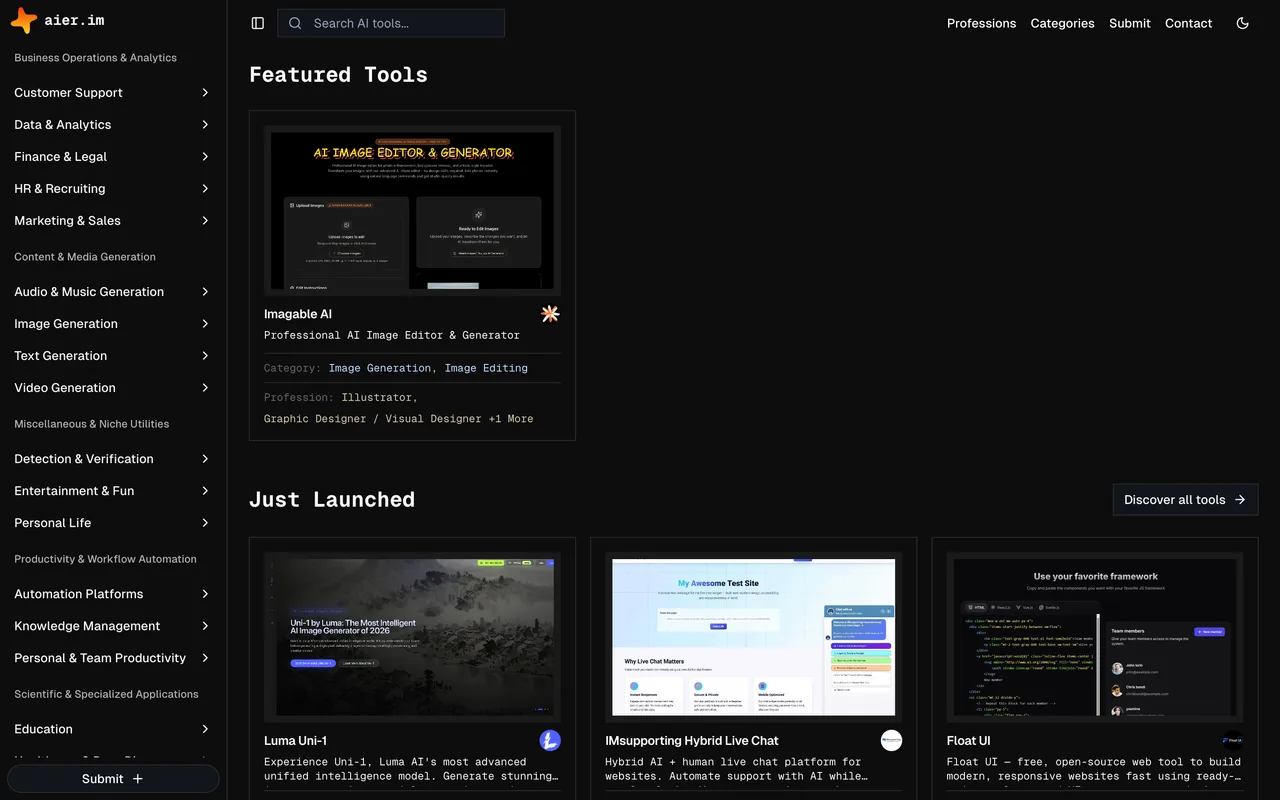
Who aier.im accepts
How to submit to aier.im
- BasicsTool name, website URL, a short description and a square logo upload of up to 2MB.
- Pricing and taxonomyA pricing type, a pricing details line, a category from a two-level list and a target profession from a list of a few hundred job titles.
- The long descriptionA what-is field with room for several paragraphs, plus optional key features, use cases and FAQ pairs.
- Your detailsName, email and optional X and LinkedIn profiles, then Submit AI Tool for Review.
aier.im requirements
Gotchas
Let your agent submit to aier.im
Connect SubmitMap to your AI over MCP and this page stops being something you read and copy. Your agent asks for the aier.im playbook and gets the brief for this exact form, with the values already taken from your submission pack instead of placeholders you fill in by hand.
aier.im FAQ
How long does aier.im approval take?
How much does it cost to submit to aier.im?
Does aier.im give a dofollow backlink?
Does aier.im require a backlink to your site?
What gets you rejected from aier.im?
Run aier.im? Put the badge on it
It links back to this page, where makers read who you accept and how to submit. Pick the version that matches where it will sit, copy the snippet, and paste it into your footer or wherever your other badges go.

<a href="https://submitmap.com/platform/aier/">
  <img src="https://submitmap.com/badge/listed-light.svg" alt="Listed on SubmitMap" width="150" height="52">
</a>
No account, no cost and nothing to verify: it works the moment it is on the page. If anything on this page is out of date, tell us and we will fix the record.