
ai
AI WareHub: requirements, how to submit, and what you actually get
Free, no account, a followed link, and a self-certification that your tool is safe for production before it will send.
aiwarehub.com
Eligibility
Who AI WareHub accepts
You need
A live, working product you can certify is safe for production use
A pricing answer, which the form requires as free text
You'll be rejected if
Anything that is not an AI tool
Anything not yet operational, since the required checkbox certifies that it is
AI tools
What you actually get
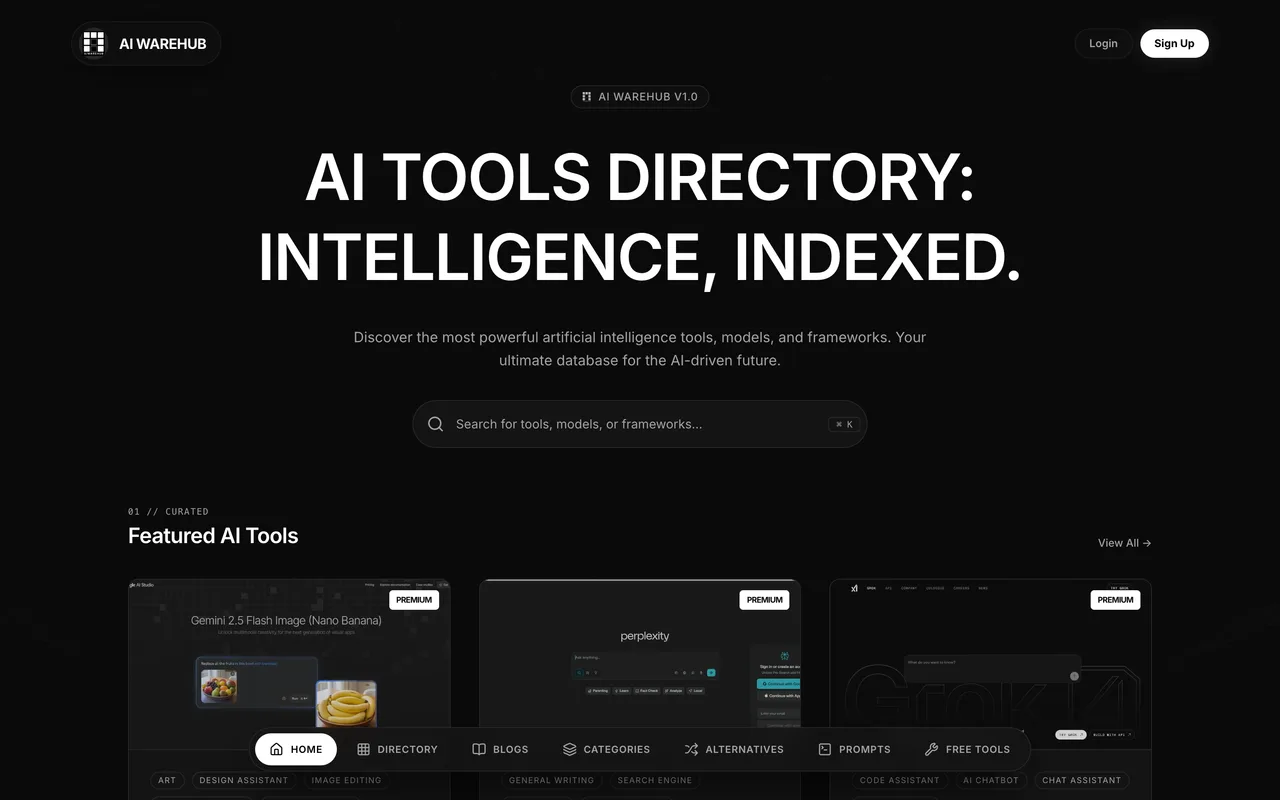
A tool page at /tool/<slug> with a review-style layout, your tagline, description, category and pricing, and a Visit Website button linking to your domain with no rel attribute. The site also runs alternatives and prompts sections, so a listing picks up long-tail comparison traffic rather than launch-day traffic.
How to submit to AI WareHub
- Open the submit page/submit-tool carries the form and needs no account, even though the site has Login and Sign Up. It is laid out in three numbered blocks: Identity, Classification and Details.
- Fill four required fieldsTool name, website URL, a pricing string typed free-text rather than picked, and the confirmation checkbox. Tagline, category, full description and a 16:9 cover are all optional.
- Certify the toolThe required checkbox reads "I confirm this tool is operational, safe for production use, and complies with AI safety guidelines". It is a claim about your product, so it is the maker's to make.
- Solve the captcha and sendA visible reCAPTCHA checkbox sits above Submit for Review. They state every submission is manually verified for quality, API uptime and security before listing, but publish no time for it.
AI WareHub requirements
Product name and website URL
A pricing answer as free text (for example "Freemium" or "$29/mo")
The operational and safety confirmation
A one-line descriptionoptional
A category from their 18-item list, or a free-text Other Categoryoptional
A full descriptionoptional
A 16:9 cover imageoptional
Gotchas
A visible reCAPTCHA checkbox sits above the submit button, so however much of the form is prepared in advance, a person has to finish it by hand.
The required checkbox is a certification about your product rather than an agreement to their terms: you are confirming the tool is operational, production-safe and compliant with AI safety guidelines, which is a claim the maker should make knowingly.
Let your agent submit to AI WareHub
Connect SubmitMap to your AI over MCP and this page stops being something you read and copy. Your agent asks for the AI WareHub playbook and gets the brief for this exact form, with the values already taken from your submission pack instead of placeholders you fill in by hand.
What it does for this platform
Checks your product against the 4 AI WareHub rules above, so you find out you would be rejected before you open a tab.
Hands your agent all 7 fields this form asks for, 4 of them optional, already filled from your pack.
Types it into AI WareHub in your own browser, and stops for you when the form wants a sign-in.
Records what it sent, so the dashboard can answer "did I ever submit to AI WareHub?".
Connect your agentHow this worksTools and endpointsWorks with Claude Code, Claude, Codex, Cursor, VS Code and Hermes.
AI WareHub FAQ
How long does AI WareHub approval take?
AI WareHub does not publish how long approval takes.
How much does it cost to submit to AI WareHub?
Submitting to AI WareHub is free.
Does AI WareHub give a dofollow backlink?
Yes, a listing on AI WareHub carries a dofollow link. The site has a domain rating of 15.
Does AI WareHub require a backlink to your site?
No, AI WareHub does not require a link back from your site.
What gets you rejected from AI WareHub?
Anything that is not an AI tool; Anything not yet operational, since the required checkbox certifies that it is.