
Smol Saas: requirements, how to submit, and what you actually get
DirEasy launch board for small SaaS: free with a verified badge and up to 30 days, or $9.90 to skip the queue
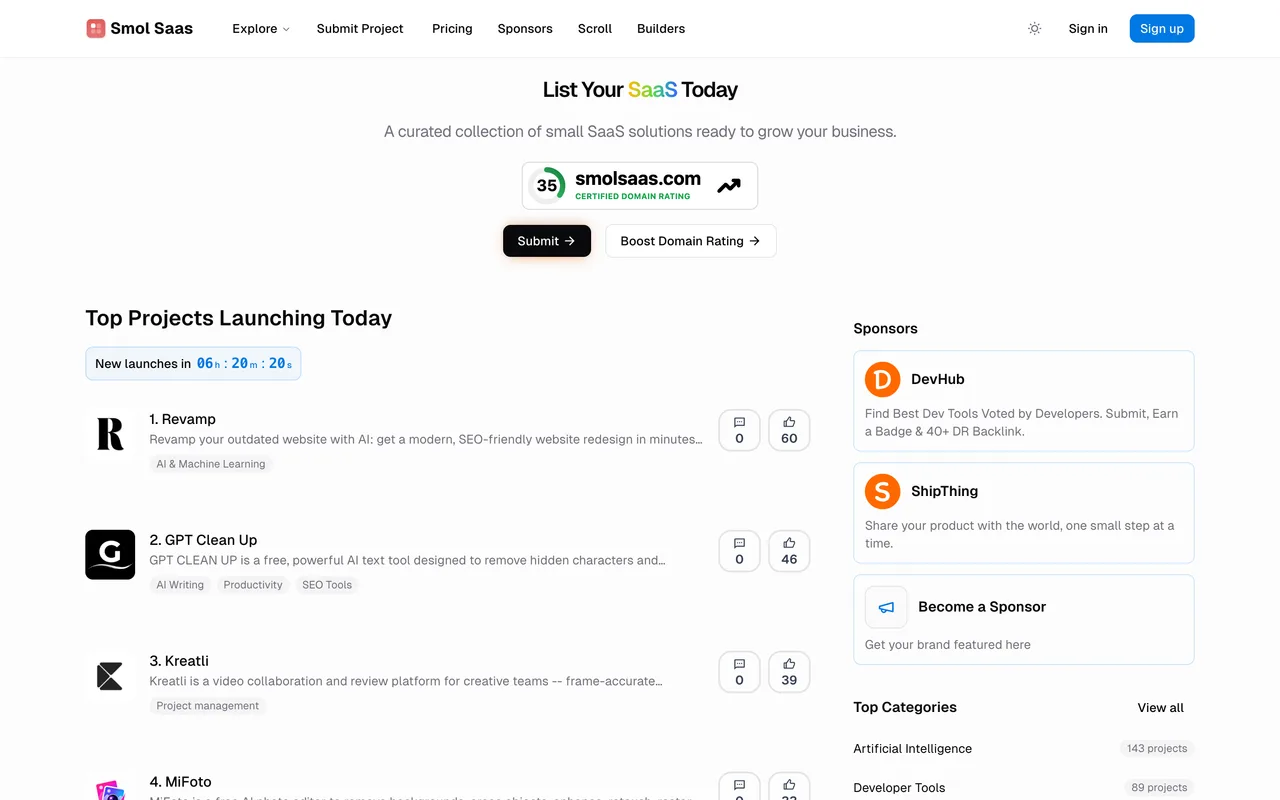
Who Smol Saas accepts
How to submit to Smol Saas
- Sign inLogin with Google or GitHub; /projects/submit redirects there and back.
- Project InfoName, URL (with an AI Autofill button), optional affiliate URL, a short description in a rich text editor, a square logo and a 16:9 product image.
- DetailsUp to three categories from a long list, up to five tech stack tags, platforms, a pricing model, optional GitHub and Twitter URLs.
- Launch Type and DateFree Launch (Verified Badge) is preselected. The badge snippet sits under Backlink Badge Verification; tick that you added it and press Verify Backlink before Next.
- Review and submitA summary, then Submit Project. Launches go out at 08:00 UTC on the day the queue reaches you.
Smol Saas requirements
Gotchas
Let your agent submit to Smol Saas
Connect SubmitMap to your AI over MCP and this page stops being something you read and copy. Your agent asks for the Smol Saas playbook and gets the brief for this exact form, with the values already taken from your submission pack instead of placeholders you fill in by hand.
Smol Saas FAQ
How long does Smol Saas approval take?
How much does it cost to submit to Smol Saas?
Does Smol Saas give a dofollow backlink?
Does Smol Saas require a backlink to your site?
What gets you rejected from Smol Saas?
Run Smol Saas? Put the badge on it
It links back to this page, where makers read who you accept and how to submit. Pick the version that matches where it will sit, copy the snippet, and paste it into your footer or wherever your other badges go.

<a href="https://submitmap.com/platform/smolsaas/">
  <img src="https://submitmap.com/badge/listed-light.svg" alt="Listed on SubmitMap" width="150" height="52">
</a>
No account, no cost and nothing to verify: it works the moment it is on the page. If anything on this page is out of date, tell us and we will fix the record.