
directory · web
Sites Plus: requirements, how to submit, and what you actually get
An old-school human-edited web directory: free, dofollow, no account, and nothing about startups
sites-plus.com
Eligibility
Who Sites Plus accepts
You need
A live URL
A description
Agreement to their submission rules
You'll be rejected if
Family-friendly sites only, and they refuse made-for-ads pages and anything without real content.
Any live website
What you actually get
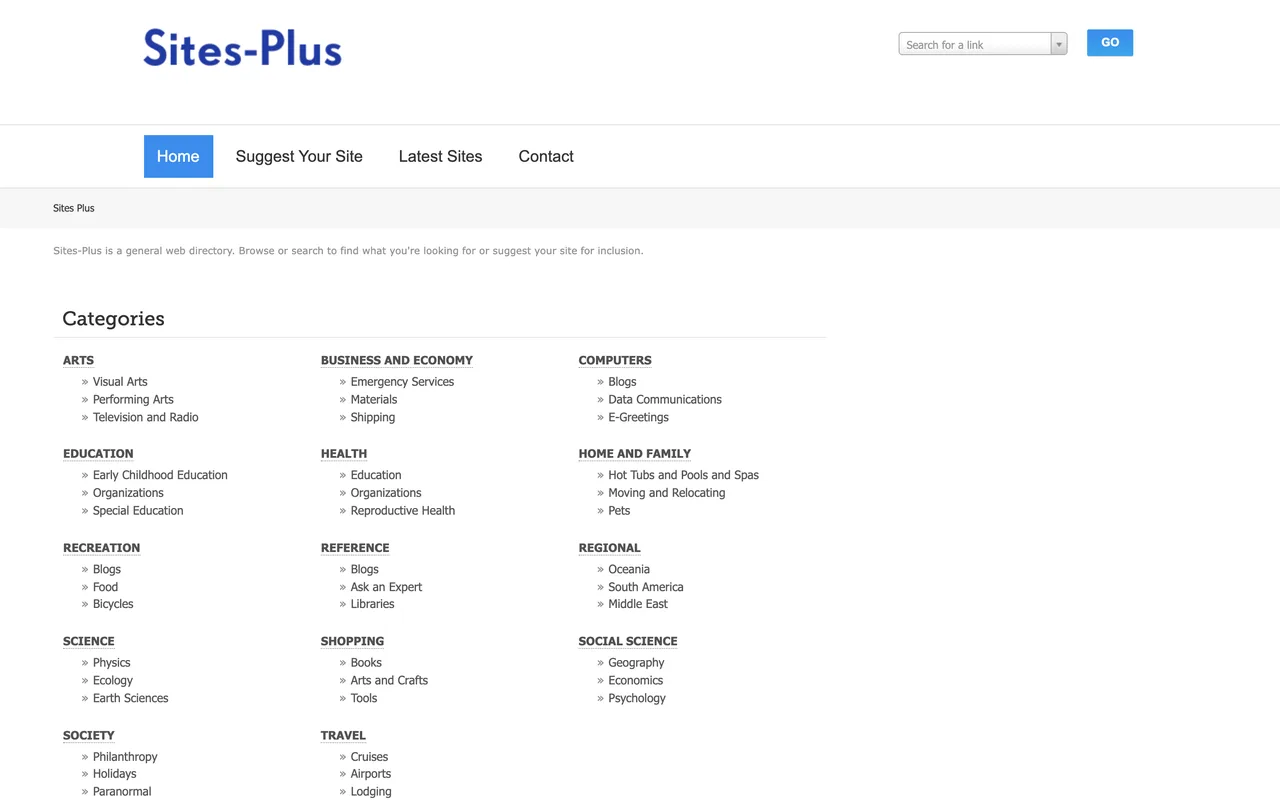
A title, a link and a description under one of fourteen 1990s-style top categories (Arts, Computers, Recreation, Society). Outbound links carry no rel at all. No time is published for the free queue, and the paid tiers exist precisely to jump it.
How to submit to Sites Plus
- Pick a categoryStep one is a tree of fourteen top-level categories. Computers is the closest thing to software.
- Pick a link typeStep two is Featured $12, Premium $5, or Regular free. The free option is the unlabelled third radio at the bottom.
- Fill the listingTitle, URL, a rich-text description, an optional owner email, meta keywords and a meta description capped at 250. Tick the rules agreement and press Continue.
Sites Plus requirements
Meta description
250 characters
Rules
Family friendly, real content, no made-for-ads
Account
None
Gotchas
This is a general web directory from the older internet: the categories are Arts, Health, Recreation and Society, and the recent listings are local trades and services. A software product is an unusual guest.
The newsletter checkbox next to the owner email is ticked by default.
Nothing comes back but a line saying the link is submitted and awaiting approval, with no reference and no stated review time.
Let your agent submit to Sites Plus
Connect SubmitMap to your AI over MCP and this page stops being something you read and copy. Your agent asks for the Sites Plus playbook and gets the brief for this exact form, with the values already taken from your submission pack instead of placeholders you fill in by hand.
What it does for this platform
Checks your product against the 4 Sites Plus rules above, so you find out you would be rejected before you open a tab.
Hands your agent all 3 fields this form asks for, none of them optional, already filled from your pack.
Tells you what paying buys here, so you pick it on purpose: regular listing free. $5 Premium and $12 Featured buy priority review, extra URLs, a logo and contact details, each a one-off with no renewal.
Types it into Sites Plus in your own browser, and stops for you when the form wants a sign-in.
Records what it sent, so the dashboard can answer "did I ever submit to Sites Plus?".
Connect your agentHow this worksTools and endpointsWorks with Claude Code, Claude, Codex, Cursor, VS Code and Hermes.
Sites Plus FAQ
How long does Sites Plus approval take?
Sites Plus does not publish how long approval takes.
How much does it cost to submit to Sites Plus?
Sites Plus has a free submission option plus paid placement (Regular listing free. $5 Premium and $12 Featured buy priority review, extra URLs, a logo and contact details, each a one-off with no renewal.).
Does Sites Plus give a dofollow backlink?
Yes, a listing on Sites Plus carries a dofollow link. The site has a domain rating of 19.
Does Sites Plus require a backlink to your site?
No, Sites Plus does not require a link back from your site.
What gets you rejected from Sites Plus?
Family-friendly sites only, and they refuse made-for-ads pages and anything without real content.