
ai · dev · directory
MCPServers.com: requirements, how to submit, and what you actually get
The scary Google scopes are optional, and the real wall is a public repo
mcpservers.com
Eligibility
Who MCPServers.com accepts
You need
A public GitHub repository for the server
A Google account
You'll be rejected if
The Github Repository field is required and the listing is built around it, so a closed-source or hosted-only MCP server has nothing to put in the one field that cannot be left empty.
MCP serversDev toolsAI agents
What you actually get
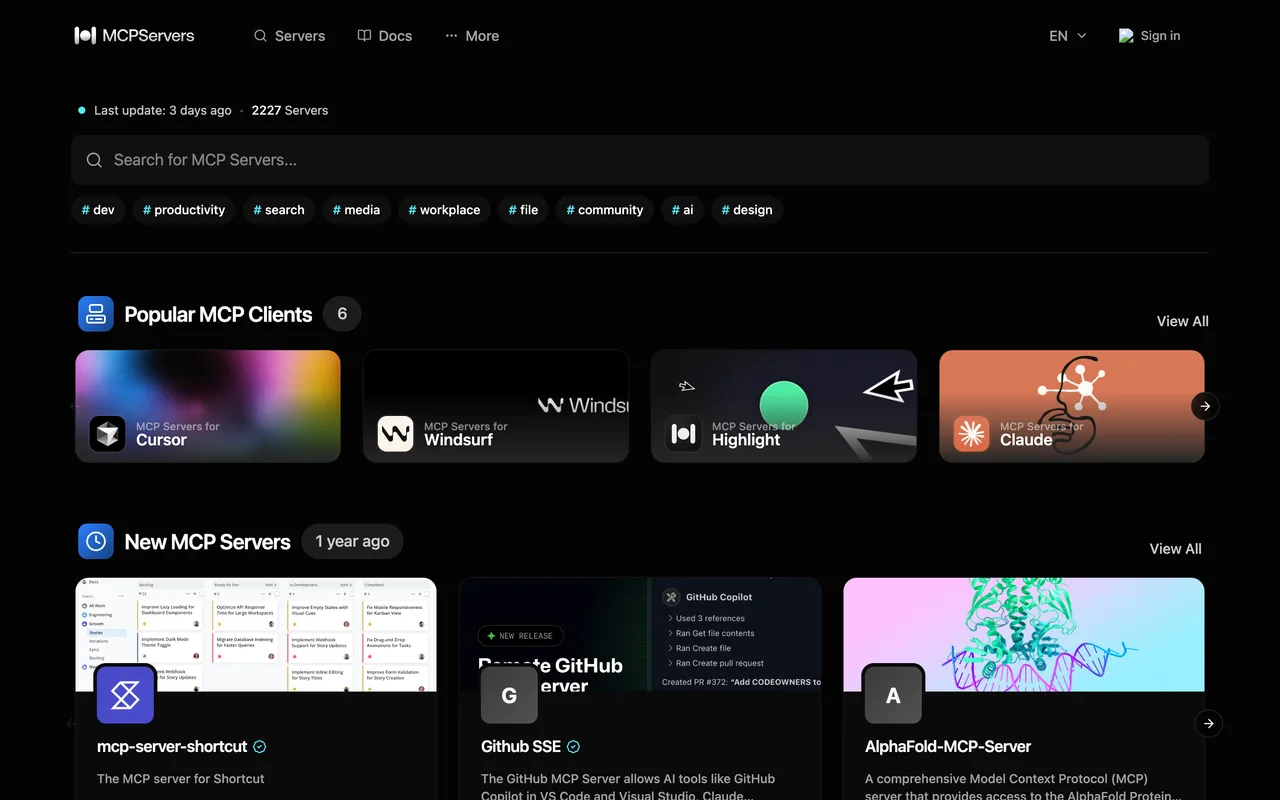
A page in a directory of about 2,227 MCP servers, organised by category with docs alongside, and a Try Now control per server. Listings link out to the repository with rel="noopener noreferrer", so the link follows, though it points at GitHub rather than at your own domain.
How to submit to MCPServers.com
1
Open /submit
It answers "Authentication Required" and offers exactly one method: Sign in with Google.
2
Read the consent screen before you accept it
The OAuth request is issued by Highlight (auth-api.highlightai.com), not by mcpservers.com, and it asks for Google Calendar read and write, Calendar events, and read access to your contacts, on top of email and profile.
3
Decide whether that price is worth a listing
There is no email route, no GitHub route, and no form to fill without it.
MCPServers.com requirements
GitHub repository
Public, and the one required field
Google account
Identity only; the extra scopes are optional
A long summary, a language and at least one category
Gotchas
The sign-in looks alarming and is not. Google asks on behalf of a third party called Highlight, and the first screen lists only name and email; the calendar and contacts permissions come on a second screen as three unticked optional boxes. Leave them unticked and the sign-in still completes.
The wall is the repository. GitHub Repository is a required field on both the Regular and the SSE tab, so a hosted MCP server with no public source cannot be submitted at all.
The listing links to the repository rather than to your own site, so the link this earns points at github.com.
/new looks like a submission route but is the newest-servers listing. The real one is /submit.
Let your agent submit to MCPServers.com
Connect SubmitMap to your AI over MCP and this page stops being something you read and copy. Your agent asks for the MCPServers.com playbook and gets the brief for this exact form, with the values already taken from your submission pack instead of placeholders you fill in by hand.
What it does for this platform
Checks your product against the 3 MCPServers.com rules above, so you find out you would be rejected before you open a tab.
Hands your agent all 3 fields this form asks for, none of them optional, already filled from your pack.
Types it into MCPServers.com in your own browser, and stops for you when the form wants a sign-in.
Records what it sent, so the dashboard can answer "did I ever submit to MCPServers.com?".
Connect your agentHow this worksTools and endpointsWorks with Claude Code, Claude, Codex, Cursor, VS Code and Hermes.
MCPServers.com FAQ
How long does MCPServers.com approval take?
MCPServers.com does not publish how long approval takes.
How much does it cost to submit to MCPServers.com?
Submitting to MCPServers.com is free.
Does MCPServers.com give a dofollow backlink?
Yes, a listing on MCPServers.com carries a dofollow link. The site has a domain rating of 15.
Does MCPServers.com require a backlink to your site?
No, MCPServers.com does not require a link back from your site.
What gets you rejected from MCPServers.com?
The Github Repository field is required and the listing is built around it, so a closed-source or hosted-only MCP server has nothing to put in the one field that cannot be left empty.