
flowtools: requirements, how to submit, and what you actually get
A short form that works fine, in front of a free queue quoted in years and a dofollow link priced monthly.
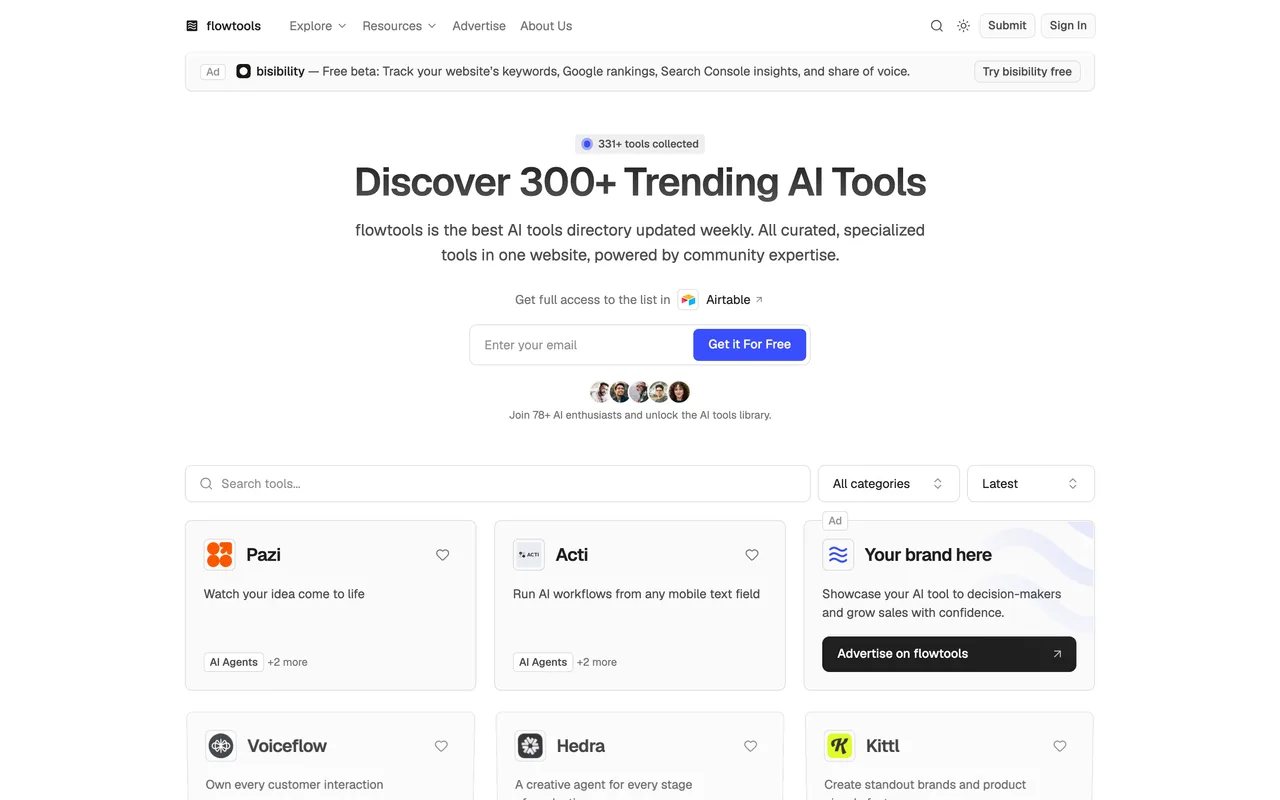
Who flowtools accepts
How to submit to flowtools
- Fill the short formYour name, your email, the tool name, its URL and a free-text note. Five fields, no account, nothing else.
- Leave the email checkbox aloneThe box under the note is a marketing opt-in, not a terms box. It is unticked by default and the form submits perfectly well without it.
- Submit, and read the pricing page you land onThe listing is created straight away and you are redirected to a plan page for it. That page is where the actual terms appear: the free wait, and which tiers carry a dofollow link.
flowtools requirements
Gotchas
Let your agent submit to flowtools
Connect SubmitMap to your AI over MCP and this page stops being something you read and copy. Your agent asks for the flowtools playbook and gets the brief for this exact form, with the values already taken from your submission pack instead of placeholders you fill in by hand.
flowtools FAQ
How long does flowtools approval take?
How much does it cost to submit to flowtools?
Does flowtools give a dofollow backlink?
Does flowtools require a backlink to your site?
What gets you rejected from flowtools?
Run flowtools? Put the badge on it
It links back to this page, where makers read who you accept and how to submit. Pick the version that matches where it will sit, copy the snippet, and paste it into your footer or wherever your other badges go.

<a href="https://submitmap.com/platform/flowtools/">
  <img src="https://submitmap.com/badge/listed-light.svg" alt="Listed on SubmitMap" width="150" height="52">
</a>
No account, no cost and nothing to verify: it works the moment it is on the page. If anything on this page is out of date, tell us and we will fix the record.