
The same three-dofollow-links-for-a-badge trade as its sibling directories, from the same codebase.
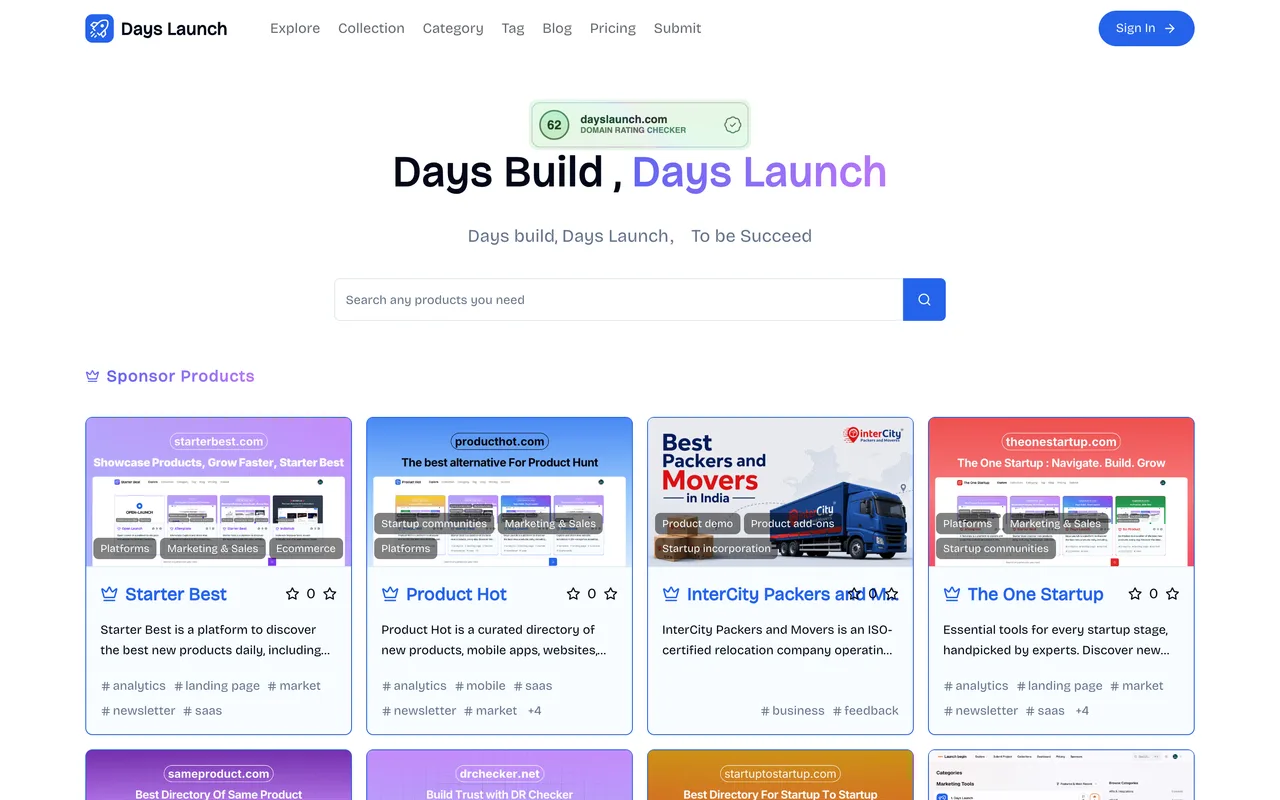
dayslaunch.com
Eligibility
Who Days Launch accepts
You need
A Google or GitHub account, or email and password
Their badge on your site, kept there
A square icon and a 16:9 image, each under 1MB
You'll be rejected if
Anything you are unwilling to keep a permanent badge for, since the free card will not submit without one
SaaS productsIndie productsAI toolsMarketing tools
What you actually get
A permanent listing with three dofollow links after a review their card rations to five listings a day. Their own sponsor row lists sibling directories, which is a fair indication of how much of the audience is other directory owners.
How to submit to Days Launch
1
Sign in
Google, GitHub or email and password, from the login that /submit redirects to.
2
Fill the details step
Link, name, categories and tags, a short description and a markdown introduction, with optional YouTube and GitHub fields.
3
Upload the images
A 1:1 icon and a 16:9 image, each under 1MB, then Submit to create the product.
4
Verify the badge
On the plan page the free card carries Verify Backlink Submit to review; passing the check turns it into Go dashboard and Wait.
Days Launch requirements
Product URL, name, categories and tags
A short description and a markdown introduction
A square icon and a 16:9 image, each under 1MB
Their badge on your site
A YouTube link and a GitHub linkoptional
Gotchas
Their free card reviews five listings a day, the same ration as its sibling directories, so the queue rather than the badge is what costs you time.
The badge must verify before the free card will submit at all.
Its own sponsor row is filled with sibling directories such as Starter Best, which is a reasonable warning about who is reading.
Let your agent submit to Days Launch
Connect SubmitMap to your AI over MCP and this page stops being something you read and copy. Your agent asks for the Days Launch playbook and gets the brief for this exact form, with the values already taken from your submission pack instead of placeholders you fill in by hand.
What it does for this platform
Checks your product against the 4 Days Launch rules above, so you find out you would be rejected before you open a tab.
Hands your agent all 5 fields this form asks for, 1 of them optional, already filled from your pack.
Warns you that Days Launch looks for its badge on your site, so it has to be live before you submit rather than after.
Tells you what paying buys here, so you pick it on purpose: pro is $9.9 one-time with no backlink and immediate publishing; Sponsor is $19.9 a week for placement across the site.
Types it into Days Launch in your own browser, and stops for you when the form wants a sign-in.
Records what it sent, so the dashboard can answer "did I ever submit to Days Launch?".
Connect your agentTools and endpointsWorks with Claude Code, Claude, Codex, Cursor, VS Code and Hermes.
Days Launch FAQ
How long does Days Launch approval take?
Days Launch's typical time from submission to going live is a few days.
How much does it cost to submit to Days Launch?
Days Launch has a free submission option plus paid placement (Pro is $9.9 one-time with no backlink and immediate publishing; Sponsor is $19.9 a week for placement across the site.).
Does Days Launch give a dofollow backlink?
Yes, a listing on Days Launch carries a dofollow link. The site has a domain rating of 62.
Does Days Launch require a backlink to your site?
Yes, Days Launch expects a link back from your site as part of listing.
What gets you rejected from Days Launch?
Anything you are unwilling to keep a permanent badge for, since the free card will not submit without one.