
AI Navbar: requirements, how to submit, and what you actually get
One person reads every submission, and the form says so: fill it yourself, because an automated one is dropped
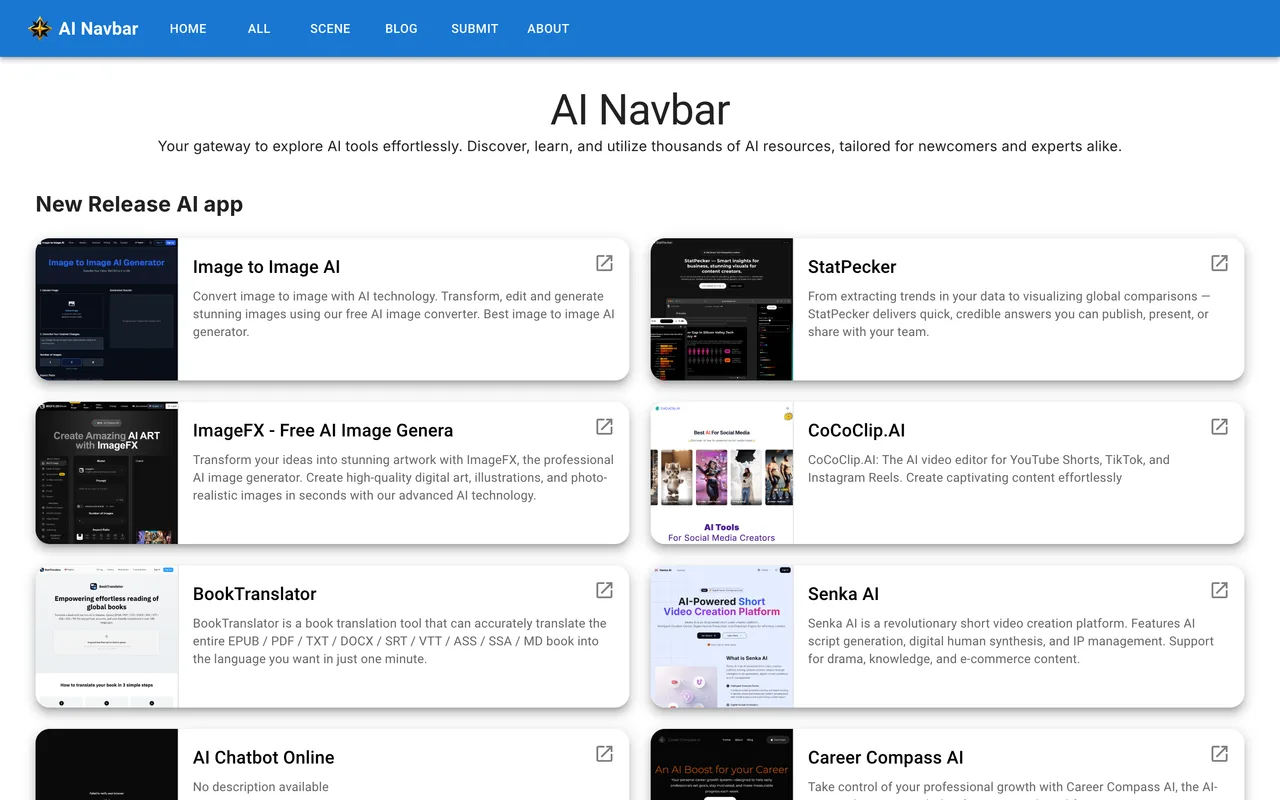
Who AI Navbar accepts
How to submit to AI Navbar
- Read the rulesThree rules sit above the form: AI-focused only, no bot submissions (the site says it will not process automated entries and may ban the IP), and a working email.
- One formTool name capped at 30 characters, tool URL, email, then a 16:9 screenshot and a square icon. Both images are converted and resized on upload and each preview shows a Ready badge with the new dimensions.
- SubmitSubmit Tool answers 'Submission Successful' and says the review is by hand and the result comes by email. No time is given.
AI Navbar requirements
Gotchas
Let your agent submit to AI Navbar
Connect SubmitMap to your AI over MCP and this page stops being something you read and copy. Your agent asks for the AI Navbar playbook and gets the brief for this exact form, with the values already taken from your submission pack instead of placeholders you fill in by hand.
AI Navbar FAQ
How long does AI Navbar approval take?
How much does it cost to submit to AI Navbar?
Does AI Navbar give a dofollow backlink?
Does AI Navbar require a backlink to your site?
What gets you rejected from AI Navbar?
Run AI Navbar? Put the badge on it
It links back to this page, where makers read who you accept and how to submit. Pick the version that matches where it will sit, copy the snippet, and paste it into your footer or wherever your other badges go.

<a href="https://submitmap.com/platform/ainavbar/">
  <img src="https://submitmap.com/badge/listed-light.svg" alt="Listed on SubmitMap" width="150" height="52">
</a>
No account, no cost and nothing to verify: it works the moment it is on the page. If anything on this page is out of date, tell us and we will fix the record.