
Approves in seconds, then holds the page at HTTP 410 until their badge is on your site.
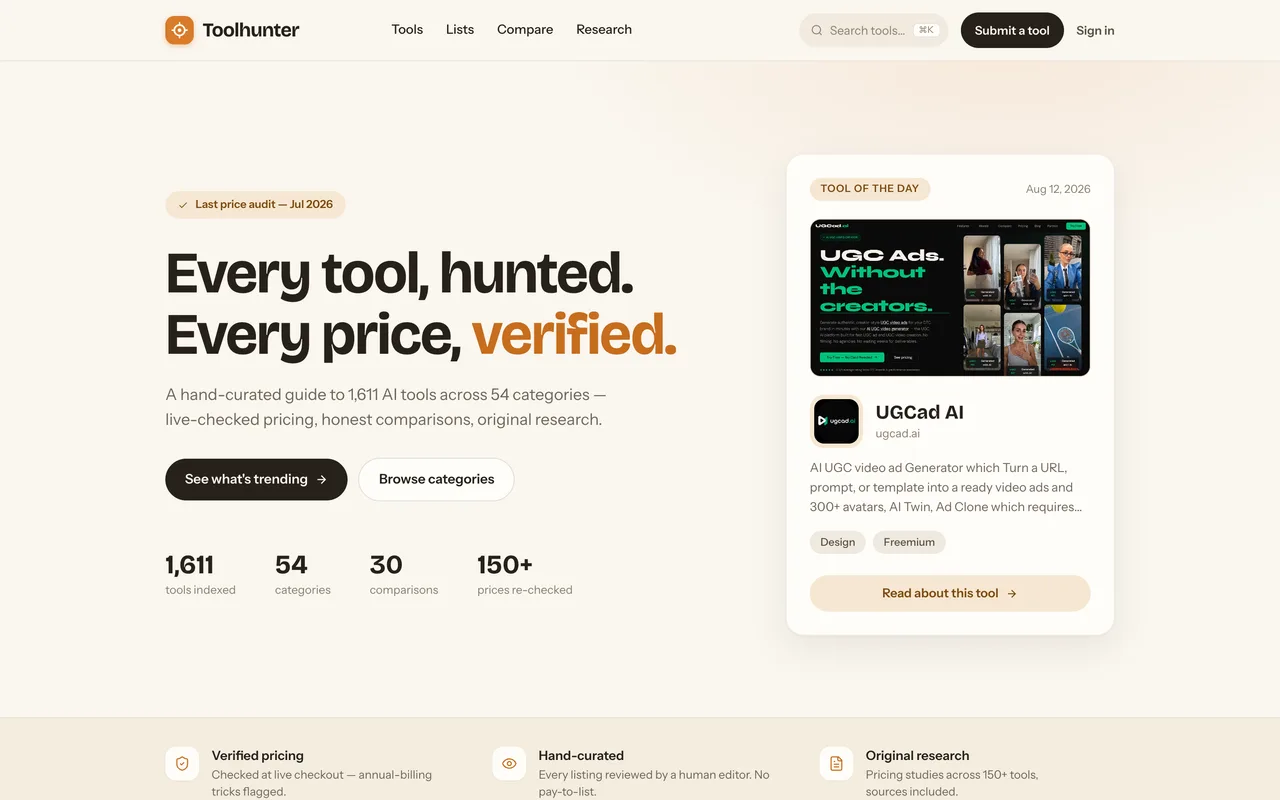
toolhunter.ai
Eligibility
Who Toolhunter accepts
You need
An account (Google, or email and password)
A one-line description of 280 characters or less
At least one category from their own list
A square logo under 5MB
A landscape screenshot at least 1000px wide, under 5MB
A Toolhunter badge on your site, verified, before the page is published at all
You'll be rejected if
Nothing stated; they describe the review as hand-curated with no pay-to-list
AI toolsSaaS productsDeveloper toolsMarketing tools
What you actually get
A page at toolhunter.ai/ai-tool/your-slug with your logo, screenshot, features, audience and pricing notes, among roughly 1,600 listings. Publishing it earns two followed links: one from the listing and one from their Verified wall, both plain rel="noopener". Until the badge verifies the page returns 410 and does not exist to anyone.
How to submit to Toolhunter
1
Sign in and mind the daily quota
/submit-a-tool sends you to a login offering Google. The wizard then shows a counter reading "3 of 3 left today", so the day has a submission cap.
2
Tool details
Name, URL, a one-liner capped at 280 characters, at least one category from a type-to-filter picker, optional tags, a pricing model and pricing notes.
3
Assets and pitch
A square logo and a landscape screenshot, both required and both under 5MB. Then optional key features, a target audience paragraph and up to five highlights.
4
About you
Email, your name, whether you built it, optional socials and a public contact address. The name field arrives prefilled with your Google display name.
5
Verify the badge to publish
Submitting returns an instant Accepted and a built page, plus the badge snippet. The page stays at 410 until you add the badge and press Verify & publish.
Toolhunter requirements
Account sign-in (Google, or email and password)
Product name and URL
A one-liner of 280 characters or less
At least one category
Square logo under 5MB
Landscape screenshot, 1000px wide or more, under 5MB
A verified Toolhunter badge on your site
Up to 8 key features, a target audience paragraph and up to 5 highlightsoptional
Gotchas
Approval is instant but publication is not: the page they build answers HTTP 410 until the badge verifies, which is the same response a slug that never existed gives, so there is nothing to show for the submission until you deploy.
The badge snippet links to your own listing, and that URL is one of the 410s, so the badge points at a dead page for as long as it takes you to get back and verify.
They re-check verified badges on a schedule and say the followed links revert to nofollow the moment yours comes down, so this is a permanent fixture rather than a one-time hoop.
Verification flips the dashboard to LIVE before the public page catches up: for several minutes after the badge passed, the listing still served their "Tool removed" 410 while the dashboard claimed it was live. It does resolve, so check the public URL rather than the dashboard before telling anyone the page exists.
Let your agent submit to Toolhunter
Connect SubmitMap to your AI over MCP and this page stops being something you read and copy. Your agent asks for the Toolhunter playbook and gets the brief for this exact form, with the values already taken from your submission pack instead of placeholders you fill in by hand.
What it does for this platform
Checks your product against the 7 Toolhunter rules above, so you find out you would be rejected before you open a tab.
Hands your agent all 8 fields this form asks for, 1 of them optional, already filled from your pack.
Warns you that Toolhunter looks for its badge on your site, so it has to be live before you submit rather than after.
Types it into Toolhunter in your own browser, and stops for you when the form wants a sign-in.
Records what it sent, so the dashboard can answer "did I ever submit to Toolhunter?".
Connect your agentTools and endpointsWorks with Claude Code, Claude, Codex, Cursor, VS Code and Hermes.
Toolhunter FAQ
How long does Toolhunter approval take?
Toolhunter's typical time from submission to going live is instant.
How much does it cost to submit to Toolhunter?
Submitting to Toolhunter is free.
Does Toolhunter give a dofollow backlink?
Yes, a listing on Toolhunter carries a dofollow link. The site has a domain rating of 40.
Does Toolhunter require a backlink to your site?
Yes, Toolhunter expects a link back from your site as part of listing.
What gets you rejected from Toolhunter?
Nothing stated; they describe the review as hand-curated with no pay-to-list.