
b2b · saas · open-source
SourceForge: requirements, how to submit, and what you actually get
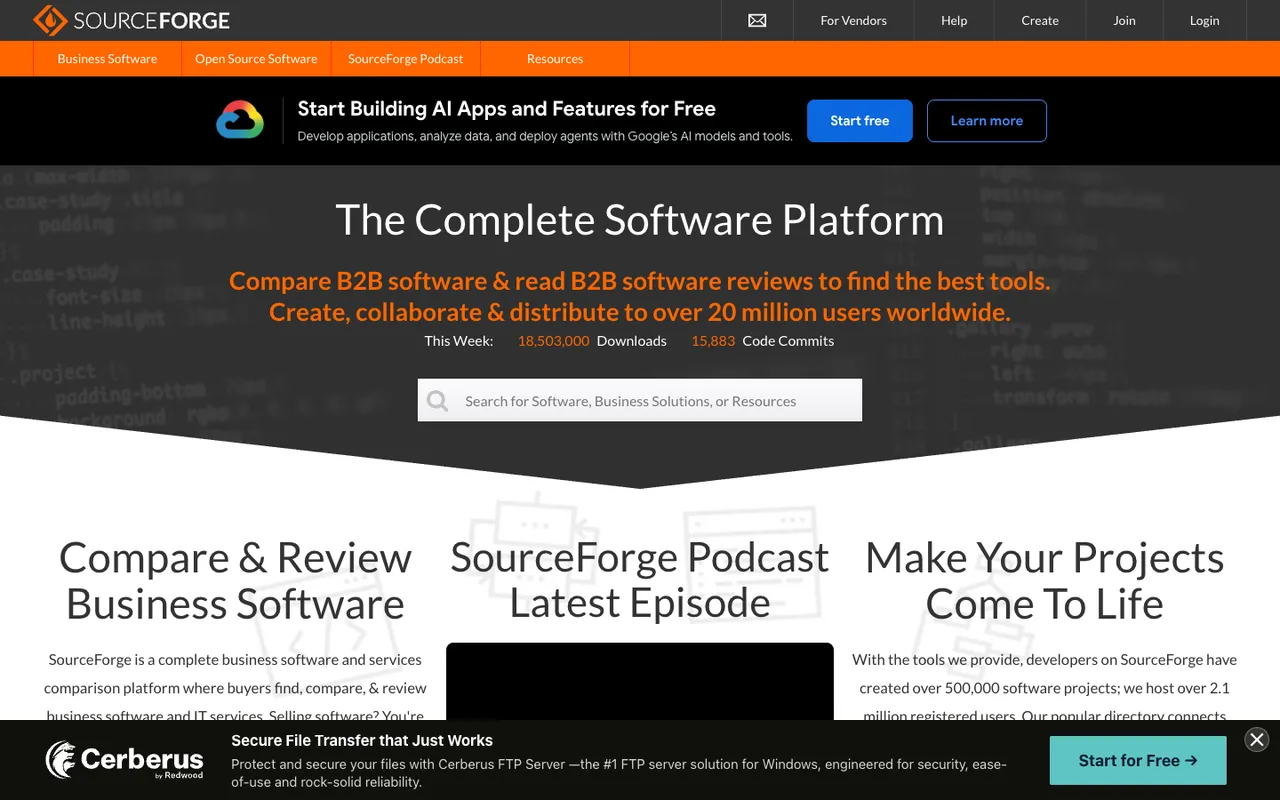
Two directories on one domain: free hosting for open source, and a 122,100-title business listing whose links all go through a nofollow redirect.
sourceforge.net
Eligibility
Who SourceForge accepts
You need
A square logo, which the business form marks required
A description of up to 1,000 characters and a named audience
One category from about 2,830
Agreement to their terms, which is bundled with consent to receive their marketing
You'll be rejected if
A consumer app: the business directory is organised entirely around software a company buys
A maker who will not opt into their marketing, since the required consent covers both
B2B softwareSaaS productsOpen source projectsDeveloper toolsEnterprise tools
What you actually get
A comparison page inside a 122,100-title business software directory that ranks for "best <category> software" queries, with your pricing, deployment, support and training metadata laid out against competitors. Buyer-intent traffic and a reviews surface, not a link: every outbound link on a live listing is routed through sourceforge.net/software/link with rel="nofollow".
How to submit to SourceForge
1
Pick which SourceForge you are on
Create a Project is the open-source side: hosting, releases, mirrors and download statistics. Add a Commercial Product is the business directory, and the two share nothing but a domain.
2
Decline the consent wall
The vendor form opens behind a cookie dialog naming 31 third parties. I DO NOT ACCEPT dismisses it and the form works normally afterwards.
3
Fill the company half
Name, email, company, your job title and website are all required; phone, founding year and location are not. This is a vendor form, so it asks who you are before it asks what you built.
4
Fill the software half
Software title (60 characters), a required logo, a description of up to 1,000 characters, the audience in your own words, one category from about 2,830, a starting price, and checkbox rows for free options, support, training and deployment.
5
Consent, then wait
The last control is a required checkbox agreeing to the terms and privacy policy and to receiving communications from SourceForge. The page calls the whole thing a request for a business listings page and puts no time on it.
SourceForge requirements
Your name, email, company and job title
Product website
Software title, 60 characters
Square logo, JPG, GIF or PNG
Description of up to 1,000 characters
A described audience
One category from about 2,830
Agreement to their terms and to receiving their communications
Starting price, free options, support, training and deployment checkboxesoptional
Phone, founding year and company locationoptional
Gotchas
The required consent checkbox bundles two things: agreeing to the terms and agreeing to receive their communications. There is no way to take one and not the other.
It is a request, not a submission. The page's own subtitle is Request a business listings page, and nothing anywhere says how long that takes.
The category select holds about 2,830 options and only one can be chosen, so the single most important discovery decision is buried in a list nobody can read.
Let your agent submit to SourceForge
Connect SubmitMap to your AI over MCP and this page stops being something you read and copy. Your agent asks for the SourceForge playbook and gets the brief for this exact form, with the values already taken from your submission pack instead of placeholders you fill in by hand.
What it does for this platform
Checks your product against the 6 SourceForge rules above, so you find out you would be rejected before you open a tab.
Hands your agent all 10 fields this form asks for, 2 of them optional, already filled from your pack.
Types it into SourceForge in your own browser, and stops for you when the form wants a sign-in.
Records what it sent, so the dashboard can answer "did I ever submit to SourceForge?".
Connect your agentTools and endpointsWorks with Claude Code, Claude, Codex, Cursor, VS Code and Hermes.
SourceForge FAQ
How long does SourceForge approval take?
SourceForge does not publish how long approval takes.
How much does it cost to submit to SourceForge?
Submitting to SourceForge is free.
Does SourceForge give a dofollow backlink?
No, links from SourceForge are nofollow. The site has a domain rating of 92.
Does SourceForge require a backlink to your site?
No, SourceForge does not require a link back from your site.
What gets you rejected from SourceForge?
A consumer app: the business directory is organised entirely around software a company buys; A maker who will not opt into their marketing, since the required consent covers both.