
Mkdirs-built tool directory where the Free plan is a saved state with no way to publish it.
indiehub.best
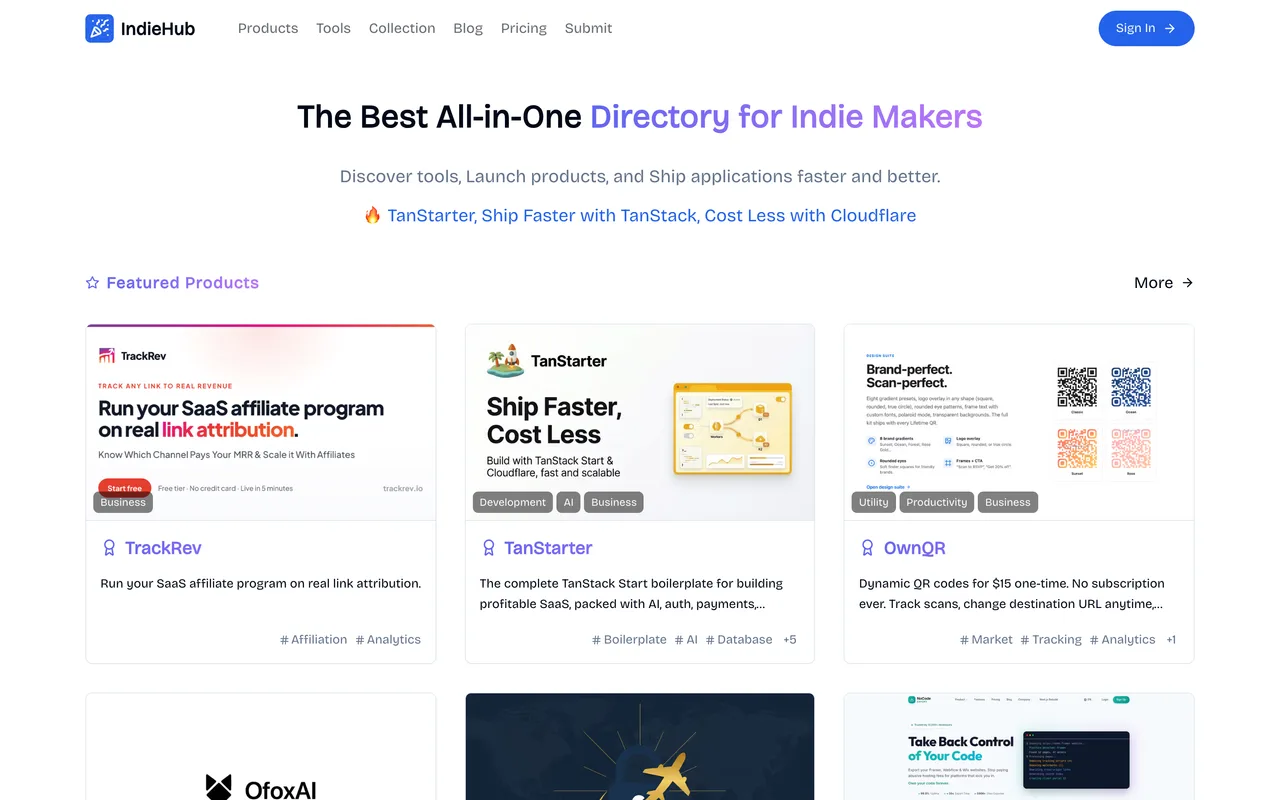
Eligibility
Who IndieHub accepts
You need
An account (Google, GitHub or email and password)
A 1:1 icon and a 16:9 image, each under 1MB
Payment at one of three tiers
You'll be rejected if
Nothing stated; there is no editorial review
SaaS productsAI toolsDeveloper toolsIndie projectsNo-code tools
What you actually get
A listing at indiehub.best/app/your-slug with a genuinely dofollow outbound link and no review queue, published the moment you pay. There is no editorial gate here at all: the money is the gate.
How to submit to IndieHub
1
Sign in
/submit redirects to /auth/login. Google and GitHub are both offered alongside email and password.
2
Fill the details step
Link (with an AI Autofill button), name, multi-select categories and tags, a short description, and a Markdown introduction in a SimpleMDE editor.
3
Upload two images
An icon at 1:1 and an image at 16:9, both PNG or JPEG and both capped at 1MB, which is tight for a screenshot.
4
Meet the paywall at step 2 of 3
Submitting saves the record as Plan: Free, Status: Submitting, Not published, then offers three buttons, all of which read "Pay & Publish Right Now".
IndieHub requirements
Account sign-in (Google, GitHub or email and password)
Product link and name
Categories and tags from their fixed lists
A short description and a Markdown introduction
Icon at 1:1, under 1MB
Image at 16:9, under 1MB
Payment, to publish at all
Gotchas
The Free plan is real enough to appear on your record as "Plan: Free, Status: Submitting" and then has no button anywhere that publishes it; the only three controls on the step all say Pay & Publish Right Now.
Both image slots cap at 1MB, which a normal product screenshot will exceed, so the assets have to be compressed before you start rather than discovered at the upload.
Every paid card advertises "Permanent link, no backlink required", which only makes sense if the unstated free route wants one, and nothing on the site tells you what that route is.
Let your agent submit to IndieHub
Connect SubmitMap to your AI over MCP and this page stops being something you read and copy. Your agent asks for the IndieHub playbook and gets the brief for this exact form, with the values already taken from your submission pack instead of placeholders you fill in by hand.
What it does for this platform
Checks your product against the 4 IndieHub rules above, so you find out you would be rejected before you open a tab.
Hands your agent all 7 fields this form asks for, none of them optional, already filled from your pack.
Tells you what paying buys here, so you pick it on purpose: $4.9 Basic, $9.9 Pro with featured placement and a social share, $19.9/week Sponsor; all three publish instantly.
Types it into IndieHub in your own browser, and stops for you when the form wants a sign-in.
Records what it sent, so the dashboard can answer "did I ever submit to IndieHub?".
Connect your agentTools and endpointsWorks with Claude Code, Claude, Codex, Cursor, VS Code and Hermes.
IndieHub FAQ
How long does IndieHub approval take?
IndieHub's typical time from submission to going live is instant.
How much does it cost to submit to IndieHub?
Submitting to IndieHub is paid ($4.9 Basic, $9.9 Pro with featured placement and a social share, $19.9/week Sponsor; all three publish instantly).
Does IndieHub give a dofollow backlink?
Yes, a listing on IndieHub carries a dofollow link. The site has a domain rating of 39.
Does IndieHub require a backlink to your site?
No, IndieHub does not require a link back from your site.
What gets you rejected from IndieHub?
Nothing stated; there is no editorial review.