
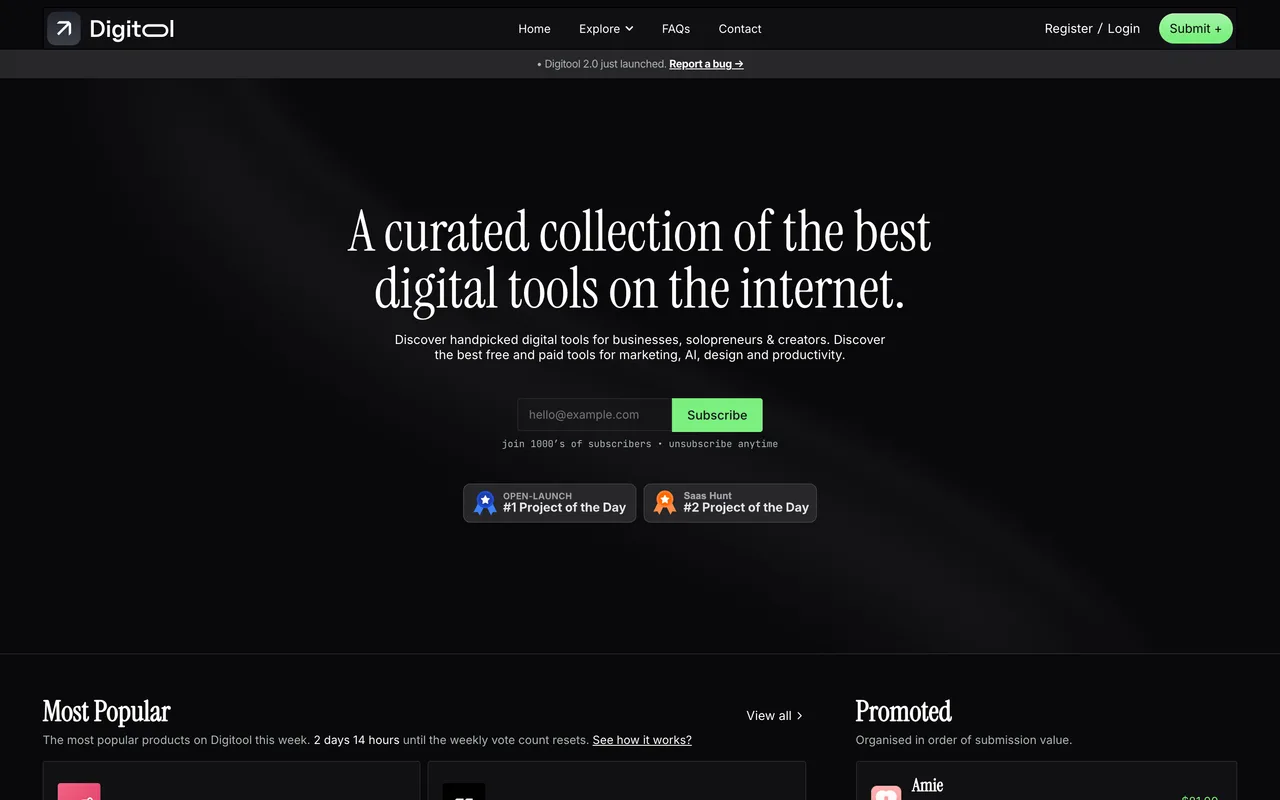
A handsome, hand-curated tool directory whose outbound links all run through a nofollow redirect, so the listing is the whole reward.
digitool.co
Eligibility
Who Digitool accepts
You need
An account, which Google or X sign-in creates for you
A square logo under 1MB and a 16:9 cover under 2MB
Ownership of the tool, or the owner's authorization
You'll be rejected if
Nothing published: they state no exclusions
SaaS productsWeb appsDeveloper toolsNo-code toolsDesign resourcesMobile apps
What you actually get
A well-designed listing page on a site that clearly cares about design, and no SEO benefit whatsoever: every View Website button points at digitool.co/get/<slug> and carries rel=nofollow. Submit here because you want to be seen by their audience, not because you want the link.
How to submit to Digitool
1
Sign in
Continue with Google or Continue with X used to sit at /login; the page now renders an empty divider where those buttons were, leaving only email and password. Until you do, /submit/submit-tool renders the whole form and then tells you to log in underneath it.
2
Product details
Name, URL, square logo (512x512, 1MB), 16:9 cover (1280x720, 2MB), a 100-character short description, an 800-character description, startup yes/no, one of 17 categories, up to four tags, cost and open-source yes/no.
3
Personal details
Full name, email, optional X username, solo-founder yes/no, and an optional how-did-you-hear question.
4
Confirm and name your price
Pay what you want with a stated minimum of $0. The amount is what ranks the featured row on their homepage, and anything above zero goes through Stripe.
5
Wait for a human
Their own copy: reviewed manually, up to 7 days.
Digitool requirements
Account (Google or X sign-in)
Square logo, 512x512, 1MB max (.webp .jpg .avif .png)
16:9 cover image, 1280x720, 2MB max
Short description, hard cap 100 characters
Description, max 800 characters
Full name and email
X usernameoptional
Discount code for their readersoptional
Gotchas
Pay what you want is real, and $0 is genuinely allowed, but the amount you pay is exactly what decides your position in the featured row.
The description is capped at 800 characters and the short description at 100, both enforced, so bring a trimmed version rather than your long copy.
The social sign-in buttons have stopped rendering: /login shows an "or" divider with nothing under it, so an email-and-password account is the only way in.
Let your agent submit to Digitool
Connect SubmitMap to your AI over MCP and this page stops being something you read and copy. Your agent asks for the Digitool playbook and gets the brief for this exact form, with the values already taken from your submission pack instead of placeholders you fill in by hand.
What it does for this platform
Checks your product against the 4 Digitool rules above, so you find out you would be rejected before you open a tab.
Hands your agent all 8 fields this form asks for, 2 of them optional, already filled from your pack.
Tells you what paying buys here, so you pick it on purpose: pay what you want from $0; the amount you pay ranks you in the featured row.
Types it into Digitool in your own browser, and stops for you when the form wants a sign-in.
Records what it sent, so the dashboard can answer "did I ever submit to Digitool?".
Connect your agentTools and endpointsWorks with Claude Code, Claude, Codex, Cursor, VS Code and Hermes.
Digitool FAQ
How long does Digitool approval take?
Digitool's typical time from submission to going live is up to 7 days.
How much does it cost to submit to Digitool?
Digitool has a free submission option plus paid placement (Pay what you want from $0; the amount you pay ranks you in the featured row).
Does Digitool give a dofollow backlink?
No, links from Digitool are nofollow. The site has a domain rating of 22.
Does Digitool require a backlink to your site?
No, Digitool does not require a link back from your site.
What gets you rejected from Digitool?
Nothing published: they state no exclusions.