
b2b · saas · marketing
Capterra: requirements, how to submit, and what you actually get
A 25-year-old software review directory, now run by G2, where a free listing is real and the only outbound link on a profile is the one you pay for.
capterra.com
Eligibility
Who Capterra accepts
You need
An email address on your own domain: the form rejects gmail.com by name
Off-the-shelf software rather than a service, an agency offer or a custom build
A live product website, which the form asks for on the first screen
You'll be rejected if
Consulting, agencies and done-for-you services, which the eligibility screen rules out in its first line
Reselling somebody else's software: you have to attest you are the vendor
A free email address, which does not get past the first field
B2B softwareSaaS productsMarketing tools
What you actually get
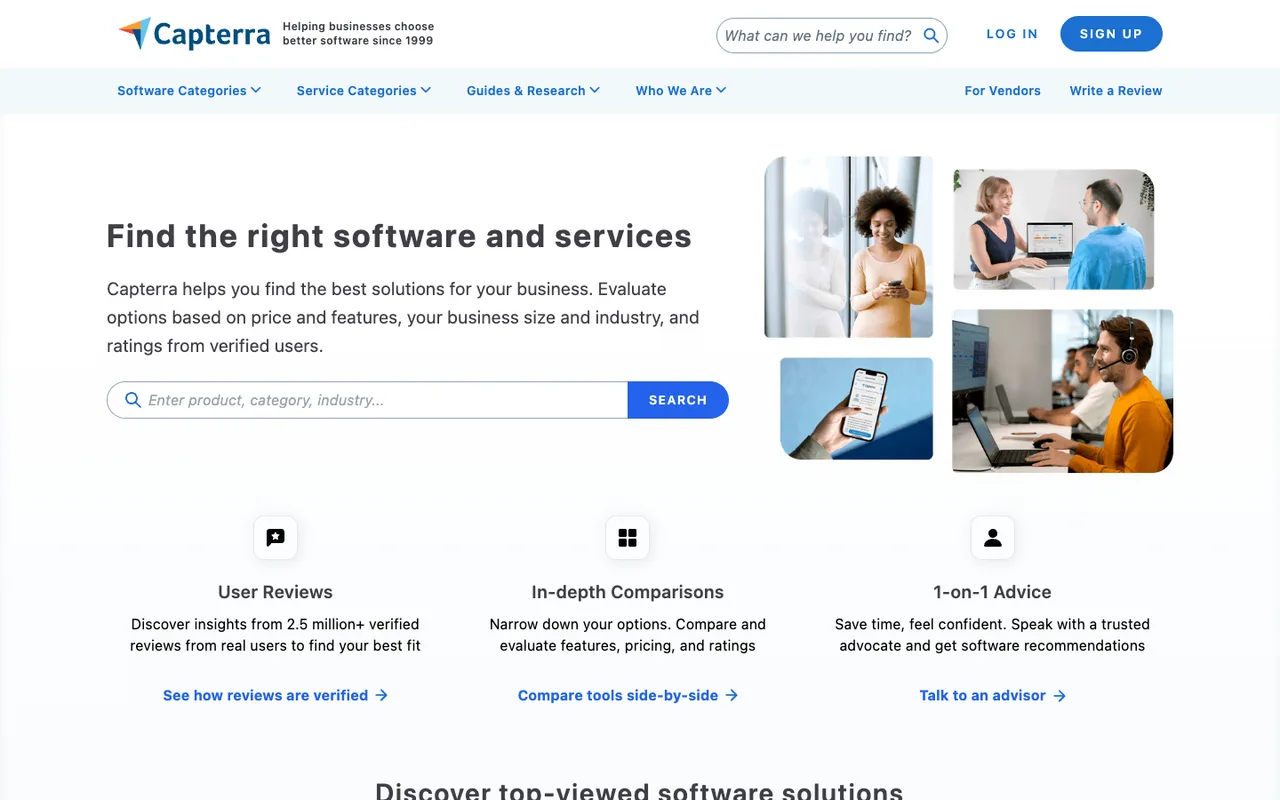
A product page on a DR 91 domain that ranks for "best <category> software" and for your product name plus the word review. What it does not give you is a link: on the profiles sampled there is no anchor pointing at the vendor's own domain at all, and the CTAs on a category page are capterra.com redirects.
How to submit to Capterra
1
Start from the vendor page, not the directory
capterra.com/vendors/ is the only working door. Get Your Product Listed hands you off to app.g2digitalmarkets.com, because Capterra, GetApp and Software Advice are now one G2 property with one intake.
2
Give a business email, the product name and the URL
Three fields and one opt-in checkbox for sales contact, which is not required and starts unticked.
3
Answer the fit screen
Three statements to confirm: it is B2B or B2C software rather than a service, it is off the shelf rather than custom built, and you are the vendor rather than a reseller. Create My Product Listing stays disabled until all three are ticked.
4
Verify the email before anything else exists
The flow stops at Check your inbox and the account is only created when you follow the link. Nothing is submitted yet at this point.
5
Build the listing, then decide about the other two
The listing publishes on Capterra first. GetApp and Software Advice are offered afterwards from the same account rather than as three separate submissions.
Capterra requirements
An email address on your own domain
Product name
Product website URL
Product description, screenshots and pricing, which the listing editor asks for after verificationoptional
Gotchas
A free email address is refused at the first field: gmail.com comes back as "not supported, please use your Business Email". If your product has no mailbox on its own domain, set one up before you start.
The profile carries no link to your site. Category pages show CTAs, but those go through capterra.com and belong to vendors paying per click, so a free listing is worth reviews and search traffic rather than a backlink.
Capterra, GetApp and Software Advice are one intake now. Submitting three times is submitting once, and the other two are switched on from inside the account.
Reviews are the ranking signal here and they come from your customers, so a listing with none is a page that exists rather than a page that ranks.
Let your agent submit to Capterra
Connect SubmitMap to your AI over MCP and this page stops being something you read and copy. Your agent asks for the Capterra playbook and gets the brief for this exact form, with the values already taken from your submission pack instead of placeholders you fill in by hand.
What it does for this platform
Checks your product against the 6 Capterra rules above, so you find out you would be rejected before you open a tab.
Hands your agent all 4 fields this form asks for, 1 of them optional, already filled from your pack.
Tells you what paying buys here, so you pick it on purpose: listing is free. The paid layer is lead generation, priced per click and quoted rather than published, and it is what puts a clickable CTA next to your name on a category page.
Types it into Capterra in your own browser, and stops for you when the form wants a sign-in.
Records what it sent, so the dashboard can answer "did I ever submit to Capterra?".
Connect your agentTools and endpointsWorks with Claude Code, Claude, Codex, Cursor, VS Code and Hermes.
Capterra FAQ
How long does Capterra approval take?
Capterra does not publish how long approval takes.
How much does it cost to submit to Capterra?
Capterra has a free submission option plus paid placement (Listing is free. The paid layer is lead generation, priced per click and quoted rather than published, and it is what puts a clickable CTA next to your name on a category page.).
Does Capterra give a dofollow backlink?
No, links from Capterra are nofollow. The site has a domain rating of 91.
Does Capterra require a backlink to your site?
No, Capterra does not require a link back from your site.
What gets you rejected from Capterra?
Consulting, agencies and done-for-you services, which the eligibility screen rules out in its first line; Reselling somebody else's software: you have to attest you are the vendor; A free email address, which does not get past the first field.