
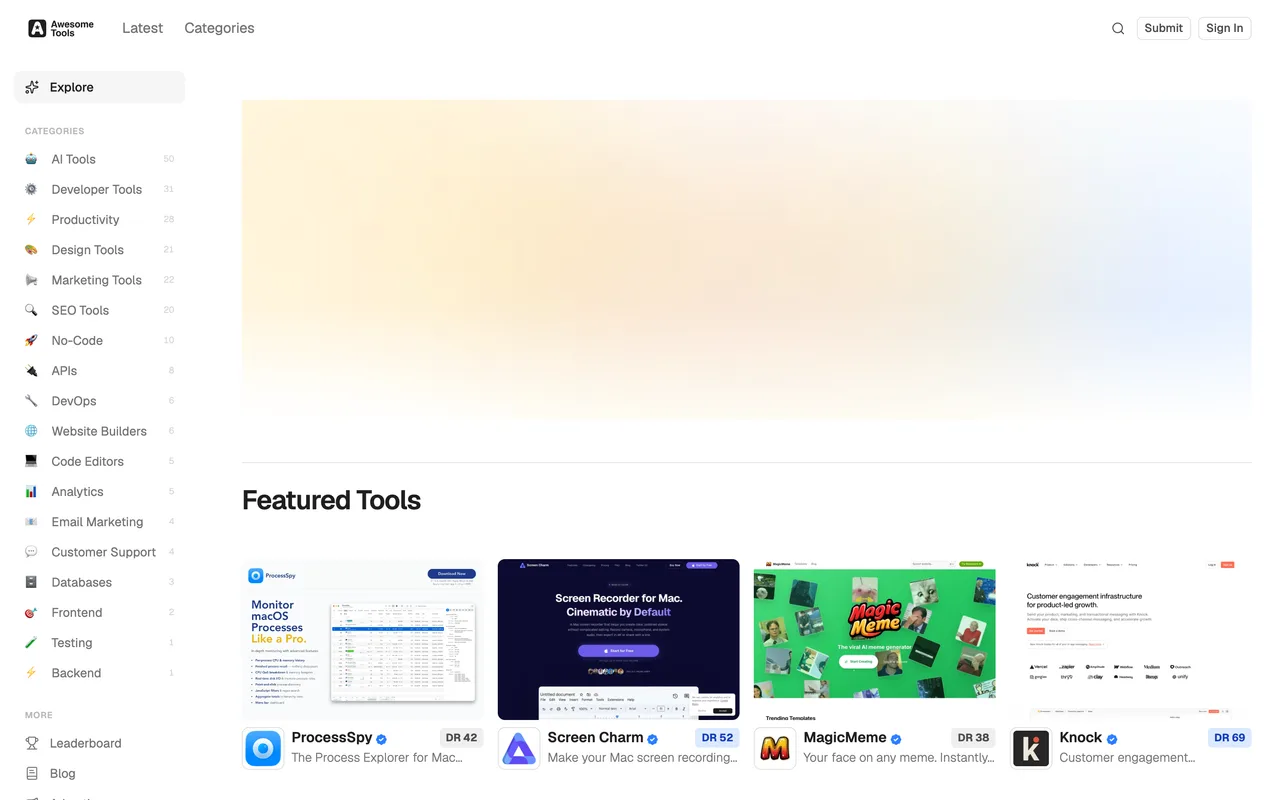
A 200-tool developer and entrepreneur directory that gates on DR 30 and gives accepted listings a genuine dofollow.
awesome.tools
Eligibility
Who Awesome Tools accepts
You need
Ahrefs DR 30 or higher, or 1,000+ monthly visitors instead
A live product URL
A contact email
You'll be rejected if
Tools that clear neither the DR 30 floor nor the 1,000-visitor one
Developer toolsAI toolsSaaS toolsMarketing toolsSEO toolsNo-code tools
What you actually get
A listing page on a directory of roughly 200 tools, with a real dofollow link to your site repeated across the page's feature list. The audience is small; the link is the reason to be here.
How to submit to Awesome Tools
1
Read the floor
The submit page opens with the listing requirements: Ahrefs DR 30 or higher, or 1,000+ monthly visitors. Below them sit two affiliate offers for services that raise your DR.
2
Sign in, which the page never asks you to do
The form renders and validates signed out. Sign in at /auth/login first, by Google or a magic link, so the submission is attached to an account you can see in the dashboard.
3
Fill five fields
Website URL, product name, your name, your email and an optional note. No logo, no screenshot, no category, no description beyond the note.
4
Submit and watch the dashboard
There is no confirmation screen. The only evidence a submission landed is a new row at /dashboard, which lists the tools on your account.
Awesome Tools requirements
Live website URL
Product name
Your name
Contact email
A note describing the tooloptional
Gotchas
The form has no category field, so which of their eighteen categories the listing lands in is their choice and not yours.
The requirements box says the URL field will tell you whether you clear the DR 30 floor. Nothing checks as you type, so the verdict only arrives with their review.
The newsletter opt-in below the note is ticked when the page loads, so a submission subscribes you unless you notice it.
Let your agent submit to Awesome Tools
Connect SubmitMap to your AI over MCP and this page stops being something you read and copy. Your agent asks for the Awesome Tools playbook and gets the brief for this exact form, with the values already taken from your submission pack instead of placeholders you fill in by hand.
What it does for this platform
Checks your product against the 4 Awesome Tools rules above, so you find out you would be rejected before you open a tab.
Hands your agent all 5 fields this form asks for, 1 of them optional, already filled from your pack.
Types it into Awesome Tools in your own browser, and stops for you when the form wants a sign-in.
Records what it sent, so the dashboard can answer "did I ever submit to Awesome Tools?".
Connect your agentTools and endpointsWorks with Claude Code, Claude, Codex, Cursor, VS Code and Hermes.
Awesome Tools FAQ
How long does Awesome Tools approval take?
Awesome Tools's typical time from submission to going live is not stated.
How much does it cost to submit to Awesome Tools?
Submitting to Awesome Tools is free.
Does Awesome Tools give a dofollow backlink?
Yes, a listing on Awesome Tools carries a dofollow link. The site has a domain rating of 43.
Does Awesome Tools require a backlink to your site?
No, Awesome Tools does not require a link back from your site.
What gets you rejected from Awesome Tools?
Tools that clear neither the DR 30 floor nor the 1,000-visitor one.